22 June 2026
Mastering Map Zoom Overlays for Daily Travel Posts
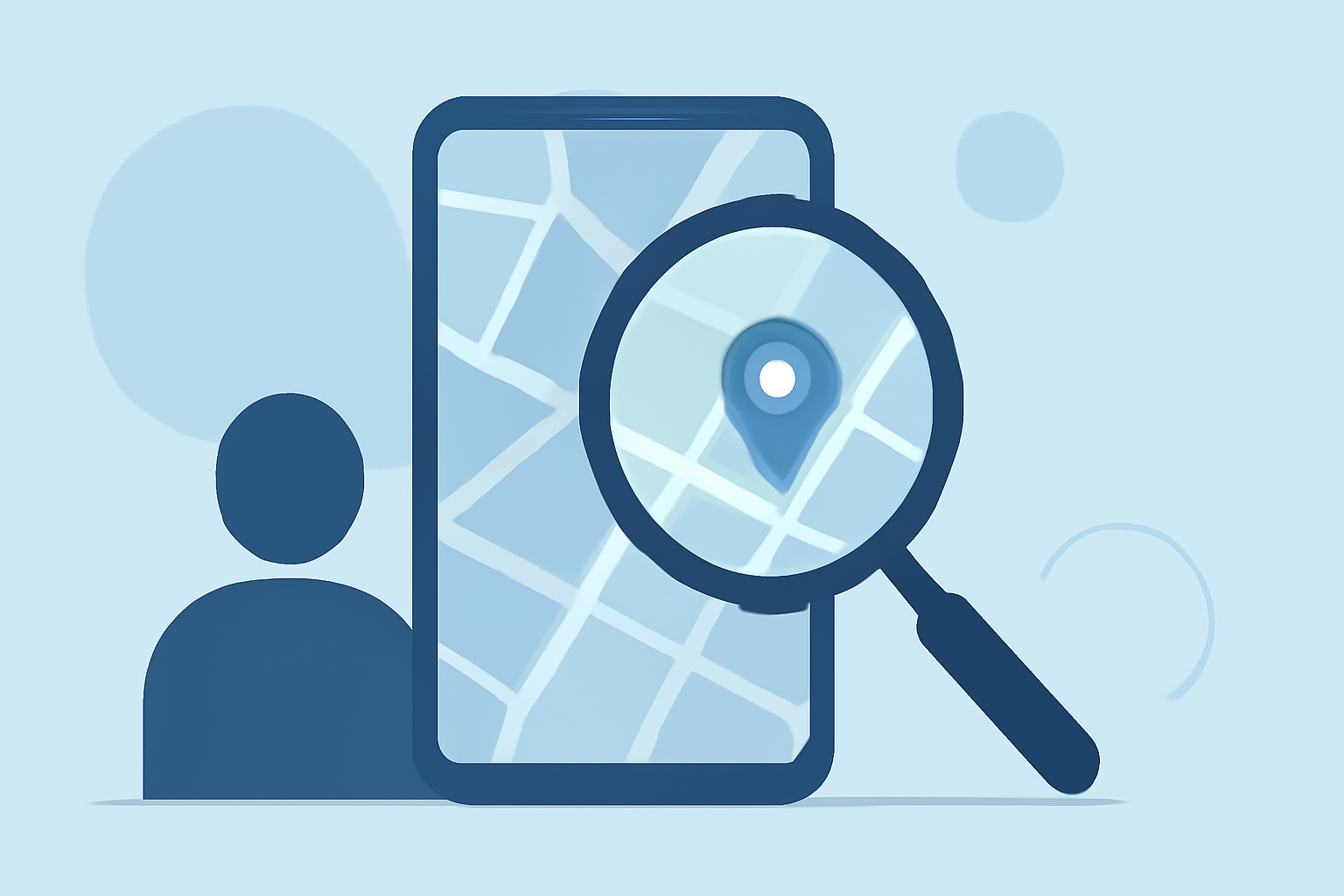
In the realm of travel blogging and social media, sharing your journey through interactive maps can captivate your audience and provide a clear visual narrative. Incorporating zoom overlays into your maps allows you to highlight specific locations, routes, or points of interest, enriching your content and engaging your followers.
What Are Map Zoom Overlays?
Map zoom overlays are interactive elements added to digital maps that enable users to zoom in on particular areas, offering detailed views of specific locations or routes. These overlays can include markers, paths, or shaded regions that draw attention to key points in your travel story.
Why Use Map Zoom Overlays in Travel Posts?
-
Enhanced Engagement: Interactive maps with zoom capabilities encourage users to explore your content more deeply, leading to increased engagement.
-
Clear Visual Narratives: Overlays help in illustrating your travel route, pinpointing visited locations, and highlighting significant experiences, making your posts more informative and visually appealing.
-
Improved Accessibility: They allow your audience to visualize your journey, making it easier for them to follow along and connect with your experiences.
How to Create Effective Map Zoom Overlays for Daily Posting
-
Choose the Right Mapping Tool: Select a mapping platform that supports overlay features and is user-friendly. Ensure it allows customization to match your brand's aesthetics.
-
Plan Your Overlay Content: Decide what information you want to highlight—be it specific locations, routes, or points of interest. Organize this data to create a coherent and engaging map.
-
Design the Overlay: Customize the appearance of your overlay to align with your brand's colors and style. Use clear markers and concise labels to ensure readability.
-
Integrate the Overlay into Your Post: Embed the interactive map into your blog or social media post. Ensure it is responsive and functions seamlessly across different devices.
-
Test and Optimize: Before publishing, test the overlay to ensure it loads correctly and provides a smooth user experience. Optimize for performance to prevent slow load times.
Best Practices for Using Map Zoom Overlays
-
Maintain Consistency: Use consistent colors, fonts, and styles across all overlays to create a cohesive visual experience.
-
Keep It Simple: Avoid cluttering the map with excessive information. Focus on key points that add value to your narrative.
-
Provide Context: Accompany your map with descriptive captions or narratives that explain the significance of the highlighted areas.
-
Ensure Mobile Compatibility: With a significant number of users accessing content via mobile devices, ensure your overlays are mobile-friendly and responsive.
Common Challenges and Solutions
-
Overwhelming Detail at High Zoom Levels: Displaying too much information at high zoom levels can clutter the map. To address this, consider grouping markers or using clustering techniques to manage the display of multiple points.
-
Performance Issues: Complex overlays can slow down map performance. Optimize your overlays by reducing the number of elements and simplifying designs to enhance load times.
Leveraging Planes Live for Enhanced Travel Map Overlays
For travelers seeking a comprehensive solution to create and manage interactive map overlays, Planes Live offers a robust platform. It provides intuitive tools to design, customize, and integrate overlays seamlessly into your travel posts. With Planes Live, you can enhance your storytelling by providing your audience with interactive and engaging map experiences.
Conclusion
Incorporating map zoom overlays into your daily travel posts can significantly enhance the visual appeal and interactivity of your content. By following best practices and utilizing effective tools, you can create compelling narratives that resonate with your audience and enrich their travel experience.