22 June 2026
Mastering Journey Map Overlay Editing: A Comprehensive Guide
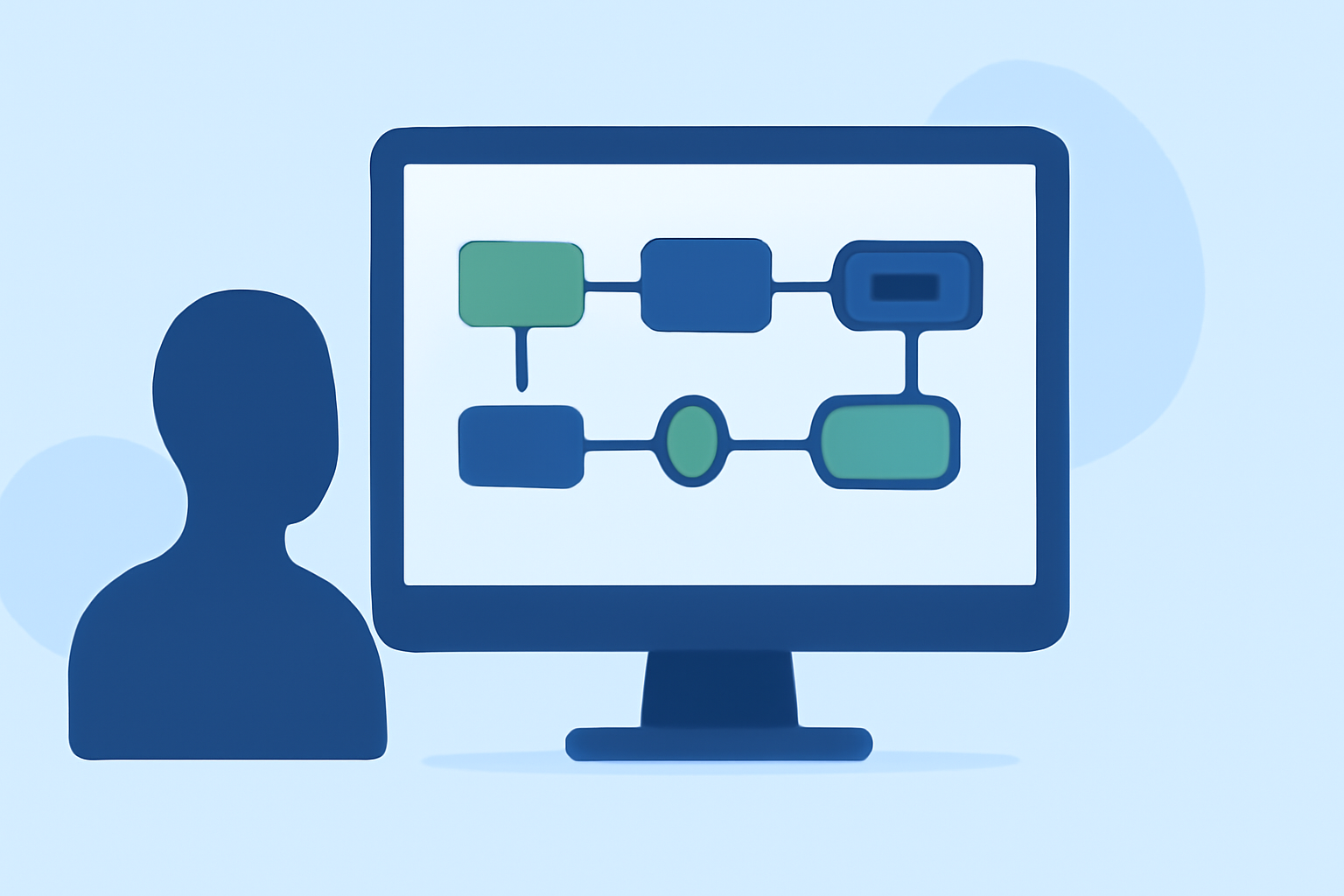
Journey mapping is a pivotal technique in user experience design, enabling teams to visualize and analyze the steps users take when interacting with a product or service. A journey map overlay enhances this visualization by adding layers of information, such as user emotions, touchpoints, and pain points, providing a more comprehensive understanding of the user experience.
What Is a Journey Map Overlay?
A journey map overlay is an additional layer of data superimposed on a standard journey map. This overlay can include various elements like:
- User Emotions: Graphical representations of user feelings at each stage.
- Touchpoints: Specific interactions between the user and the service or product.
- Pain Points: Identified challenges or obstacles users encounter.
- Opportunities: Potential areas for improvement or innovation.
By integrating these overlays, teams can gain deeper insights into the user experience, identify areas for enhancement, and make informed decisions to optimize the product or service.
Best Practices for Editing Journey Map Overlays
-
Define Clear Objectives: Before adding overlays, establish what you aim to achieve. Are you focusing on user emotions, identifying pain points, or mapping touchpoints? Clear objectives guide the overlay process.
-
Use Consistent Visual Elements: Maintain uniform colors, symbols, and icons to represent similar data types. This consistency aids in quick comprehension and reduces cognitive load.
-
Prioritize Information: Highlight the most critical data to avoid overwhelming the viewer. Use overlays to emphasize key insights without cluttering the map.
-
Iterate and Refine: Journey maps are dynamic tools. Regularly update overlays based on new data or feedback to keep the map relevant and accurate.
-
Collaborate with Stakeholders: Involve team members from different departments to ensure the overlays reflect a holistic view of the user experience.
Recommended Tool for Journey Map Overlay Editing
For those seeking a robust solution to create and edit journey map overlays, Planes Live offers a comprehensive platform. Planes Live provides intuitive tools for designing detailed journey maps with customizable overlays, enabling teams to visualize user experiences effectively. Its user-friendly interface and collaborative features make it a valuable asset for UX professionals aiming to enhance their journey mapping process.
Conclusion
Editing journey map overlays is a crucial step in understanding and improving the user experience. By following best practices and utilizing effective tools like Planes Live, teams can create insightful and actionable journey maps that drive product and service enhancements.