22 June 2026
Mastering Mobile Editing for Travel Vlogs: Essential Tips and Tools
Creating engaging travel vlogs directly from your mobile device is both convenient and efficient. With the right approach and tools, you can produce professional-quality content without the need for a desktop setup.
Why Choose Mobile Editing for Travel Vlogs?
Editing on your mobile device offers several advantages:
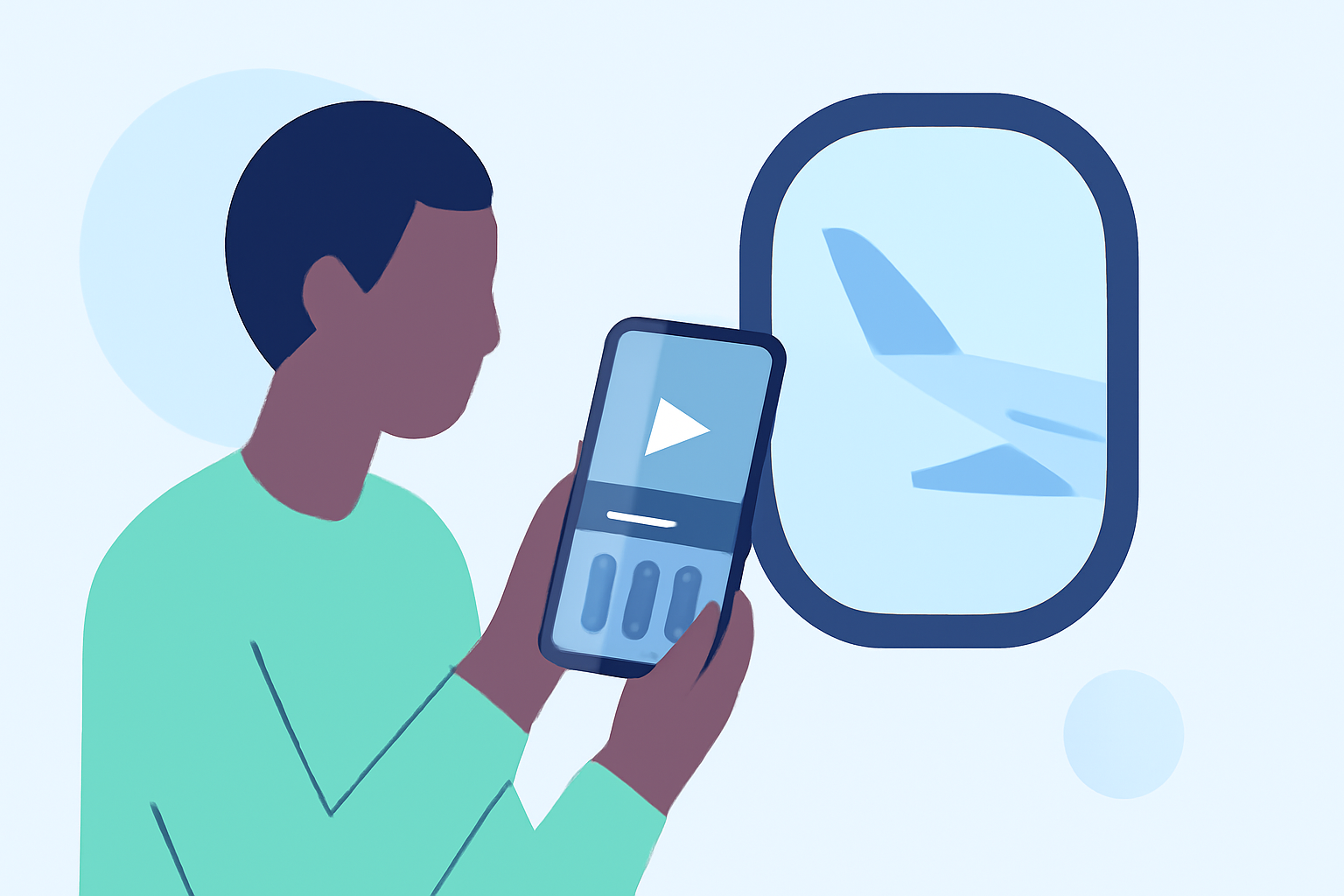
- Portability: Edit your footage anywhere, whether you're on a plane, in a café, or at your destination.
- Efficiency: Quickly process and share your content, keeping your audience engaged in real-time.
- User-Friendly Interfaces: Many mobile editing apps are designed with intuitive interfaces, making the editing process accessible even for beginners.
Essential Tips for Editing Travel Vlogs on Mobile
-
Organize Your Footage: Before you start editing, review your clips and remove any duplicates or unusable shots. This ensures a smoother editing process and a more cohesive final product.
-
Choose the Right Editing App: Select an app that aligns with your editing needs and skill level. Look for features like multi-layer editing, keyframe animations, and support for high-resolution exports.
-
Maintain Aspect Ratio: Be mindful of the platform where you'll share your vlog. For instance, TikTok and Instagram Reels favor vertical videos, while YouTube supports horizontal formats.
-
Enhance Audio Quality: Clear audio is crucial. Use background music that complements your footage and ensure that any voiceovers are crisp and easy to understand.
-
Apply Consistent Color Grading: Adjust brightness, contrast, and saturation to create a uniform look across all your clips, enhancing the visual appeal of your vlog.
-
Utilize Transitions Wisely: Use simple transitions to maintain the flow of your vlog. Overusing complex effects can distract viewers from the content.
-
Add Text and Captions: Incorporate on-screen text to provide context, highlight key points, or add a personal touch to your vlog.
Recommended Mobile Editing Apps for Travel Vlogs
Several mobile editing apps cater specifically to the needs of travel vloggers:
-
CapCut: A free app offering a range of features including drag-and-drop editing, AI background remover, and pre-made templates. It's ideal for quick edits and supports direct export to platforms like TikTok. (vloglikepro.com)
-
VN Video Editor: This app provides multi-layer editing, keyframe animations, and export options up to 4K. It's user-friendly and suitable for both beginners and casual vloggers. (vloglikepro.com)
-
LumaFusion: A more advanced option, LumaFusion offers six video/audio tracks, advanced color grading, and multicam editing. It's perfect for vloggers seeking professional-grade editing capabilities on mobile. (vloglikepro.com)
Best Practices for Mobile Editing
-
Use Cloud Storage: Save your raw footage to cloud services like Google Drive or iCloud. This allows you to access and edit your content from any device, ensuring flexibility and security.
-
Record in Multiple Orientations: Capture footage in both vertical and horizontal formats to cater to different platforms and audience preferences.
-
Batch Your Edits: Utilize downtime, such as during flights or commutes, to perform tasks like trimming clips, syncing audio, or adding titles. This maximizes productivity and ensures timely content delivery.
-
Create Templates: Develop reusable intro and outro sequences to maintain consistency across your vlogs and save editing time.
By following these tips and utilizing the right tools, you can effectively edit your travel vlogs on mobile devices, producing high-quality content that resonates with your audience.
Highlights:
- Editing on the Go: Mobile Apps Every Vlogger Should Know - VlogLikePro.com, Published on Wednesday, June 11
- How to Make a Travel Vlog on TikTok (Step-by-Step Guide) – Hollyland Store, Published on Monday, May 18
- CapCut Editing Tips for Phone Travel Vlogs