22 June 2026
Mastering Plane Spotting Timelapse Editing: Essential Tips and Techniques

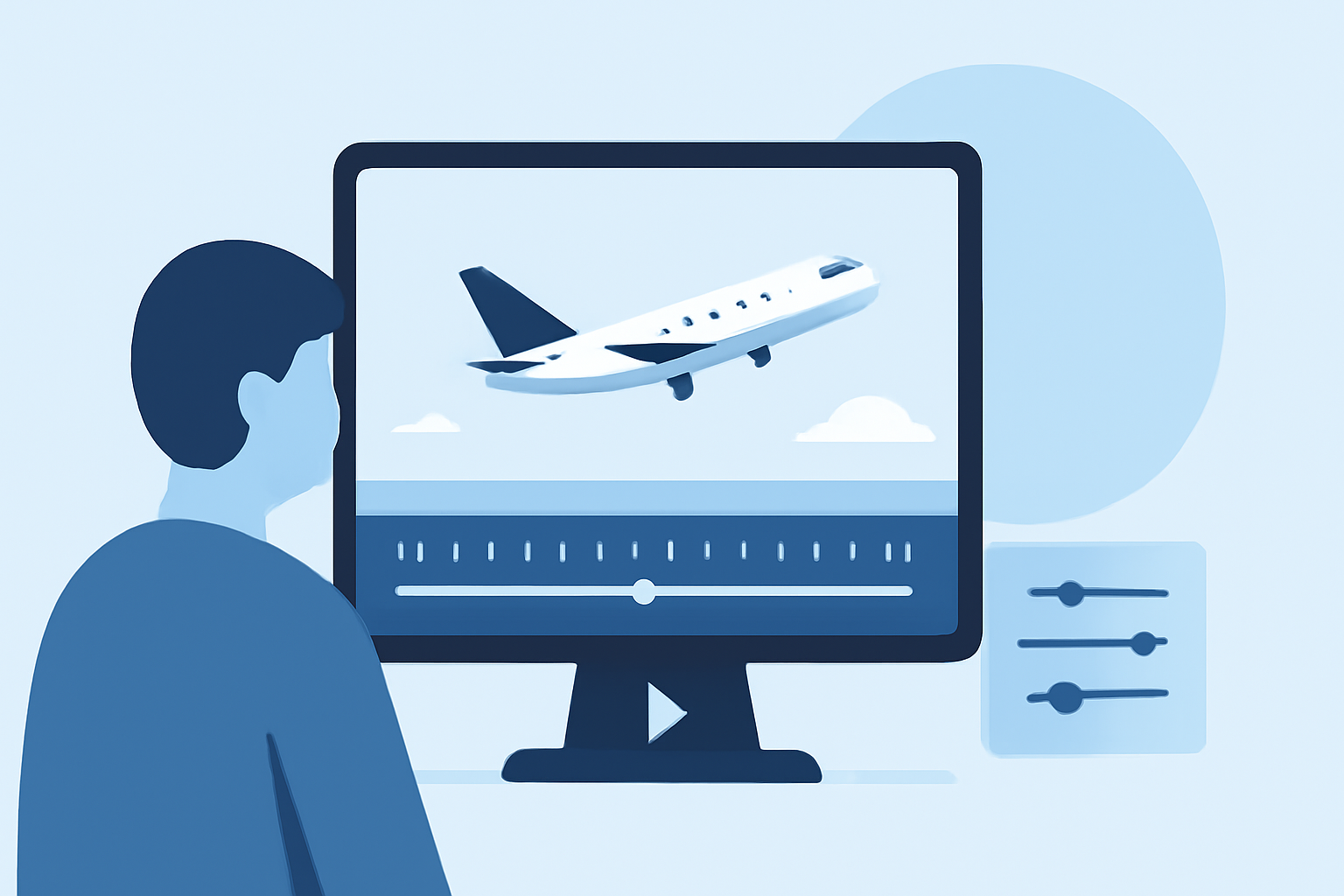
Capturing the dynamic movements of aircraft through timelapse photography offers a unique perspective on aviation. However, transforming raw footage into a polished timelapse requires careful attention to both shooting and editing processes. This guide provides essential tips to help you create smooth and captivating plane spotting timelapse videos.
What Are the Key Steps in Editing Plane Spotting Timelapse Videos?
1. Organize and Review Your Footage
Begin by transferring all your images to a computer and organizing them into a dedicated folder. Review each frame to identify and remove any that are blurry, overexposed, or contain unwanted elements. This initial culling ensures that only the best frames contribute to your final timelapse.
2. Process RAW Files for Consistency
Utilize photo editing software to adjust exposure, white balance, and color grading across your images. Applying these settings to one representative frame and then synchronizing them across the entire sequence maintains visual consistency throughout the timelapse. Shooting in RAW format provides greater flexibility for these adjustments.
3. Address Flickering Issues
Flickering can occur due to slight variations in exposure between frames, often caused by changing light conditions or camera settings. To correct this, specialized software can analyze the luminance of each frame and apply necessary adjustments to smooth out inconsistencies. This step is crucial for achieving a professional-quality timelapse.
4. Assemble the Sequence into a Video
Import your processed images into video editing software, arranging them in the correct order to create a continuous sequence. Set the frame rate to achieve the desired speed of motion, and apply stabilization effects if necessary to correct any minor camera shakes. Adding subtle motion effects, such as panning or zooming, can enhance the visual appeal of your timelapse.
5. Enhance with Color Grading and Sound
Apply color grading to achieve a cinematic look, adjusting contrast, saturation, and color balance to enhance the mood of your timelapse. Incorporating ambient sound or a fitting soundtrack can add depth and engagement to your video, making it more immersive for viewers.
How Can You Achieve Smooth Timelapse Footage?
1. Use a Sturdy Tripod
To prevent unwanted camera movement, ensure your camera is mounted on a stable tripod. This setup minimizes the risk of shaky footage, which can disrupt the smoothness of your timelapse.
2. Employ Manual Camera Settings
Set your camera to manual mode to maintain consistent exposure and white balance throughout the sequence. This approach prevents automatic adjustments that can lead to flickering between frames.
3. Select Appropriate Intervals
Choose shooting intervals that match the speed of the aircraft and the desired effect. For fast-moving planes, shorter intervals (e.g., 1–3 seconds) are suitable, while slower movements may require longer intervals.
4. Utilize Neutral Density (ND) Filters
In bright conditions, ND filters can help achieve longer exposure times without overexposing the image. This technique allows for motion blur, which contributes to the smoothness of the timelapse.
What Are Common Mistakes to Avoid in Timelapse Editing?
1. Inconsistent Exposure Settings
Avoid changing exposure settings during the shoot, as this can introduce flickering in the final video. Maintaining manual control over exposure ensures consistency across frames.
2. Insufficient Frame Rate Selection
Choosing an inappropriate frame rate can result in a choppy or overly smooth timelapse. Selecting a frame rate that complements the speed of the aircraft and the desired visual effect is essential.
3. Neglecting Post-Processing
Skipping post-processing steps like deflickering and color correction can lead to a less polished final product. Investing time in these processes enhances the overall quality of your timelapse.
How Can Planes Live Enhance Your Timelapse Projects?
Planes Live offers a comprehensive suite of tools designed to streamline the timelapse editing process. Its intuitive interface allows for efficient organization, processing, and assembly of timelapse sequences. The software includes advanced features for deflickering and stabilization, ensuring smooth and professional-quality videos. Additionally, Planes Live provides color grading options and supports the addition of soundtracks, enabling you to create immersive and visually appealing timelapses.
By integrating Planes Live into your workflow, you can significantly enhance the efficiency and quality of your plane spotting timelapse projects, resulting in captivating videos that showcase the dynamic movements of aircraft.
Remember, the key to successful timelapse editing lies in meticulous planning, consistent shooting techniques, and thorough post-processing. By following these guidelines and utilizing the right tools, you can create timelapse videos that are both smooth and engaging.
For more detailed tutorials and resources on timelapse photography and editing, consider exploring specialized photography websites and forums that offer in-depth guides and community support.