22 June 2026
Mastering Plane Spotting Video Editing: A Step-by-Step Guide for Solo Travelers
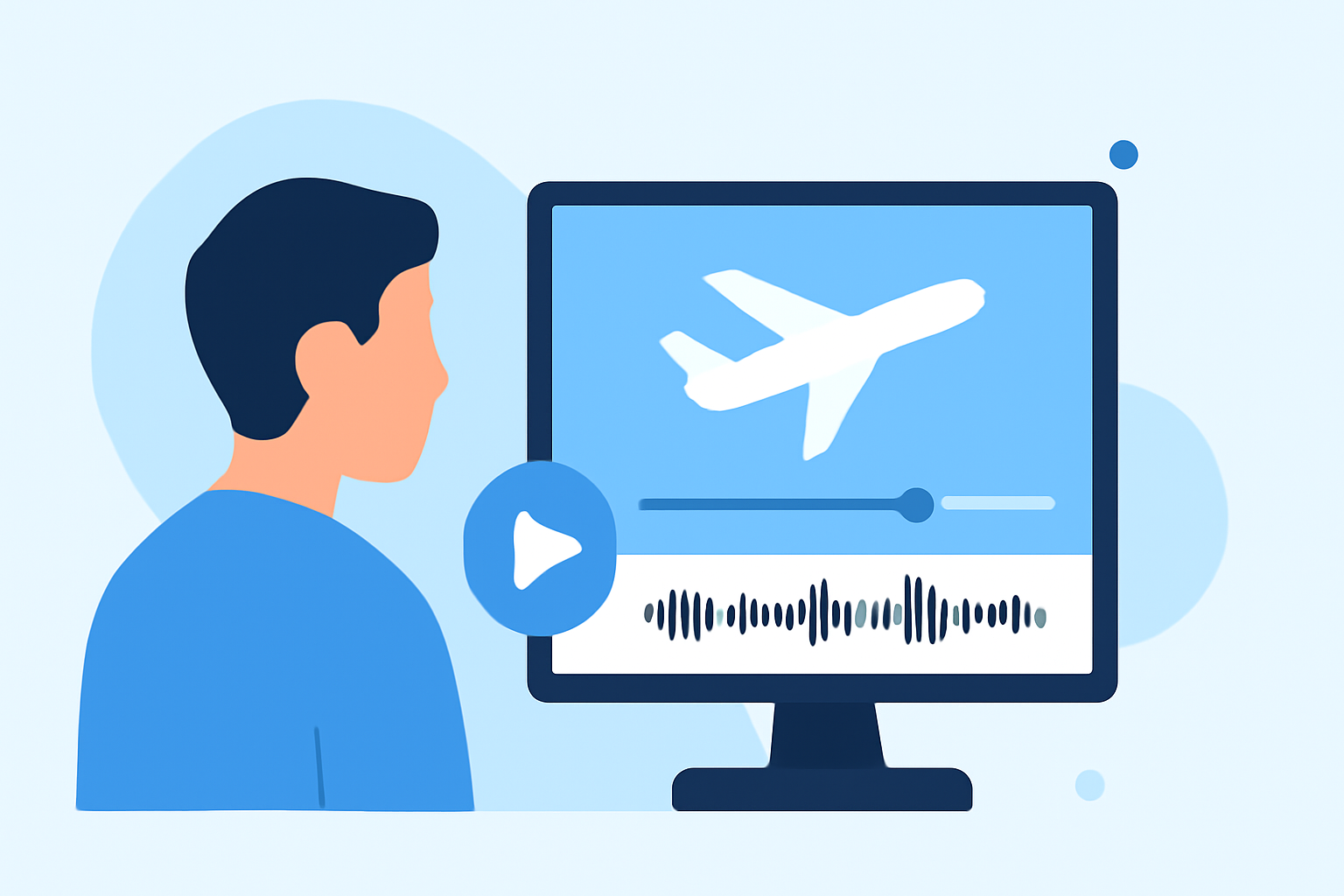
Capturing the dynamic world of aviation through plane spotting videos offers a unique way to document your travels. For solo travelers, editing these videos can be both rewarding and challenging. This guide provides a step-by-step approach to help you craft engaging plane spotting videos that showcase your experiences.
1. Organize Your Footage
Begin by transferring all your video clips to a dedicated folder on your computer. Label each clip clearly—such as "Rome_rooftop_1" or "Landing_sequence"—to streamline the editing process. This organization ensures you can quickly locate and select the best shots for your final video. (travelradar.aero)
2. Select the Best Clips
Review your footage and choose the most compelling shots. Focus on moments that highlight the aircraft's movements, unique angles, and any distinctive features. Eliminate repetitive or less impactful clips to maintain viewer engagement. (pinoyadventurista.com)
3. Establish a Narrative Flow
Craft a storyline that guides viewers through your plane spotting experience. This could be chronological, thematic, or based on the types of aircraft observed. A clear narrative adds depth to your video and keeps the audience interested. (buddythetravelingmonkey.com)
4. Apply Seamless Transitions
Use simple transitions like crossfades or match cuts to move between scenes smoothly. Avoid overusing flashy effects, as they can distract from the content. Transitions should enhance the flow of the video without drawing attention to themselves. (stayadventurous.com)
5. Enhance Audio Quality
Clear audio is crucial in plane spotting videos. If your original footage has background noise, consider using audio editing tools to reduce it. Adding ambient sounds, such as the hum of an airplane engine or the bustle of the airport, can immerse viewers in the experience. (pinoyadventurista.com)
6. Incorporate Background Music
Choose music that complements the mood of your video. Ensure the track aligns with the pacing and tone of your footage. Adjust the volume levels so that the music supports the visuals without overpowering them. (buddythetravelingmonkey.com)
7. Add Contextual Text and Graphics
Use text overlays to provide context, such as aircraft types, locations, or interesting facts. Keep text minimal and ensure it doesn't clutter the screen. Subtle graphics can also enhance the visual appeal without distracting from the main content. (stayadventurous.com)
8. Color Correction and Grading
Adjust the color balance, brightness, and contrast to ensure consistency across all clips. Color grading can also set the mood of your video, whether you prefer a warm, inviting tone or a cool, cinematic feel. (stayadventurous.com)
9. Maintain a Consistent Pacing
Vary the length of your clips to match the rhythm of the music and the energy of the scene. For high-speed aircraft, quicker cuts can convey motion, while slower movements may benefit from longer shots. Consistent pacing keeps the audience engaged and enhances the storytelling. (stayadventurous.com)
10. Export and Share
Once satisfied with your edit, export the video in a high-resolution format suitable for your intended platform, whether it's YouTube, Vimeo, or social media. Ensure the file size and format are compatible with the platform's requirements. Sharing your video allows fellow aviation enthusiasts to appreciate your work and provides a lasting memory of your plane spotting adventures.
By following these steps, solo travelers can create compelling plane spotting videos that capture the excitement and beauty of aviation. Remember, practice and attention to detail are key to improving your editing skills over time.
Highlights:
- 25 Plane Spotting Tips for Beginners · AeroCorner, Published on Monday, June 15
- Tips For Videography When Plane Spotting, Published on Thursday, November 06
- How to Capture and Edit Stunning Aerial Travel Videos (Even Without a Drone) - Travel Radar - Aviation News, Published on Thursday, November 06