22 June 2026
Mastering Plane Spotting Video Edits: A Comprehensive Guide
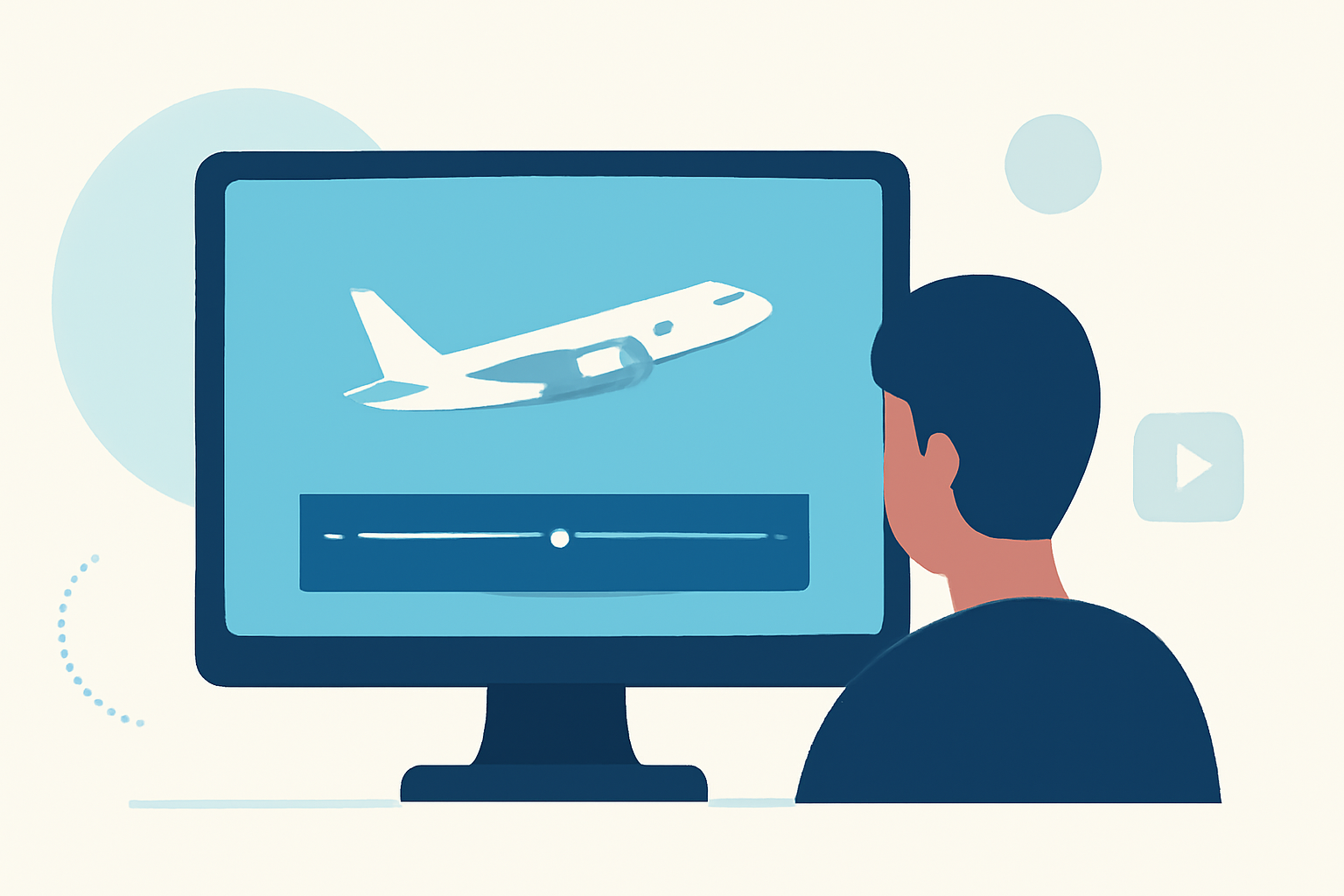
Plane spotting, the hobby of observing and recording aircraft, has evolved with the advent of video technology, allowing enthusiasts to capture dynamic and immersive footage. Editing these videos effectively is crucial to showcase the excitement and detail of aviation. This guide explores essential techniques for editing plane spotting videos and introduces Planes Live as a valuable tool to enhance your editing workflow.
What Are the Key Steps in Editing Plane Spotting Videos?
Editing plane spotting videos involves several critical steps:
-
Importing and Organizing Footage: Begin by transferring your video files to your computer. Organize them into folders based on date, location, or aircraft type to streamline the editing process.
-
Stabilizing and Trimming Clips: Use stabilization tools to correct shaky footage. Trim out unnecessary sections to maintain a smooth flow and keep the viewer engaged.
-
Color Correction and Grading: Adjust exposure, contrast, and white balance to ensure consistent and vibrant colors across all clips. Applying color grading can add a cinematic feel to your video.
-
Adding Music, Sound, and Text: Incorporate background music that complements the visuals. Enhance realism by adding ambient sounds, such as engine noise. Use text overlays to provide context or highlight specific details.
-
Exporting in Optimal Formats: Choose the appropriate export settings based on your intended platform. For example, export in MP4 format with H.264 codec for YouTube, ensuring compatibility and quality.
How Can Planes Live Enhance Your Plane Spotting Video Edits?
Planes Live offers a unique solution for plane spotting enthusiasts by providing live-streamed footage of aircraft movements at various airports. This service allows you to access real-time video feeds, which can be invaluable for editing purposes. Here's how Planes Live can enhance your editing workflow:
-
Access to Live Footage: Utilize live-streamed videos to incorporate real-time aircraft movements into your edits, adding authenticity and immediacy to your content.
-
High-Quality Streams: Benefit from high-definition streams that provide clear and detailed visuals, ensuring your final video meets professional standards.
-
Diverse Aircraft Coverage: With coverage of multiple airports, Planes Live offers a variety of aircraft types and movements, enriching the diversity of your video content.
-
Time-Saving: Accessing live footage reduces the need for extensive travel or waiting at airports, allowing you to focus more on the creative aspects of editing.
What Are Some Advanced Editing Techniques for Plane Spotting Videos?
To elevate your plane spotting videos, consider incorporating advanced editing techniques:
-
Speed Ramping: Adjust the speed of your footage to emphasize specific moments, such as a plane's takeoff or landing, adding dynamic energy to your video.
-
Motion Tracking: Use motion tracking to attach text or graphics that follow the movement of the aircraft, providing informative annotations without distracting from the visuals.
-
Cutaway Shots: Incorporate cutaway shots to provide context or hide jump cuts, maintaining a seamless narrative flow. For instance, showing the control tower or airport surroundings can add depth to your video. (shootsta.com)
-
Color Grading: Apply color grading to set the mood and tone of your video. For example, a warm color palette can evoke a nostalgic feel, while cooler tones can create a more modern aesthetic.
How Can I Learn More About Editing Plane Spotting Videos?
For a visual demonstration of the editing workflow, consider watching the following tutorial:
Plane Spotting 101: The Editing Workflow
This video provides a step-by-step guide to editing plane spotting videos, covering topics from selecting and leveling photos to noise reduction and saving the file.
Conclusion
Editing plane spotting videos is a rewarding endeavor that combines technical skills with creative expression. By mastering the essential editing steps and incorporating advanced techniques, you can produce engaging and professional-quality videos. Leveraging services like Planes Live can further enhance your content by providing access to live, high-quality footage, enriching your editing process and the final product.
Highlights:
- Tips For Videography When Plane Spotting, Published on Thursday, November 06
- Five Creative Techniques for Editing Drone Video - Streaming Media Producer, Published on Sunday, April 09
- Elevate Your Aerials: A Comprehensive Guide To Editing Drone Footage For Social Media | AAI-Drones, Published on Friday, October 10