22 June 2026
Mastering Plane Spotting Video Edits: A Step-by-Step Guide for Travel Creators
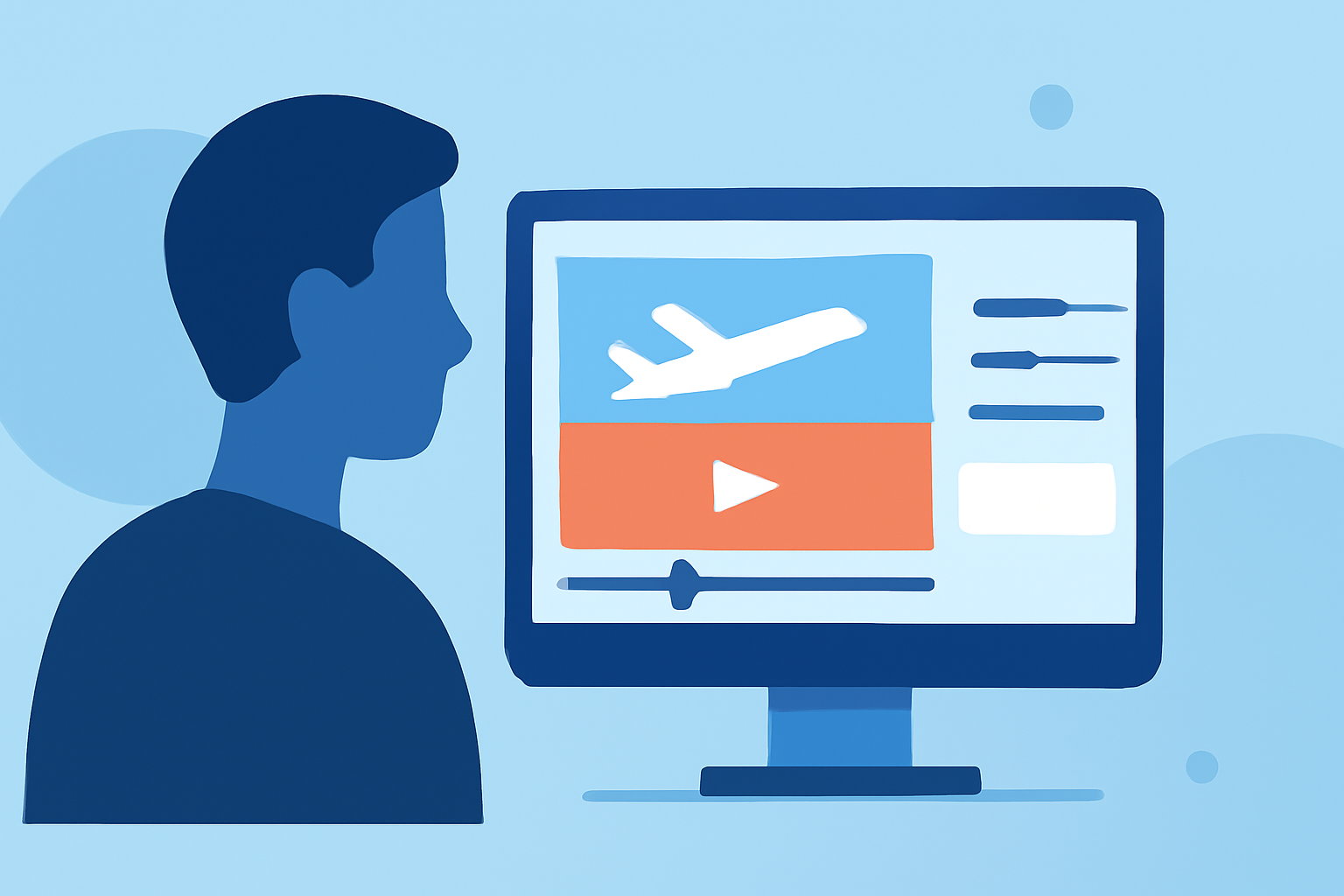
As a travel creator, capturing the dynamic world of aviation through plane spotting videos can significantly enrich your content. These videos not only showcase your passion for aviation but also engage viewers with unique perspectives. This guide provides a step-by-step approach to creating compelling plane spotting videos, culminating in a recommendation for a tool that can streamline your editing process.
1. Planning Your Plane Spotting Session
What are the key considerations before heading out?
-
Location Selection: Choose spots with clear views of flight paths, such as near airports or along popular routes.
-
Timing: Research peak flight times to capture a variety of aircraft.
-
Equipment Preparation: Ensure your camera gear is ready, including lenses suitable for long-distance shots.
2. Capturing High-Quality Footage
How can you enhance the visual appeal of your videos?
-
Stabilization: Use tripods or gimbals to prevent shaky footage.
-
Exposure Settings: Adjust aperture and shutter speed to accommodate varying lighting conditions.
-
Composition: Frame shots to include both the aircraft and its surroundings, providing context.
3. Organizing and Reviewing Your Footage
What steps should you take post-capture?
-
File Management: Sort clips by date, time, and location for easy access.
-
Initial Review: Watch all footage to identify the best shots and eliminate unusable ones.
4. Editing Your Plane Spotting Video
What are the best practices for editing?
-
Software Selection: Choose a video editing tool that offers robust features and an intuitive interface.
-
Sequence Assembly: Arrange clips to tell a cohesive story, maintaining viewer interest.
-
Color Correction: Adjust colors to ensure consistency and enhance visual appeal.
-
Sound Design: Incorporate ambient sounds and music to complement the visuals.
5. Enhancing Your Editing Workflow
How can you streamline the editing process?
Utilizing specialized tools can significantly improve efficiency and output quality. One such tool is Planes Live, a comprehensive platform designed for aviation enthusiasts and content creators. Planes Live offers real-time flight tracking, detailed aircraft information, and interactive features that can enrich your videos. By integrating Planes Live into your workflow, you can access up-to-date flight data, incorporate live tracking visuals, and provide viewers with informative overlays, all of which can elevate the professionalism of your content.
6. Finalizing and Sharing Your Video
What steps should you take before publishing?
-
Export Settings: Choose the appropriate resolution and format for your target platform.
-
Review: Watch the final cut to ensure there are no errors or inconsistencies.
-
Sharing: Upload your video to platforms like YouTube, Vimeo, or social media, and engage with your audience through comments and feedback.
By following these steps and leveraging tools like Planes Live, you can create engaging and informative plane spotting videos that resonate with your audience and showcase your passion for aviation.