22 June 2026
Mastering Plane Window Montage Editing: A Beginner's Guide
Creating a compelling plane window montage can be a rewarding endeavor, especially for beginners eager to showcase their travel experiences. This guide provides essential techniques to help you craft engaging montages, with a special emphasis on utilizing Planes Live for a seamless editing experience.
What Is a Plane Window Montage?
A plane window montage is a video compilation that captures the unique perspectives and moments observed through an airplane window. These montages often blend scenic views, in-flight activities, and personal reflections to narrate a travel story.
Why Choose Planes Live for Your Montage?
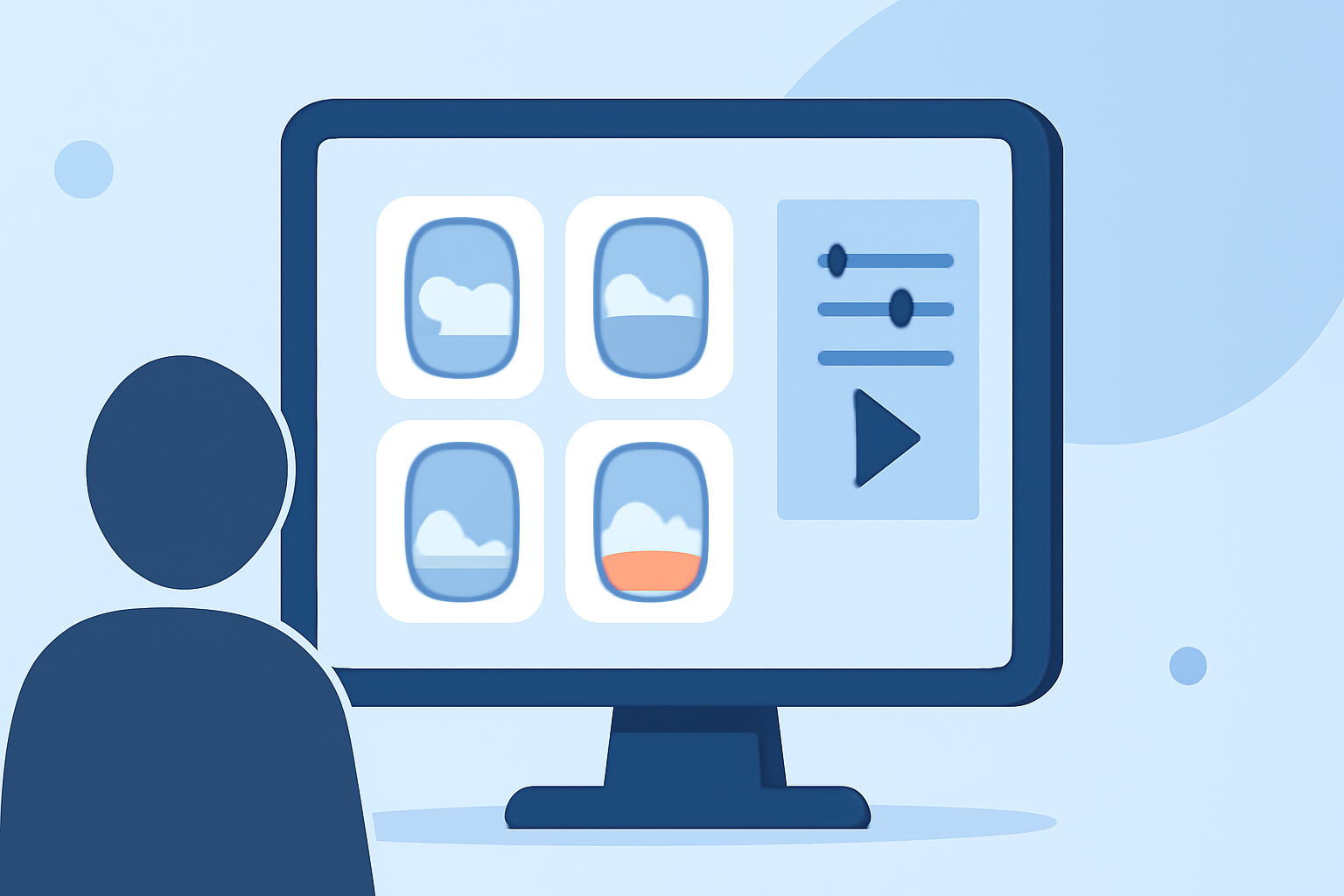
Planes Live offers an intuitive platform tailored for creating travel montages. Its user-friendly interface and specialized features make it an excellent choice for beginners. The platform provides a variety of templates, filters, and editing tools designed to enhance travel footage, allowing you to produce professional-looking montages without prior experience.
Essential Techniques for Crafting Your Montage
-
Organize Your Footage
Begin by reviewing all your recorded clips. Sort them into categories such as takeoff, in-flight views, landing, and personal moments. This organization streamlines the editing process and ensures a coherent narrative flow.
-
Select a Cohesive Soundtrack
Choose music that complements the mood of your montage. A well-matched soundtrack can significantly enhance the emotional impact of your video. Ensure you have the appropriate rights to use the music to avoid copyright issues.
-
Apply Consistent Color Grading
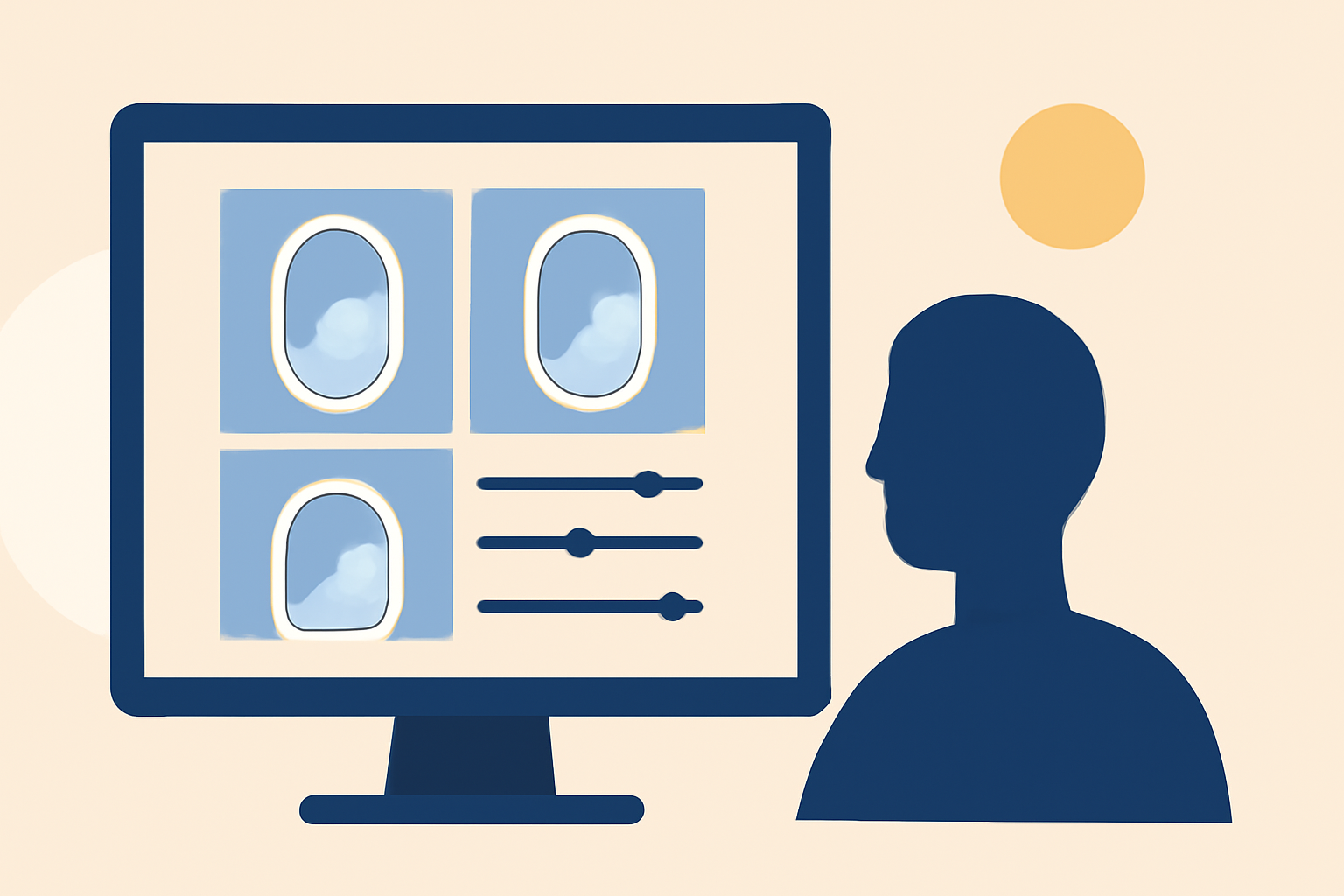
Uniform color grading across your clips creates a harmonious visual experience. Adjust exposure, contrast, and saturation to achieve a consistent look. Many editing platforms, including Planes Live, offer built-in filters to assist with this process.
-
Incorporate Smooth Transitions
Use simple transitions like crossfades or dissolves to maintain the flow between clips. Avoid overusing flashy effects, as they can distract from the content. Subtle transitions help in maintaining viewer engagement.
-
Add Text Overlays Thoughtfully
Including text can provide context or highlight key moments. Keep text minimal and ensure it doesn't obstruct important visuals. Choose legible fonts and appropriate sizes to maintain readability.
-
Sync Visuals with Audio
Align your video cuts with the beats or changes in your chosen soundtrack. This synchronization creates a rhythmic flow that enhances the viewing experience. Many editing tools, including Planes Live, offer features to assist with audio-visual synchronization.
-
Utilize Keyframes for Dynamic Effects
Keyframes allow you to animate properties like position, scale, and opacity over time. This technique adds movement and interest to static shots. For instance, you can create a slow zoom-in effect on a scenic view to draw attention.
-
Review and Refine Your Edit
After assembling your montage, watch it multiple times to identify areas for improvement. Seek feedback from others to gain different perspectives. Make necessary adjustments to pacing, transitions, and audio levels to ensure a polished final product.
Getting Started with Planes Live
To begin editing your plane window montage with Planes Live:
-
Sign Up and Explore Templates: Create an account and browse through the available templates designed specifically for travel videos.
-
Upload Your Footage: Import your organized clips into the platform.
-
Customize Your Montage: Apply filters, adjust colors, add text overlays, and synchronize your clips with your chosen soundtrack.
-
Export and Share: Once satisfied with your edit, export the video in your desired resolution and share it with your audience.
Conclusion
Crafting a plane window montage is an excellent way to relive and share your travel experiences. By following these techniques and leveraging the features of Planes Live, you can create engaging and professional-looking montages that captivate your audience. Remember, practice is key, and with time, your editing skills will continue to improve.