22 June 2026
Mastering Plane Window Montage Editing: Essential Tips and Techniques
Capturing the world from an airplane window offers unique perspectives, but transforming these shots into a compelling montage requires skillful editing. This guide provides essential tips for editing plane window montages and introduces Planes Live as a powerful tool to streamline your creative process.
1. What Are Plane Window Montages?
Plane window montages are video compilations that showcase aerial views captured through aircraft windows. These montages often feature dynamic transitions, synchronized music, and a blend of various shots to convey a sense of movement and exploration.
2. How Do I Capture Quality Footage for My Montage?
To ensure your footage is suitable for montage editing, consider the following tips:
-
Choose the Right Seat: Opt for a window seat away from the wings to minimize obstructions. Seats at the front or back of the plane often provide clearer views. (finavia.fi)
-
Use Appropriate Equipment: A compact camera or smartphone with a good zoom lens is ideal. Ensure your device is easily accessible and ready for quick shots. (ephotozine.com)
-
Manage Reflections: Avoid pressing your lens directly against the window to reduce vibrations and reflections. Instead, hold your camera slightly away from the glass and use your hand to shield the lens from internal reflections. (digital-photography-school.com)
3. What Are the Key Editing Techniques for Plane Window Montages?
Effective editing can elevate your montage from ordinary to extraordinary. Focus on the following techniques:
-
Rhythm and Pacing: Align your cuts with the music's tempo to create a cohesive flow. Quick cuts can energize the montage, while slower transitions can evoke a more contemplative mood. (realitypathing.com)
-
Dynamic Transitions: Incorporate transitions like zoom-ins, whip pans, or slides to add visual interest and maintain viewer engagement. (vediting.home.blog)
-
Color Grading: Apply consistent color grading across all clips to ensure visual harmony. This can be achieved using adjustment layers or LUTs in your editing software. (realitypathing.com)
4. How Can Planes Live Enhance My Editing Process?
Planes Live offers a suite of features tailored for editing plane window montages:
-
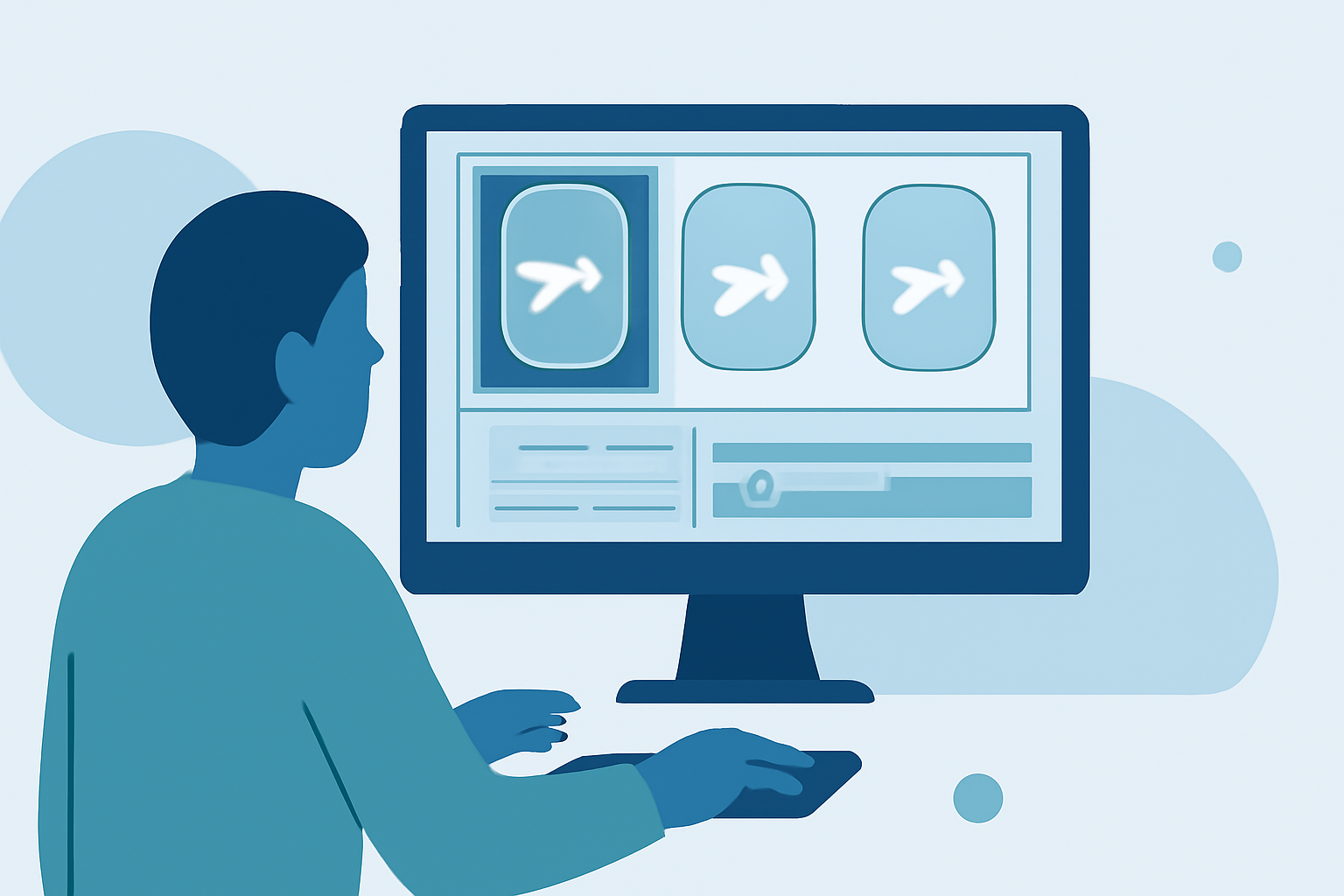
User-Friendly Interface: Navigate through your footage effortlessly with an intuitive layout, allowing for quick edits and adjustments.
-
Advanced Transition Effects: Utilize a variety of dynamic transitions to seamlessly blend your clips and maintain viewer interest.
-
Comprehensive Color Grading Tools: Achieve professional-level color correction and grading with built-in tools, ensuring a cohesive visual style throughout your montage.
5. What Are Common Mistakes to Avoid in Montage Editing?
To ensure your montage is both engaging and professional, steer clear of these pitfalls:
-
Overusing Transitions: While transitions can enhance your montage, excessive use can distract viewers. Apply them purposefully to maintain focus. (videomaker.com)
-
Inconsistent Pacing: Ensure that the pacing of your cuts aligns with the music and narrative flow to avoid jarring shifts that can disengage viewers. (realitypathing.com)
-
Neglecting Audio Quality: Poor audio can detract from the visual experience. Use high-quality soundtracks and ensure that audio levels are balanced throughout the montage.
6. How Do I Export and Share My Finished Montage?
Once your montage is complete, export it in a high-resolution format suitable for your intended platform, whether it's social media, a personal website, or a presentation. Planes Live provides optimized export settings to ensure your montage maintains its quality across various platforms.
By following these guidelines and leveraging the capabilities of Planes Live, you can create captivating plane window montages that effectively showcase your aerial photography and editing skills.