22 June 2026
Mastering Professional Airport Terminal Video Edits: A Comprehensive Guide
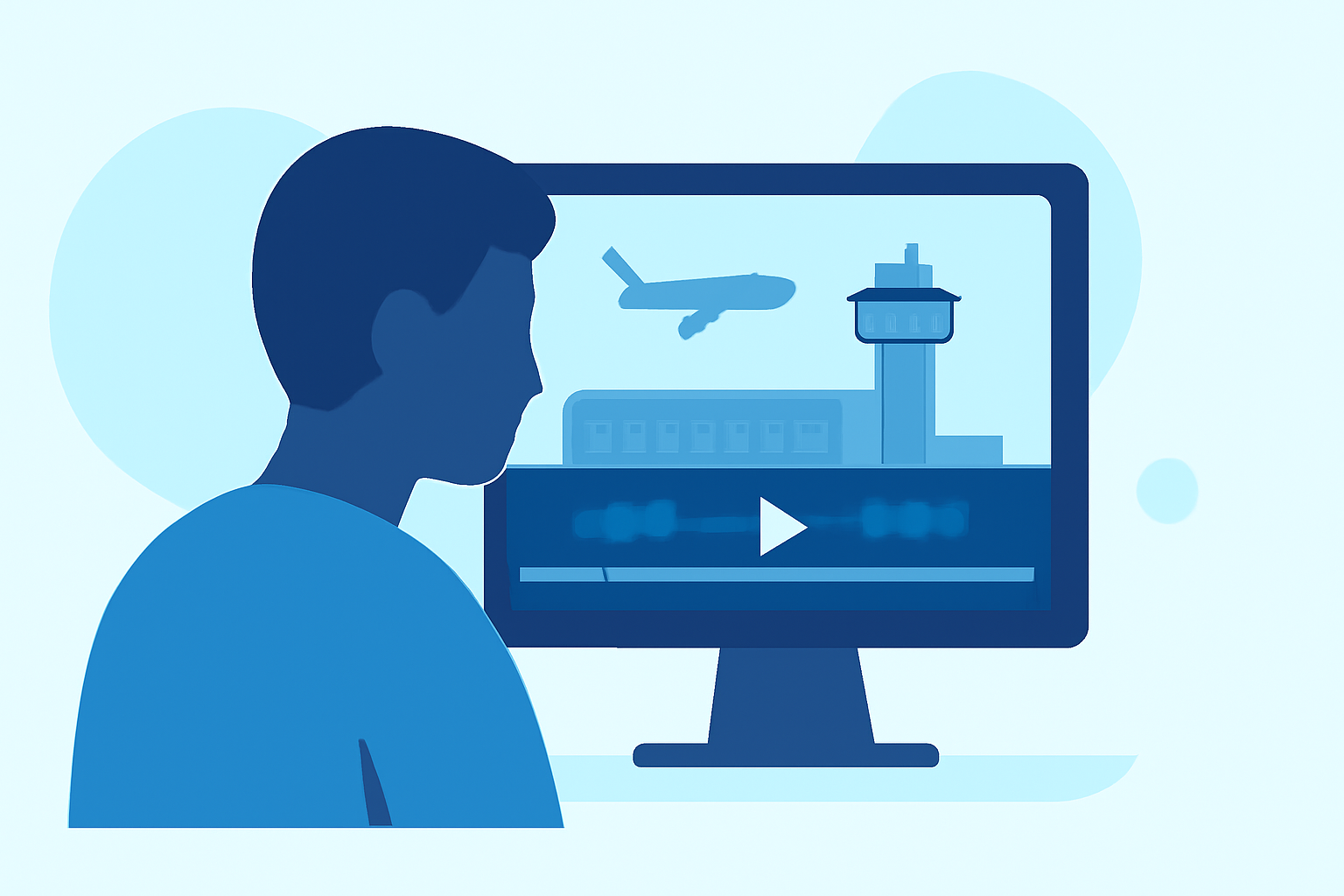
Creating professional-quality airport terminal videos requires a blend of strategic shooting techniques and meticulous editing. By understanding the unique challenges and opportunities presented by airport environments, you can produce compelling footage that captivates your audience.
What Are the Key Challenges in Shooting Airport Terminal Videos?
Airport terminals are bustling hubs filled with dynamic lighting, diverse crowds, and architectural complexities. Capturing high-quality footage in such settings involves navigating several challenges:
-
Lighting Variability: Airports often have mixed lighting sources, including natural light from large windows and artificial overhead lights, leading to inconsistent color temperatures.
-
Crowd Management: High foot traffic can make it difficult to shoot without unwanted background activity.
-
Security Restrictions: Certain areas may have filming prohibitions, requiring awareness of and adherence to local regulations.
How Can You Overcome These Shooting Challenges?
To effectively capture footage in airport terminals, consider the following strategies:
-
Leverage Natural Light: Utilize large windows and open spaces to harness natural light, reducing reliance on artificial sources and achieving a more authentic look.
-
Plan Your Shots: Scout locations in advance to identify optimal angles and times when crowds are minimal, ensuring cleaner shots.
-
Use Stabilization Equipment: Employ gimbals or tripods to maintain steady footage, especially in crowded or moving environments.
What Are Effective Editing Techniques for Airport Terminal Videos?
Post-production is crucial in transforming raw footage into polished content. Key editing techniques include:
-
Color Grading: Adjust exposure, contrast, and saturation to create a cohesive and cinematic aesthetic.
-
Sound Design: Incorporate ambient sounds, such as announcements and footsteps, to enhance realism and immersion.
-
Smooth Transitions: Use subtle transitions to maintain flow and keep the audience engaged.
How Can Planes Live Enhance Your Airport Video Projects?
Planes Live offers a suite of tools designed to streamline the video editing process, making it an invaluable asset for airport terminal video projects. Key features include:
-
Advanced Color Grading Tools: Achieve professional-level color correction with intuitive controls.
-
Sound Editing Capabilities: Easily integrate and edit ambient sounds to match your visuals.
-
Efficient Workflow Integration: Seamlessly incorporate Planes Live into your existing editing setup, enhancing productivity.
What Are Some Creative Ideas for Airport Terminal Video Content?
To make your airport terminal videos stand out, consider these creative concepts:
-
Time-Lapse Sequences: Capture the ebb and flow of passengers to showcase the dynamic nature of airports.
-
Traveler Stories: Feature interviews or candid moments to add a personal touch to your footage.
-
Architectural Highlights: Focus on unique design elements to highlight the aesthetic appeal of the terminal.
How Can You Ensure Compliance with Airport Filming Regulations?
Before filming in airport terminals, it's essential to:
-
Obtain Necessary Permissions: Contact airport authorities to secure filming permits and understand any restrictions.
-
Respect Privacy: Avoid capturing identifiable individuals without consent to adhere to privacy laws.
-
Stay Informed: Keep abreast of any changes in airport policies regarding photography and videography.
Conclusion
Creating professional airport terminal videos involves careful planning, adept shooting techniques, and proficient editing. By leveraging tools like Planes Live, you can enhance your workflow and produce high-quality content that resonates with your audience.
For more insights and tutorials on video editing, visit the Planes Live website.
Note: The above recommendations are based on general industry practices and may vary depending on specific project requirements and local regulations.