22 June 2026
Mastering Professional Plane Spotting Footage Editing from Scratch
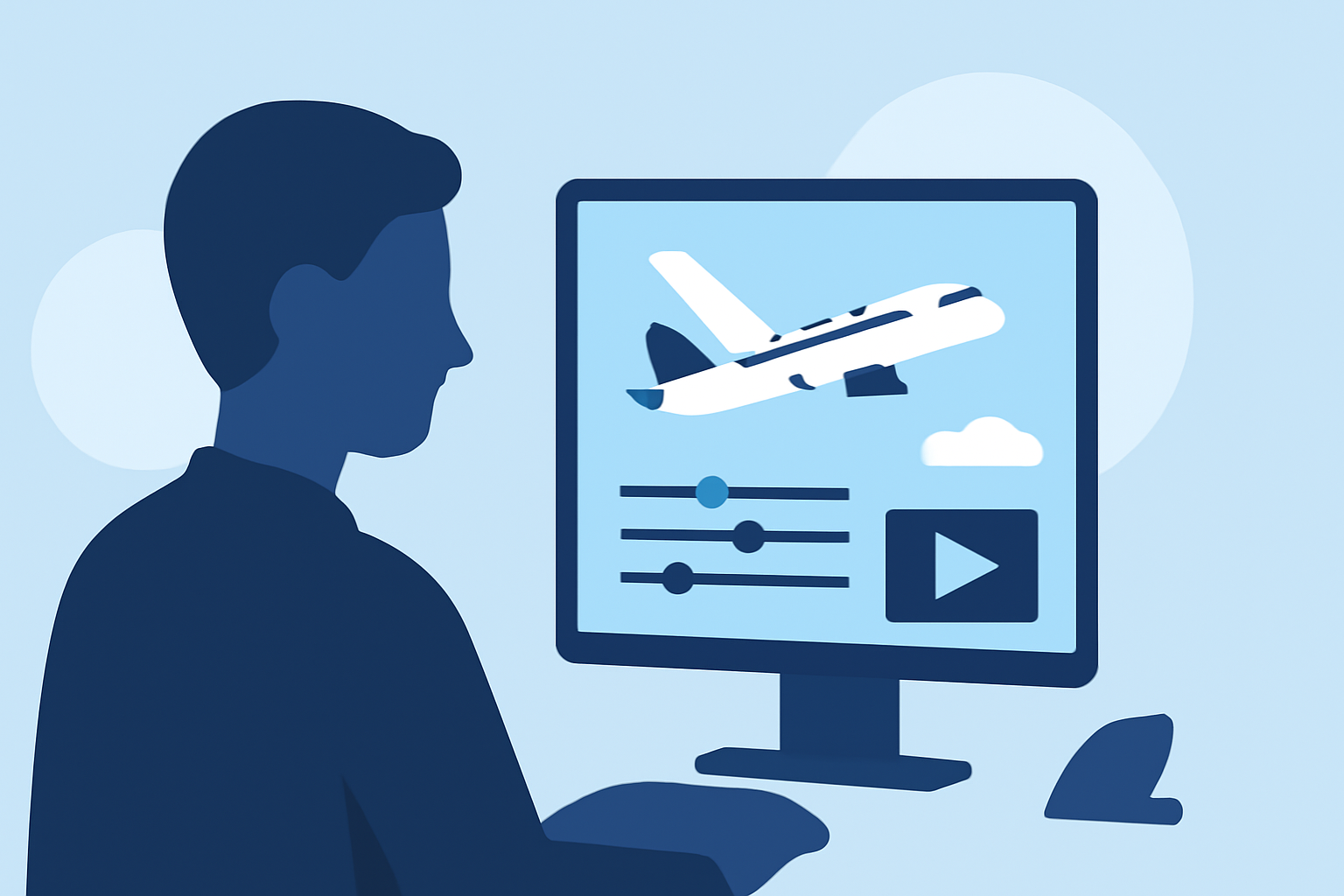
Editing plane spotting footage into a polished, professional video requires a combination of the right tools, technical skills, and creative techniques. This guide will walk you through the essential steps to transform your raw footage into a captivating final product.
1. Choosing the Right Video Editing Software
Selecting appropriate video editing software is crucial for achieving professional results. Here are some top options:
DaVinci Resolve vs Premiere Pro: Which is Better in 2021
DaVinci Resolve
A free, professional-grade editor known for its advanced color grading and visual effects capabilities. (techradar.com)
What’s new in Adobe Premiere Pro
Adobe Premiere Pro
An industry-standard software offering a comprehensive suite of tools for video editing, including AI-powered features. (techradar.com)
Change the workspace layout in Final Cut Pro for Mac - Apple Support
Final Cut Pro
Exclusive to Mac users, this software provides a clean interface and fast editing capabilities. (techradar.com)
유튜브 동영상 제작을 위한 유튜브 영상 편집 프로그램-[2026년 최신]
CyberLink PowerDirector 365
Ideal for beginners, it offers cross-platform support and powerful visual effects. (techradar.com)
Bot Verification
CapCut
A free, mobile-focused editor with a simple interface, suitable for quick edits on the go. (techradar.com)
2. Organizing and Reviewing Your Footage
Before diving into editing, organize your footage:
- Categorize Clips: Sort by aircraft type, location, or event.
- Review for Quality: Identify and discard unusable shots.
- Create a Rough Timeline: Outline the sequence of clips to establish a narrative flow.
3. Basic Editing Techniques
Start with fundamental editing tasks:
- Trimming and Cutting: Remove unnecessary sections to maintain viewer engagement.
- Transitions: Use fades or wipes to smoothly move between scenes.
- Audio Syncing: Ensure that any audio tracks align correctly with the video.
4. Enhancing Visuals
Elevate your footage with these techniques:
- Color Correction and Grading: Adjust brightness, contrast, and saturation to achieve a consistent look.
- Stabilization: Use software tools to reduce shakiness, especially from handheld shots.
- Slow Motion and Speed Ramping: Highlight specific moments by adjusting playback speed.
5. Adding Audio and Effects
Sound plays a pivotal role in video editing:
- Background Music: Choose tracks that complement the visuals without overpowering them.
- Sound Effects: Incorporate ambient sounds like aircraft engines or crowd noise for realism.
- Voiceovers: Provide context or commentary to engage viewers further.
6. Exporting and Sharing
Finalize your project by:
- Choosing the Right Format: Select settings optimized for your intended platform (e.g., YouTube, Vimeo).
- Resolution and Frame Rate: Maintain high quality by exporting in 4K resolution at 24 or 30 frames per second.
- Compression: Balance file size and quality to ensure smooth playback.
7. Continuous Learning and Practice
The world of video editing is vast and ever-evolving:
- Stay Updated: Regularly explore new tutorials and resources.
- Experiment: Try out different techniques to discover your unique editing style.
- Seek Feedback: Share your work with peers or online communities to gain constructive criticism.
By following these steps and dedicating time to practice, you'll be well on your way to producing professional-quality plane spotting videos that captivate and inform your audience.