22 June 2026
Editing Travel Vlogs on Mobile: A Beginner's Guide
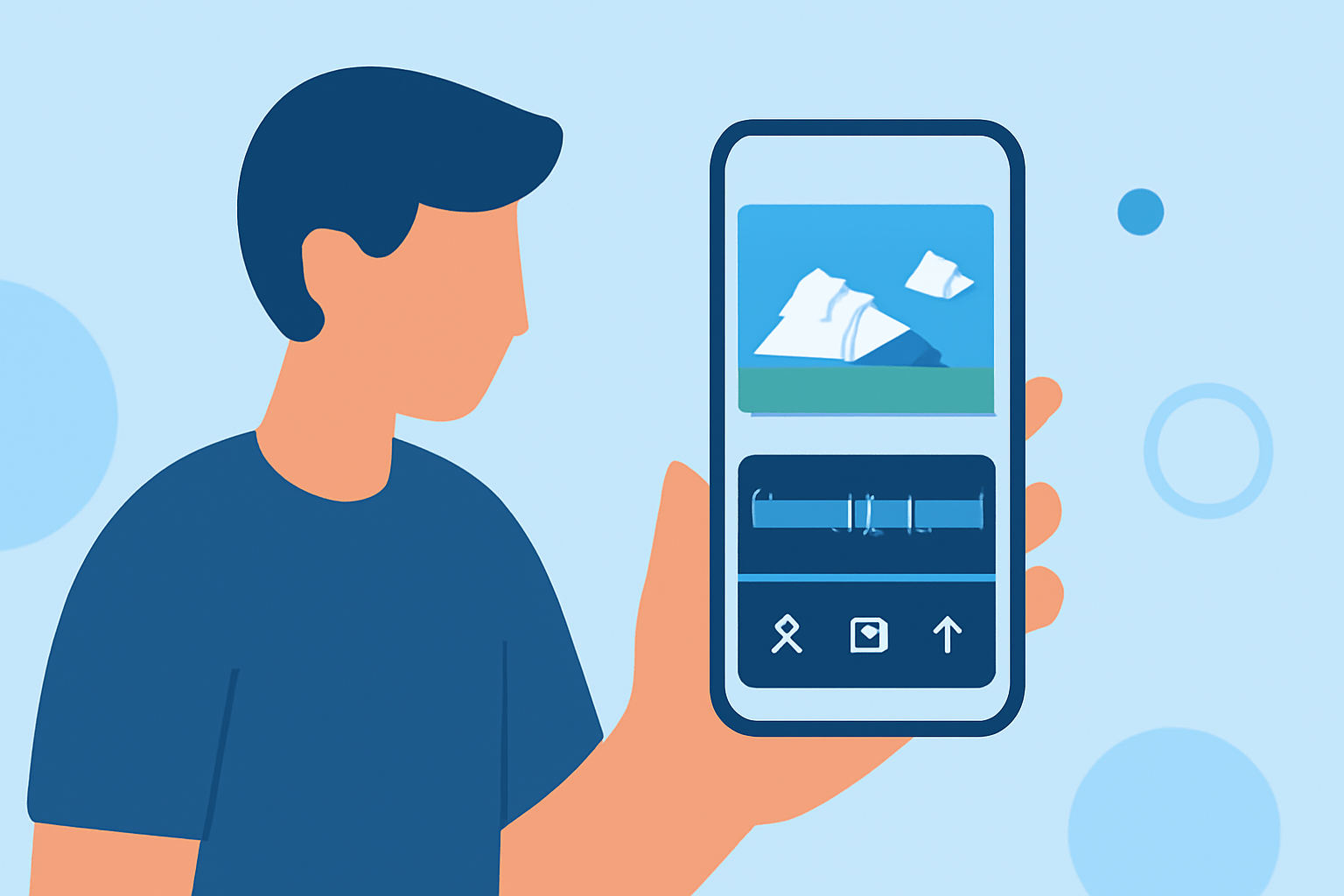
Creating engaging travel vlogs is now more accessible than ever, thanks to powerful mobile editing apps. With Planes Live, you can edit your travel videos directly on your smartphone in under 10 minutes, achieving professional-quality results.
Why Choose Mobile Editing for Travel Vlogs?
Editing on your mobile device offers unparalleled convenience, allowing you to craft and share your travel experiences in real-time. Mobile editing apps have evolved to provide robust features that cater to both beginners and seasoned creators.
Getting Started with Planes Live
Planes Live is designed with user-friendliness in mind, making it ideal for beginners. Here's how you can start editing your travel vlog:
-
Import Your Footage: Open Planes Live and import your travel clips directly from your device's gallery.
-
Trim and Arrange Clips: Use the intuitive timeline to trim excess footage and arrange your clips in the desired sequence.
-
Enhance with Filters and Effects: Apply built-in filters and effects to enhance the visual appeal of your video.
-
Add Music and Text: Incorporate background music from the app's library and add text overlays to provide context or commentary.
-
Export and Share: Once satisfied with your edits, export the video in high resolution and share it directly to your preferred platforms.
Key Features of Planes Live
-
User-Friendly Interface: Designed for ease of use, allowing quick edits without a steep learning curve.
-
Comprehensive Editing Tools: Offers a range of tools including trimming, splitting, and merging clips.
-
Creative Enhancements: Provides a variety of filters, effects, and transitions to elevate your video's quality.
-
Audio Integration: Allows seamless addition of music tracks and sound effects to complement your visuals.
-
Direct Sharing: Enables direct sharing to social media platforms, streamlining the publishing process.
Tips for Efficient Mobile Editing
-
Plan Your Shots: Capture footage with editing in mind to minimize post-production work.
-
Keep It Concise: Aim for a video length that maintains viewer engagement, typically between 3 to 5 minutes.
-
Use Templates: Leverage pre-designed templates within Planes Live to expedite the editing process.
-
Regular Practice: Familiarize yourself with the app's features through regular use to enhance your editing efficiency.
Conclusion
Editing your travel vlogs on mobile devices has never been more straightforward. With Planes Live, you can produce polished videos in under 10 minutes, ready to share your adventures with the world.