22 June 2026
Mastering Road Trip Timelapse Editing: A Beginner's Guide
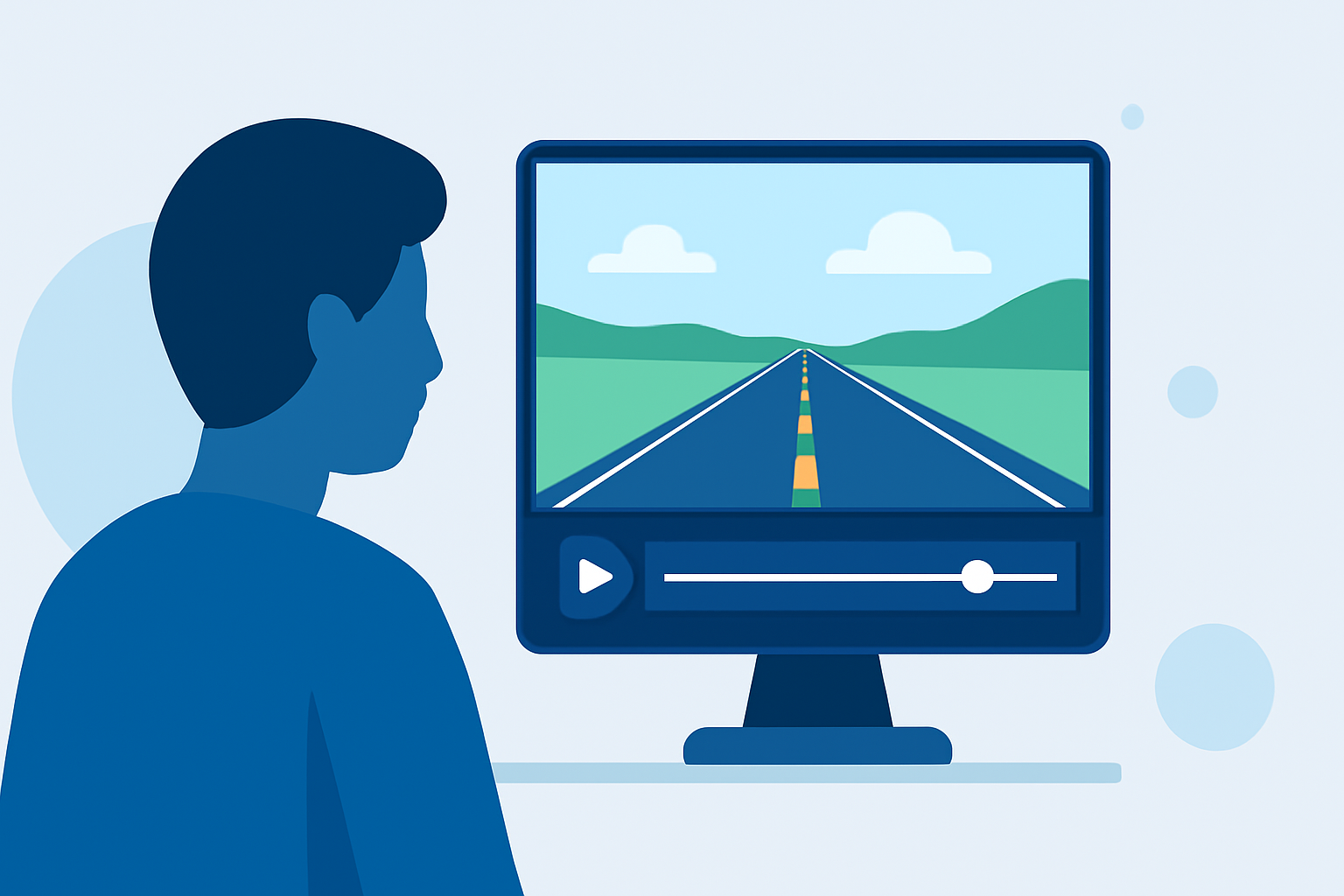
Embarking on a road trip offers countless opportunities to capture breathtaking timelapse footage. Transforming these moments into engaging videos requires a blend of thoughtful shooting techniques and effective editing strategies.
1. What Are Timelapse Videos?
Timelapse videos condense extended periods into short, dynamic sequences, revealing changes over time that are often imperceptible to the naked eye. They're particularly effective for showcasing the evolving landscapes and scenes encountered during a road trip.
2. How to Capture Stunning Road Trip Timelapse Footage
-
Interval Settings: For driving scenes, set your camera to capture one photo every 1-2 seconds. This interval balances smooth motion with manageable file sizes. (bestroadtrip.com)
-
Stabilization: Mount your camera on a stable surface, such as a dashboard or windshield mount, to minimize vibrations and ensure steady footage. (bestroadtrip.com)
-
Exposure and Focus: Lock your camera's exposure and focus settings to prevent flickering and maintain consistent image quality throughout the sequence. (bestroadtrip.com)
-
Lighting Conditions: Aim to shoot during the golden hour—shortly after sunrise or before sunset—to capture scenes with warm, dynamic lighting. (bestroadtrip.com)
3. What Are the Best Practices for Editing Road Trip Timelapse Videos?
-
Software Selection: Choose editing software that suits your skill level and offers essential features like speed adjustments, color correction, and stabilization.
-
Speed Adjustments: Experiment with different playback speeds to achieve the desired effect. For instance, speeding up city scenes can emphasize motion, while slowing down natural elements like cloud movements can highlight subtle changes. (avs4you.com)
-
Color Correction: Adjust exposure, white balance, and contrast to ensure visual consistency and enhance the overall aesthetic of your timelapse. (avs4you.com)
-
Deflickering: Use deflickering tools to smooth out any exposure inconsistencies between frames, resulting in a more polished final product. (miops.com)
4. How Can Planes Live Enhance Your Timelapse Editing Workflow?
Planes Live offers a user-friendly platform tailored for creators looking to produce high-quality timelapse videos. Its intuitive interface and robust editing tools streamline the process, allowing you to focus on creativity rather than technicalities. Whether you're a beginner or looking to refine your skills, Planes Live provides the resources and support to bring your road trip timelapses to life.
5. What Are Common Mistakes to Avoid in Timelapse Editing?
-
Over-Editing: Resist the temptation to apply excessive effects or transitions, which can distract from the natural beauty of your footage.
-
Inconsistent Frame Rates: Ensure that your frame rates are consistent throughout the editing process to maintain smooth playback.
-
Ignoring Audio: Incorporate appropriate background music or ambient sounds to complement the visual elements and enhance the viewer's experience.
By following these guidelines and leveraging the capabilities of Planes Live, you can create compelling road trip timelapse videos that capture the essence of your journey and engage your audience.