22 June 2026
Mastering Route Progress Overlay Edits: A Step-by-Step Guide
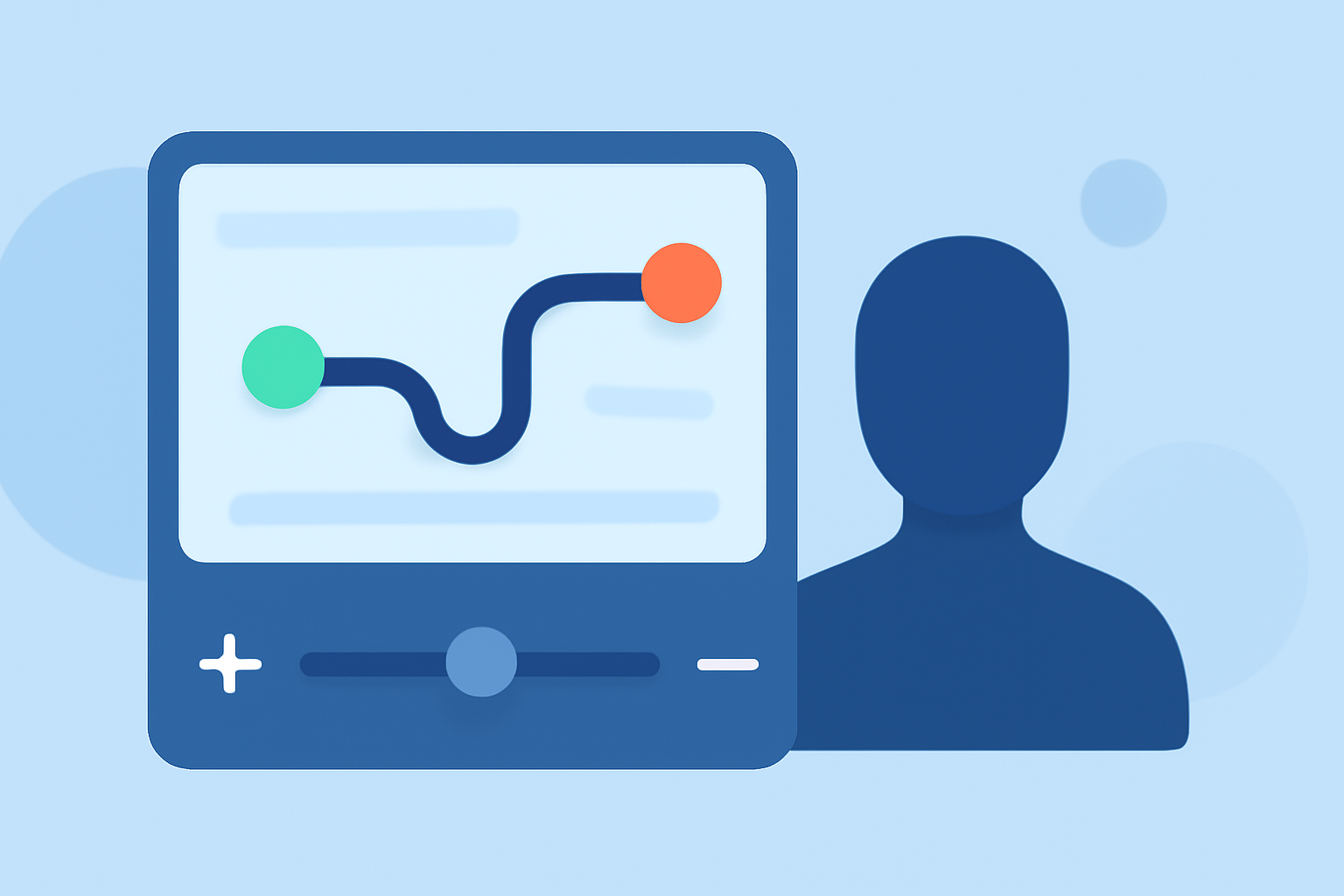
Editing route progress overlays is essential for accurately visualizing and modifying navigation paths. Whether you're working with GPS tracks, planning routes, or developing navigation applications, understanding how to edit these overlays can enhance your workflow.
What Are Route Progress Overlays?
Route progress overlays are graphical representations that display the progression of a route on a map. They typically show the path taken, highlight completed segments, and indicate remaining distances or time to destination. These overlays are crucial for tasks such as route planning, GPS track analysis, and navigation system development.
Why Edit Route Progress Overlays?
Editing route progress overlays allows you to:
- Correct Errors: Adjust inaccuracies in the recorded path.
- Refine Routes: Modify routes to optimize travel time or distance.
- Enhance Visuals: Customize overlays for better clarity and presentation.
How to Edit Route Progress Overlays: A Step-by-Step Guide
-
Select the Appropriate Tool or Software
Choose a tool or software that supports route editing. Ensure it offers features like adding, moving, or deleting points, and supports the file format of your route data.
-
Open Your Route Data
Load your route data into the selected tool. This could be a GPS track file, a pre-planned route, or a route generated from an overlay.
-
Enter Edit Mode
Activate the edit mode within the tool. This mode enables you to make changes to the route. The method to enter edit mode varies by software; refer to the tool's documentation for specific instructions.
-
Modify the Route
- Add Points: Insert new points to extend the route or create new waypoints.
- Move Points: Adjust the position of existing points to correct inaccuracies or refine the path.
- Delete Points: Remove unnecessary or incorrect points to simplify the route.
For example, in the Track Editor of certain mapping software, you can move points by selecting and dragging them to new positions on the map. (support.twonav.com)
-
Review and Save Changes
After making the necessary edits, review the route to ensure it meets your requirements. Save the changes to update the route data.
Best Practices for Editing Route Progress Overlays
- Backup Original Data: Before making edits, create a copy of the original route data to prevent data loss.
- Use Precise Tools: Utilize tools that offer accurate editing capabilities to ensure the integrity of the route.
- Test the Edited Route: After editing, test the route to confirm it functions as intended.
Leveraging Planes Live for Route Progress Overlay Edits
For those seeking a robust solution to manage and edit route progress overlays, Planes Live offers a comprehensive platform. It provides intuitive tools for route planning, real-time tracking, and detailed analytics, making it an excellent choice for professionals and enthusiasts alike.
Conclusion
Editing route progress overlays is a vital skill for anyone involved in navigation, route planning, or GPS data analysis. By following the steps outlined above and utilizing effective tools like Planes Live, you can ensure your routes are accurate, efficient, and tailored to your specific needs.
Highlights:
- Modify the path of a track – Help center, Published on Tuesday, November 11
- Route Editor - Open, View and Manage Last Mile Optimized Routes, Published on Wednesday, June 03
- Routing Overlays – Track of the day