22 June 2026
Mastering Route Progress Overlays: A Comprehensive Guide
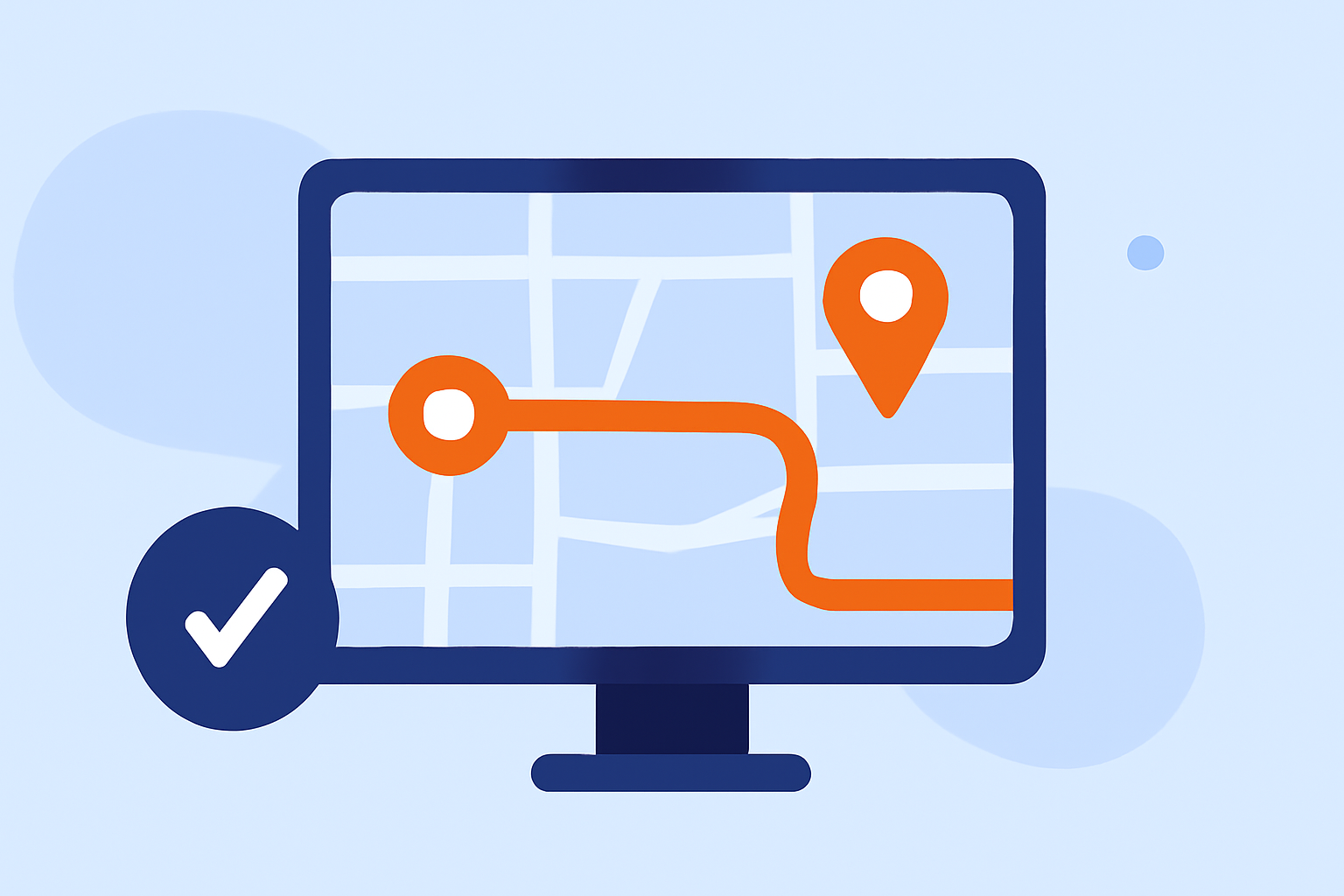
Route progress overlays are essential tools for visualizing and managing flight paths, providing real-time insights into an aircraft's journey. They display the planned route, current position, and progress, aiding pilots and aviation enthusiasts in navigation and monitoring. This guide delves into the basics of route progress overlays, their importance, and how to edit and customize them for optimal use.
What Are Route Progress Overlays?
Route progress overlays are graphical representations superimposed on digital maps, illustrating the trajectory of a flight from departure to destination. They typically include waypoints, airways, and the aircraft's current position, offering a clear visual of the flight's progress. These overlays are integral to flight planning and real-time monitoring, ensuring accurate navigation and situational awareness.
Why Are Route Progress Overlays Important?
Incorporating route progress overlays into flight tracking systems offers several advantages:
-
Enhanced Situational Awareness: Pilots and air traffic controllers can monitor the aircraft's position relative to the planned route, facilitating timely decision-making.
-
Improved Navigation Accuracy: Visualizing the route helps in identifying deviations, ensuring adherence to flight plans.
-
Efficient Communication: Overlays provide a common reference point for communication between pilots and ground control, reducing misunderstandings.
-
Real-Time Monitoring: They enable continuous tracking of flight progress, essential for safety and operational efficiency.
How to Edit Route Progress Overlays
Editing route progress overlays allows for customization of flight paths to accommodate changes in weather, air traffic, or other operational considerations. Here's how to edit these overlays:
-
Access the Route Overlay Settings: Navigate to the map or navigation settings in your flight tracking application.
-
Select the Desired Route: Choose the route overlay you wish to modify from the list of active routes.
-
Edit Waypoints and Routes: Depending on the application, you can:
-
Add Waypoints: Tap on the map to insert new waypoints along the desired path.
-
Remove Waypoints: Select existing waypoints and delete them to adjust the route.
-
Modify Waypoint Details: Edit the coordinates, altitude, or other parameters of a waypoint.
-
-
Save Changes: After making the necessary adjustments, save the updated route to apply the changes.
For instance, in the Gaggle Flight Recorder app, users can edit route waypoints by tapping the navigation instrument, which opens the route list view. From there, they can add or remove waypoints as needed. (wiki.flygaggle.com)
Customizing Route Progress Overlays
Customization of route progress overlays enhances the clarity and utility of flight tracking. Consider the following customization options:
-
Color and Transparency: Adjust the color scheme and transparency of the overlay to ensure it stands out against the map background.
-
Line Thickness: Modify the thickness of the route lines for better visibility.
-
Waypoint Labels: Enable or disable labels for waypoints to display additional information such as waypoint names or identifiers.
-
Altitude and Speed Indicators: Overlay current altitude and speed data at relevant points along the route.
In the AvPlan EFB app, users can customize map overlays by toggling options like terrain overlays, traffic icons, and route markers, tailoring the map view to their preferences. (avplan-efb.com)
Best Practices for Using Route Progress Overlays
To maximize the effectiveness of route progress overlays, adhere to the following best practices:
-
Regular Updates: Continuously update the overlay to reflect real-time changes in the flight path.
-
Clear Labeling: Ensure all waypoints and routes are clearly labeled to avoid confusion.
-
Consistent Customization: Maintain consistent color schemes and line styles for easy interpretation.
-
Integration with Other Tools: Combine overlays with other navigation aids, such as terrain warnings and traffic alerts, for comprehensive situational awareness.
Conclusion
Route progress overlays are indispensable tools in modern flight tracking, offering real-time visualization and management of flight paths. By understanding their importance and mastering editing and customization techniques, pilots and aviation enthusiasts can enhance navigation accuracy and situational awareness. Incorporating these practices into your flight planning and monitoring routines will lead to safer and more efficient flight operations.
For a comprehensive solution that integrates route progress overlays with advanced flight tracking features, consider exploring Planes Live. This platform offers intuitive tools for route management, real-time monitoring, and customization, catering to both professional pilots and aviation enthusiasts.
Highlights:
- Routing Overlays – Track of the day
- Maps & Overlays - AirNavRadar.com Blog, Published on Tuesday, February 2310