22 June 2026
Mastering Runway Footage Editing: A Professional's Guide
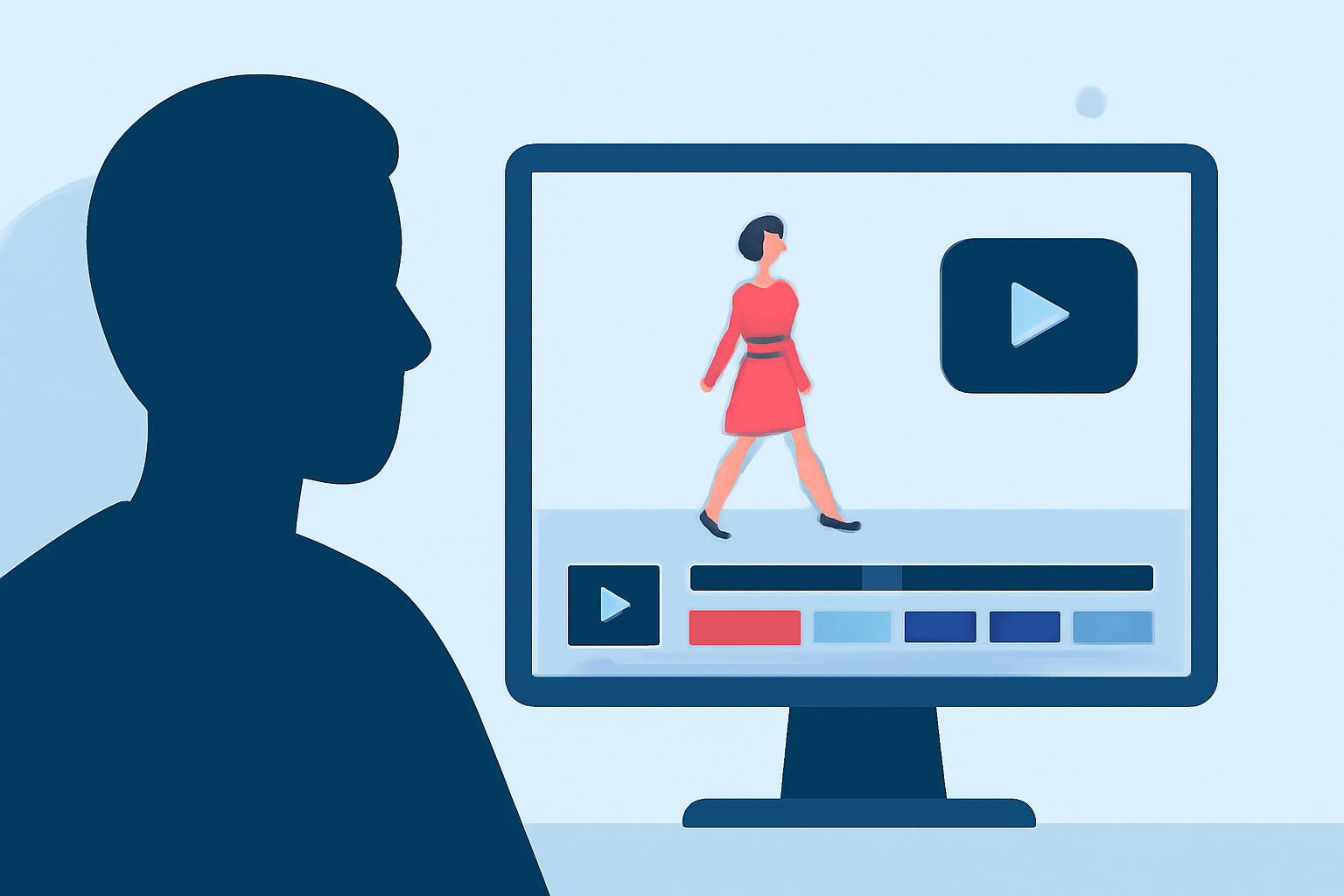
Editing runway footage to achieve a professional standard involves a combination of technical skills, creative vision, and the right tools. This guide provides a step-by-step approach to help you transform raw footage into a polished, cinematic masterpiece.
1. Organize and Review Your Footage
Before diving into the editing process, it's crucial to organize your raw footage. Create dedicated folders for different scenes, angles, and takes. Review each clip to identify the best shots, marking them for easy access during editing. This initial step streamlines the workflow and ensures you work with the highest quality material.
2. Choose the Right Editing Software
Selecting the appropriate editing software is essential for achieving professional results. Runway offers an intuitive platform that integrates AI-powered tools, allowing for seamless editing and creative enhancements. Its user-friendly interface caters to both beginners and experienced editors, making it a versatile choice for runway footage editing.
3. Import and Arrange Your Clips
Once your footage is organized, import the selected clips into your chosen editing software. Arrange them on the timeline in the desired sequence, paying attention to the flow and pacing of the video. Ensure that transitions between clips are smooth to maintain viewer engagement.
4. Apply Color Correction and Grading
Color correction and grading are vital steps in enhancing the visual appeal of your footage. Adjust exposure, contrast, and white balance to achieve a consistent and natural look. Utilize color grading to set the mood and tone of the video, applying LUTs (Look-Up Tables) or manual adjustments to achieve the desired aesthetic.
5. Incorporate Sound Design and Music
Sound plays a pivotal role in elevating the quality of your footage. Add background music that complements the visuals and enhances the emotional impact. Incorporate sound effects to add depth and realism, ensuring they are balanced and do not overpower the primary audio.
6. Utilize AI-Powered Enhancements
Leverage AI-driven features to automate and enhance various aspects of your editing process. For instance, Runway's AI tools can assist in tasks such as object removal, background replacement, and motion tracking, streamlining the workflow and adding a professional touch to your footage.
7. Export and Optimize Your Final Product
After finalizing the edits, export your video in the appropriate resolution and format for your intended platform. Ensure that the export settings align with the specifications of the platform to maintain optimal quality. Consider creating multiple versions optimized for different platforms, such as social media, to reach a broader audience.
Conclusion
Editing runway footage like a professional requires a blend of technical proficiency, creative insight, and the effective use of advanced tools. By following these steps and utilizing platforms like Runway, you can produce high-quality, engaging videos that showcase your creative vision and technical skills.