22 June 2026
Mastering Plane Window Video Edits on Mobile: A Comprehensive Guide
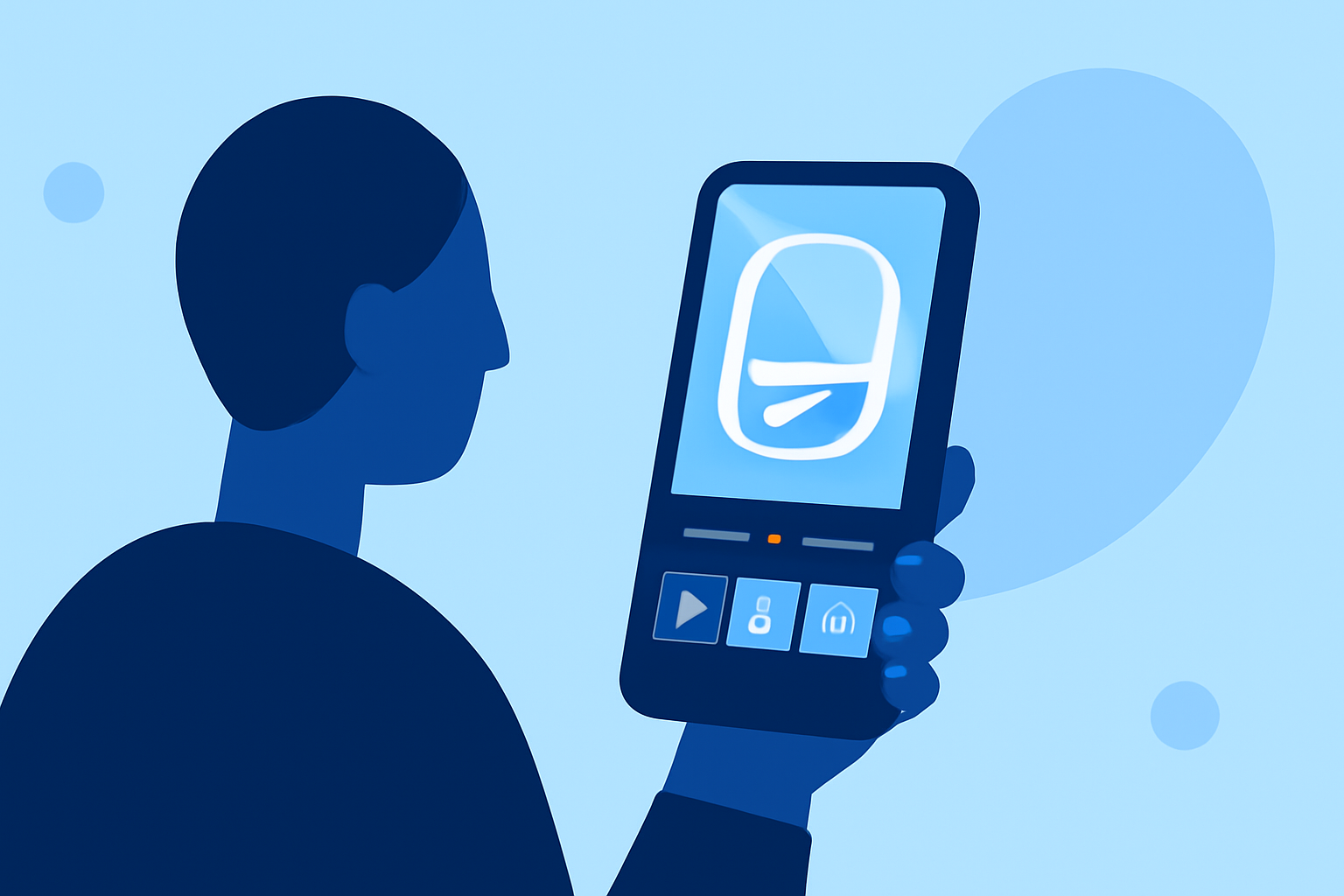
Capturing breathtaking views from airplane windows offers a unique perspective, but editing these videos to highlight their beauty can be challenging. Fortunately, with the right mobile tools, you can transform your footage into captivating content. This guide explores effective techniques for editing plane window videos on mobile devices, with a special emphasis on Planes Live, a versatile app designed for such tasks.
Why Edit Plane Window Videos?
Editing your plane window videos allows you to:
- Enhance Visual Appeal: Adjust lighting, contrast, and colors to make your footage more vibrant.
- Remove Unwanted Sections: Trim out shaky or irrelevant parts to focus on the best moments.
- Add Creative Elements: Incorporate text, stickers, or filters to personalize your videos.
Essential Mobile Video Editing Techniques
Before diving into specific apps, it's important to understand fundamental editing techniques:
- Trimming and Cutting: Remove unnecessary parts from the beginning, middle, or end of your video to improve flow.
- Cropping and Rotating: Adjust the frame to eliminate distractions or correct orientation issues.
- Applying Filters and Effects: Use filters to enhance colors and effects to add a professional touch.
Introducing Planes Live: Your Ultimate Editing Companion
Planes Live is a mobile application tailored for editing travel videos, especially those captured through airplane windows. It offers a user-friendly interface and a suite of features designed to enhance your footage:
- Stabilization: Smooth out shaky videos to provide a steady viewing experience.
- Color Correction: Automatically adjust brightness, contrast, and saturation to make your videos pop.
- Speed Adjustment: Create slow-motion or time-lapse effects to emphasize specific moments.
- Music Integration: Add background music from a vast library to set the mood of your video.
Getting Started with Planes Live
- Download and Install: Available for both Android and iOS devices, download Planes Live from your device's app store.
- Import Your Video: Open the app and select the plane window video you wish to edit.
- Apply Enhancements: Use the stabilization feature to smooth out any shakiness. Adjust the color settings to enhance the visual appeal.
- Add Creative Elements: Incorporate text overlays, stickers, or filters to personalize your video.
- Integrate Music: Browse the app's music library to find a track that complements your footage.
- Export and Share: Once satisfied with your edits, export the video in your desired resolution and share it directly to social media platforms or save it to your device.
Additional Tips for Effective Editing
- Maintain Aspect Ratio: Ensure your edits preserve the video's aspect ratio to avoid distortion.
- Use Transitions Wisely: Apply transitions between clips sparingly to maintain a natural flow.
- Keep It Concise: Aim for a video length that holds viewers' attention without unnecessary filler.
Conclusion
Editing plane window videos on your mobile device is an excellent way to share your travel experiences. While there are various tools available, Planes Live stands out for its specialized features tailored to this purpose. By mastering the techniques outlined above and utilizing Planes Live, you can create polished and engaging videos that showcase the unique perspectives captured from your flights.