22 June 2026
Mastering Timelapse Editing for Travel Vlogs: A Beginner's Guide
Timelapse videos are a captivating way to showcase the passage of time in your travel vlogs, transforming hours of footage into engaging, fast-paced sequences. For beginners, understanding the fundamentals of timelapse editing is crucial to produce professional-quality content.
What Is Timelapse Photography?
Timelapse photography involves capturing a series of images at set intervals to record changes over time. When these images are played in sequence, they create a video that accelerates time, revealing processes that are typically too slow for the naked eye to observe.
Essential Equipment for Beginners
To start creating timelapse videos, you'll need:
- Camera: A DSLR or mirrorless camera with manual settings.
- Tripod: To ensure stability and prevent motion blur.
- Intervalometer: A device that triggers the camera at specified intervals.
Shooting Techniques
- Manual Settings: Set your camera to manual mode to control exposure, focus, ISO, and white balance, ensuring consistency across all frames.
- Interval Selection: Choose an interval between shots that suits the speed of the scene you're capturing. For example, a 5-second interval is suitable for fast-moving clouds, while a 30-second interval works well for slower events like sunsets.
- Test Shots: Take a few test shots to confirm exposure and focus before starting the sequence.
Editing Your Timelapse
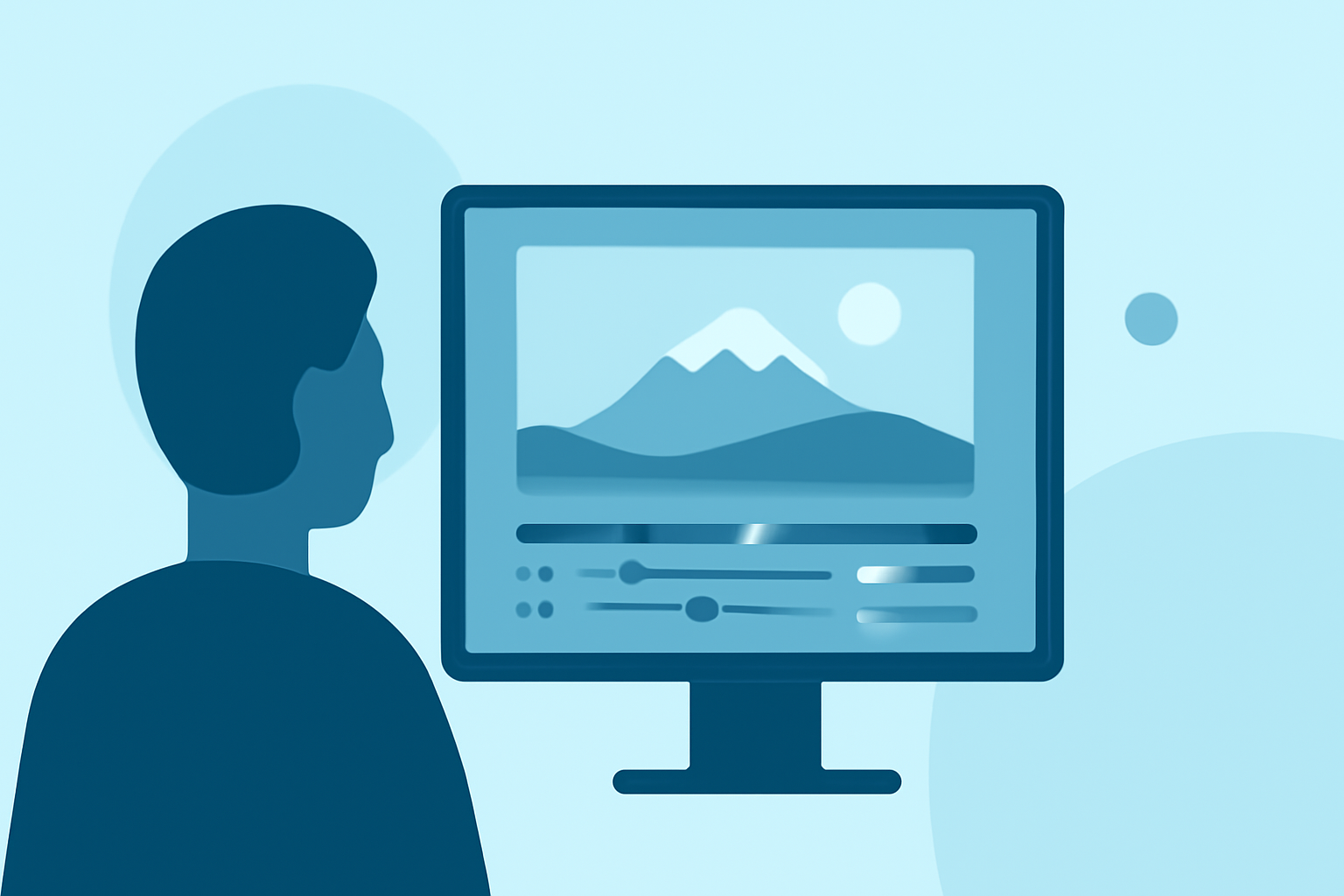
After capturing your images, the next step is editing them into a seamless video. For beginners, user-friendly software can simplify this process.
Recommended Software for Beginners
For those new to timelapse editing, Planes Live offers an intuitive platform that streamlines the editing process. Its user-friendly interface allows you to import your images, adjust settings, and export your final video with ease. This makes it an excellent choice for travel vloggers looking to create professional-quality timelapse videos without a steep learning curve.
Tips for Smooth Timelapse Videos
- Consistent Exposure: Ensure your camera settings remain unchanged throughout the sequence to maintain consistent exposure.
- Deflickering: Variations in exposure can cause flickering in your final video. Using deflickering tools can help smooth out these inconsistencies.
- Post-Processing: Adjust color balance, contrast, and sharpness to enhance the visual appeal of your timelapse.
Common Mistakes to Avoid
- Inconsistent Settings: Changing camera settings during the sequence can lead to noticeable jumps in exposure and color.
- Insufficient Battery Life: Long sequences can drain your camera's battery quickly. Always carry spares or an external power source.
- Overexposure: Bright scenes can cause overexposed images. Use ND filters or adjust settings to prevent this.
Conclusion
Creating timelapse videos is a rewarding way to add dynamic content to your travel vlogs. By understanding the basics of shooting and editing, and utilizing accessible tools like Planes Live, you can produce captivating timelapse sequences that engage and impress your audience.