22 June 2026
Mastering Train Journey Timelapse Edits: Essential Tips and Techniques
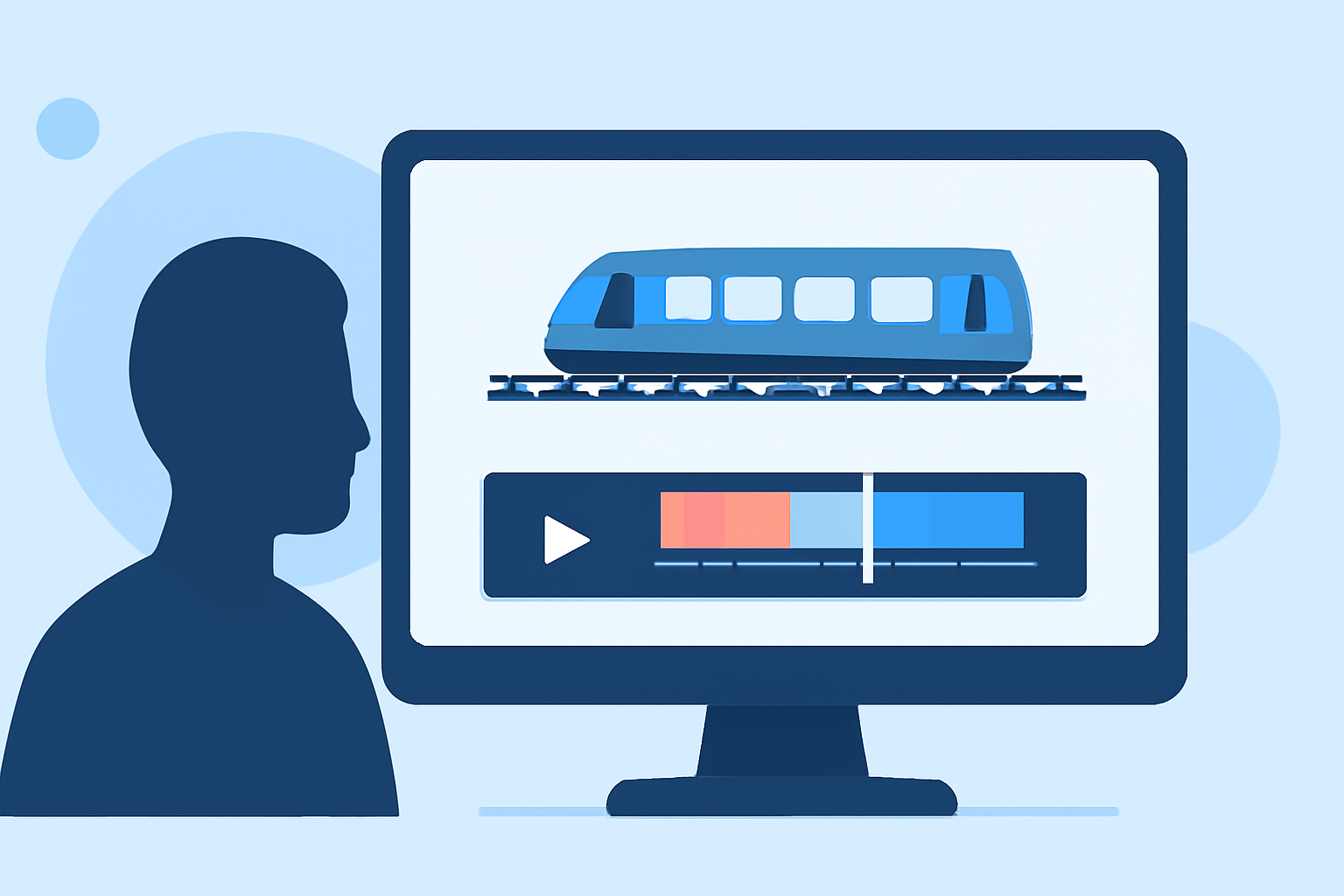
Creating a compelling train journey timelapse video involves meticulous planning, precise shooting, and expert editing. This guide addresses common questions and provides essential tips to help you produce smooth and captivating timelapse sequences.
1. What Are the Key Steps in Creating a Train Journey Timelapse?
To craft an engaging timelapse, follow these steps:
- Planning: Choose a route with dynamic scenery and minimal obstructions.
- Shooting: Use a sturdy tripod or mount to ensure stability.
- Editing: Process your footage to correct exposure variations, reduce flicker, and stabilize the video.
2. How Do I Address Exposure Variations and Flickering?
Exposure inconsistencies can lead to flickering in timelapse videos. To mitigate this:
- Manual Settings: Set your camera to manual mode to maintain consistent exposure throughout the journey.
- Deflickering Tools: Utilize software like LRTimelapse to analyze and smooth out exposure variations across frames. (lrtimelapse.com)
3. What Techniques Can I Use to Stabilize My Timelapse Footage?
Stabilization is crucial for a professional-looking timelapse:
- Pre-Shooting: Ensure your camera is securely mounted to prevent unwanted movement.
- Post-Processing: Apply stabilization features in video editing software to correct any residual shakiness. (goprotimelapse.com)
4. How Do I Achieve Smooth Motion in My Timelapse?
To create fluid motion:
- Shooting Technique: Use longer exposure times with shorter intervals between shots to capture motion blur, enhancing the perception of movement. (fenchel-janisch.com)
- Post-Processing: Incorporate motion blur effects during editing to further smooth the sequence. (goprotimelapse.com)
5. What Software Tools Are Recommended for Editing Train Journey Timelapses?
For efficient editing, consider the following tools:
- LRTimelapse: Specialized software for keyframing, deflickering, and exporting timelapse sequences. (lrtimelapse.com)
- Adobe Lightroom Classic: Ideal for processing RAW files, adjusting exposure, white balance, and color grading.
- Adobe Premiere Pro: Suitable for assembling the timelapse, applying stabilization, and adding motion effects.
6. How Can I Enhance the Visual Appeal of My Timelapse?
To make your timelapse more engaging:
- Color Grading: Adjust brightness, contrast, and saturation to create a visually appealing result. (goprotimelapse.com)
- Sound Design: Add ambient music or sound effects to complement the visuals and enhance the viewing experience.
7. What Are Common Mistakes to Avoid in Timelapse Editing?
Be mindful of these pitfalls:
- Inconsistent Exposure: Avoid abrupt changes in exposure settings during shooting to prevent flickering.
- Over-Stabilization: Excessive stabilization can lead to unnatural movements; apply it judiciously.
- Neglecting Post-Processing: Skipping steps like deflickering and color correction can result in a less polished final product.
By following these guidelines and utilizing the recommended tools, you can create a smooth and captivating train journey timelapse that effectively showcases the dynamic scenery and movement of the journey.
For a comprehensive tutorial on editing long-term and construction timelapses, which shares techniques applicable to train journey timelapses, consider watching the following video: