22 June 2026
Mastering Train Journey Timelapse Edits: Quick Tips for Stunning Results
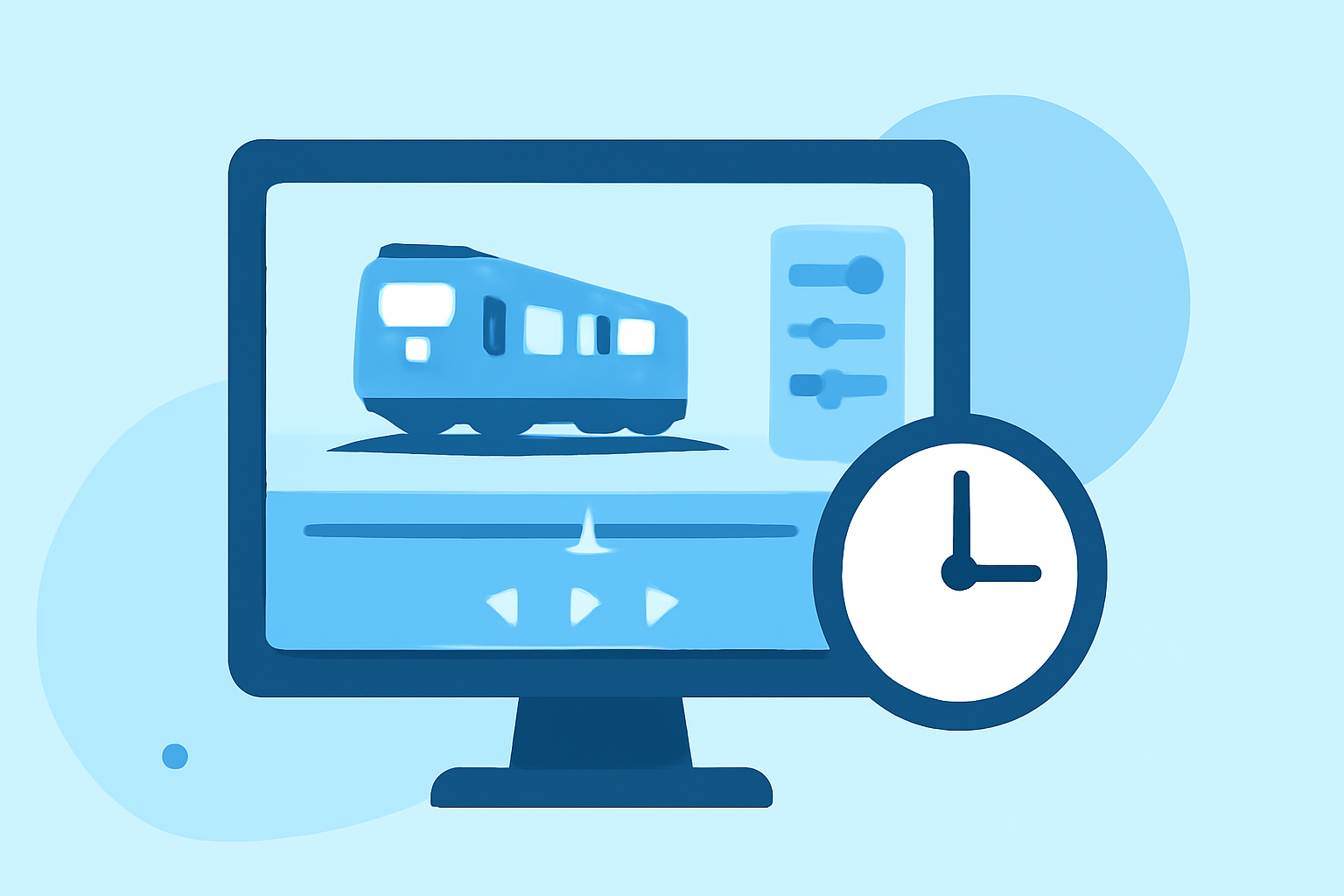
Creating a captivating train journey timelapse video requires a blend of careful shooting techniques and efficient post-production processes. This guide provides concise tips to help you produce stunning timelapse footage efficiently.
1. How Should I Shoot Train Journey Timelapse Footage?
-
Use a Stable Tripod: Ensure your camera is securely mounted to prevent unwanted movement.
-
Manual Settings: Set your camera to manual mode to maintain consistent exposure and focus throughout the sequence.
-
Interval Selection: Choose an interval between shots that balances motion smoothness with the desired speed of the timelapse.
-
Long Exposure: Utilize longer exposure times to capture motion blur, enhancing the sense of speed and movement.
2. How Do I Edit Train Journey Timelapse Footage Efficiently?
-
Organize Your Images: Sort and review your photos to remove any that are out of focus or improperly exposed.
-
Batch Processing in Lightroom: Apply consistent adjustments to all images, such as exposure correction and white balance, to maintain uniformity.
-
Deflickering: Use specialized software to smooth out any exposure variations between frames, resulting in a seamless video.
-
Stabilization: If your footage exhibits slight shakes, apply stabilization tools in your editing software to achieve a smoother final product.
3. What Software Can Help with Timelapse Editing?
For efficient timelapse editing, consider using specialized software that integrates with your existing photo editing tools. These applications offer features like deflickering, keyframing, and batch processing, streamlining the editing workflow.
4. How Do I Add Motion to My Timelapse Video?
-
Zoom and Pan Effects: Incorporate subtle zooms and pans to add dynamism and guide the viewer's attention.
-
Speed Ramping: Adjust the speed of specific segments to emphasize particular moments or transitions.
5. How Do I Export and Share My Timelapse Video?
-
Optimal Resolution: Export your video in high resolution to ensure clarity and detail.
-
Compression Settings: Choose appropriate compression settings to balance file size and video quality.
-
Platform Compatibility: Ensure your video format is compatible with the platforms where you intend to share it.
By following these tips, you can efficiently create and edit train journey timelapse videos that captivate your audience. Remember, practice and experimentation are key to mastering the art of timelapse photography.