22 June 2026
Mastering Travel Vlog B-Roll Editing Without a Computer
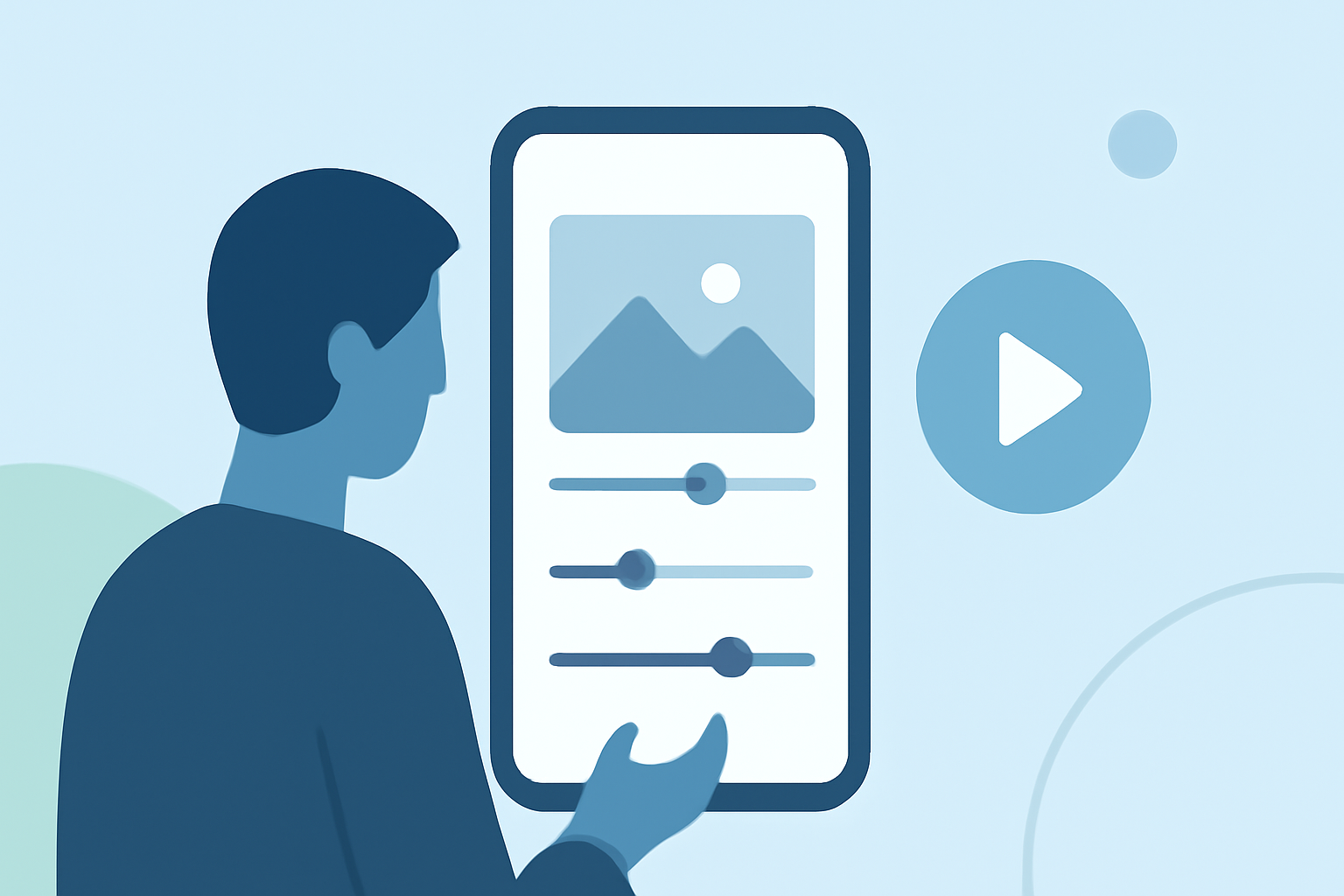
Creating a compelling travel vlog involves more than just capturing stunning footage; it requires effective editing to weave your experiences into a captivating narrative. With advancements in mobile technology, you can now edit your travel vlog B-roll directly on your smartphone or tablet, eliminating the need for a computer. Here's how to get started:
1. Choose the Right Mobile Editing App
Selecting an intuitive and feature-rich editing app is crucial. Applications like CapCut and KineMaster offer user-friendly interfaces and a range of tools suitable for both beginners and experienced editors. These apps allow you to trim clips, add transitions, and incorporate music seamlessly. (store.hollyland.com)
2. Organize Your Footage
Before diving into editing, organize your clips by location or theme. This method streamlines the editing process and ensures you have all necessary shots for each segment of your vlog. For instance, group all footage from a specific city or activity together. (bugbog.com)
3. Assemble a Rough Cut
Start by placing your primary footage (A-roll) on the timeline. Trim out any unnecessary parts, such as long pauses or mistakes. Once your A-roll is in place, overlay your B-roll footage to enhance the narrative. Ensure that the B-roll complements the A-roll, providing context and visual interest. (spotlightfx.com)
4. Enhance Audio Quality
Clear audio is essential for a professional-looking vlog. Many mobile editing apps offer audio enhancement features, such as noise reduction and volume leveling. Utilize these tools to ensure your audio is crisp and clear. (cyberlink.com)
5. Add Music and Sound Effects
Incorporating background music and sound effects can elevate the mood of your vlog. Ensure that the music aligns with the theme and pace of your video. Many editing apps provide royalty-free music libraries, or you can import your own tracks. (cyberlink.com)
6. Apply Transitions and Effects
Smooth transitions between clips and subtle effects can make your vlog more engaging. Experiment with different transitions to find those that best suit your video's style. However, avoid overusing effects, as they can distract from the content.
7. Export and Share
Once satisfied with your edit, export the video in the desired resolution and format. Most mobile editing apps support high-definition exports suitable for platforms like YouTube and Instagram. Ensure you have sufficient storage space on your device before exporting.
By following these steps, you can effectively edit your travel vlog B-roll directly on your mobile device, producing a polished and engaging video without the need for a computer.
For a visual demonstration of shooting travel video B-roll without a plan, you might find this video helpful:
How to Shoot Travel Video B-Roll Without a Plan?
Remember, the key to a successful travel vlog lies in storytelling. Focus on conveying the emotions and experiences of your journey, and let your footage and editing work together to tell that story.