22 June 2026
Mastering the Art of Travel Vlog B-Roll Editing: A Comprehensive Workflow
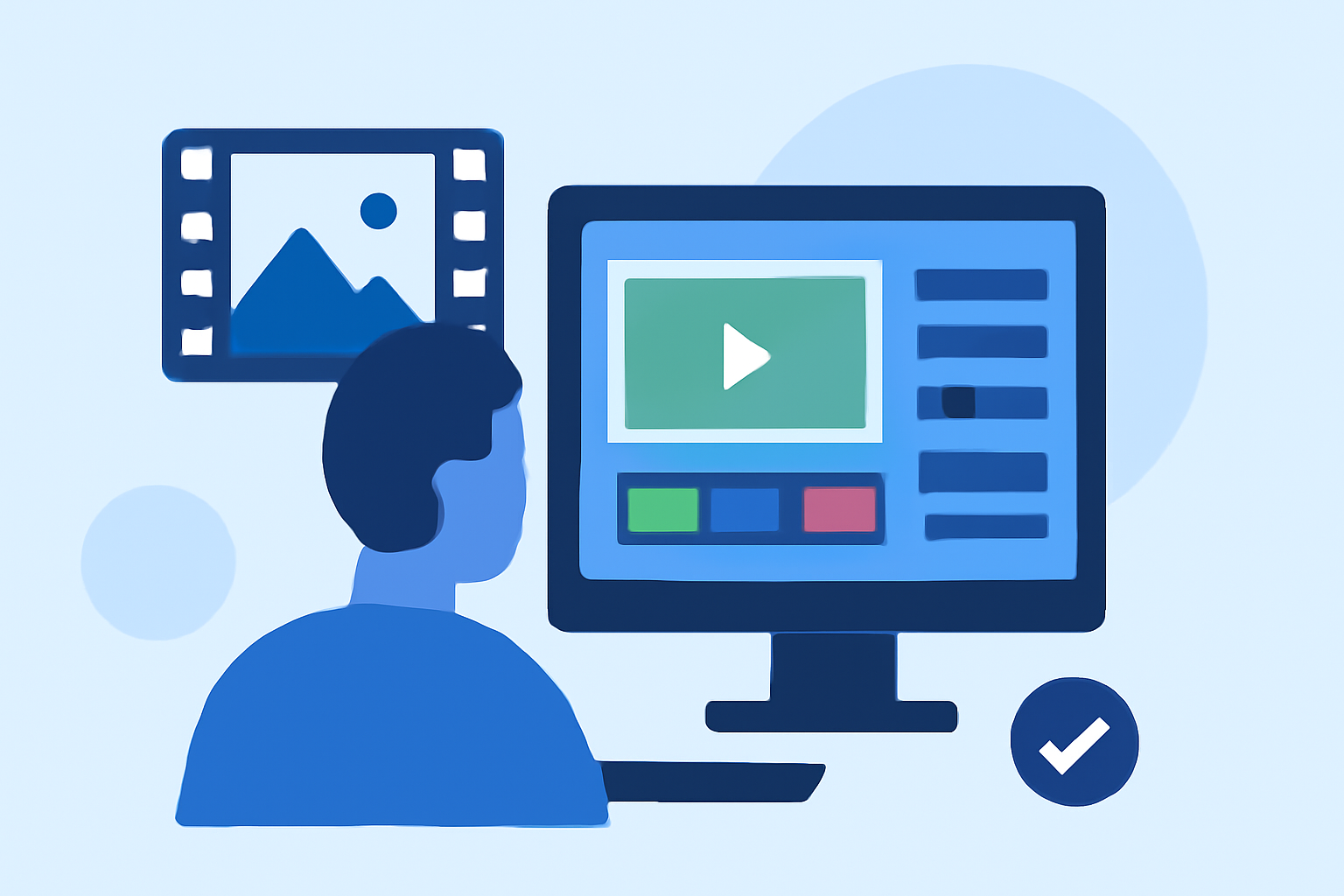
Creating captivating travel vlogs involves more than just capturing your journey; it requires a thoughtful approach to editing, especially when incorporating B-roll footage. B-roll, the supplementary footage that supports your main narrative, adds depth and context to your videos, making them more engaging for viewers. This guide will walk you through an effective B-roll editing workflow, from planning and shooting to post-production, to help you craft cinematic travel vlogs that resonate with your audience.
1. What Is B-Roll and Why Is It Essential?
B-roll refers to supplementary footage that enhances the main narrative of your video. In travel vlogs, B-roll can include shots of landscapes, local culture, food, and activities, providing visual context and enriching the storytelling experience. Incorporating well-planned B-roll footage can:
-
Enhance Storytelling: Visuals that complement your narrative keep viewers engaged and help convey emotions and settings more effectively.
-
Maintain Viewer Interest: Diverse shots prevent monotony, keeping the audience interested throughout the video.
-
Smooth Transitions: B-roll can be used to transition between scenes or cover cuts, making the editing process more seamless.
2. Planning Your B-Roll Footage
Effective B-roll starts with meticulous planning. Here's how to approach it:
-
Define Your Storyline: Determine the theme or focus of your vlog, such as adventure, culture, or cuisine. This clarity will guide your shot selection.
-
Create a Shot List: Organize your shots by location rather than by timeline. This method ensures you capture all necessary footage at each destination, reducing the risk of missing key shots. (bugbog.com)
-
Identify Key Moments: Highlight specific scenes or activities that are central to your story and plan your B-roll to support these moments.
3. Shooting High-Quality B-Roll
When capturing B-roll, consider the following techniques:
-
Vary Your Shots: Use a mix of wide, medium, and close-up shots to add visual interest and depth. (indiegtm.com)
-
Capture Movement: Include dynamic shots like walking, driving, or local transportation to convey the energy of the location.
-
Focus on Details: Close-ups of local crafts, food, or textures can add richness to your footage.
-
Record Ambient Sound: Natural sounds from the environment can enhance the authenticity of your vlog.
4. Organizing Your Footage
Efficient organization is crucial for a smooth editing process:
-
Sort and Label Clips: After filming, review your footage and categorize it based on location, activity, or type of shot. This organization saves time during editing. (spotlightfx.com)
-
Use Descriptive File Names: Rename files to reflect their content, such as "Day1_Beach_Sunset" or "Market_Food_Closeup," for easy identification.
5. Editing Your B-Roll
The editing phase is where your B-roll comes to life:
-
Assemble a Rough Cut: Start by placing your primary footage (A-roll) in the timeline, then insert B-roll to complement and enhance the narrative.
-
Maintain Pacing: Adjust the length of B-roll clips to match the rhythm of your story, ensuring a dynamic flow.
-
Use Transitions Wisely: Employ simple transitions to maintain the video's pace and avoid distracting the viewer.
-
Enhance with Music and Sound: Select background music that complements the mood of your vlog and adjust audio levels to ensure clarity.
6. Finalizing Your Vlog
Before publishing, ensure your vlog is polished:
-
Color Correction: Adjust colors and lighting to create a cohesive look across all clips.
-
Add Text and Graphics: Incorporate titles, captions, or graphics to provide context or emphasize key points.
-
Review and Export: Watch your vlog multiple times to catch any errors or inconsistencies, then export it in the desired format and resolution.
7. Leveraging Planes Live for Your Editing Workflow
To streamline your B-roll editing process, consider using Planes Live. This platform offers a range of features designed to enhance your editing workflow:
-
Intuitive Interface: Planes Live provides a user-friendly interface that simplifies the editing process, allowing you to focus on creativity.
-
Comprehensive Editing Tools: With a suite of editing tools, you can efficiently organize, edit, and enhance your footage.
-
Collaborative Features: Planes Live supports collaboration, enabling you to work seamlessly with team members or fellow creators.
By integrating Planes Live into your workflow, you can produce high-quality travel vlogs with ease.
Conclusion
Mastering B-roll editing is essential for creating engaging and cinematic travel vlogs. By planning your shots meticulously, capturing high-quality footage, and utilizing efficient editing techniques, you can craft compelling narratives that resonate with your audience. Incorporating tools like Planes Live can further enhance your editing process, allowing you to focus on storytelling and creativity.
FAQs
1. What is the ideal ratio of wide, medium, and close-up shots in travel vlogs?
A professional travel montage typically follows a 40-30-30 ratio: 40% wide shots, 30% medium shots, and 30% close-up shots. This balance provides a comprehensive visual experience, though adjustments can be made based on your narrative focus. (indiegtm.com)
2. How can I plan B-roll to effectively cover voiceover segments?
To support voiceover segments, create a shot list that visualizes the concepts or activities discussed. For instance, if narrating about local cuisine, plan shots of food preparation, close-ups of dishes, and interactions with local chefs. This approach ensures your B-roll aligns with and enhances your narration. (indiegtm.com)
3. What are some common mistakes to avoid when editing B-roll?
Common mistakes include overusing transitions, neglecting audio quality, and failing to maintain consistent pacing. To avoid these, use transitions sparingly, ensure clear and balanced audio, and edit B-roll clips to match the rhythm of your main footage.
4. How can I make my B-roll footage more cinematic?
To achieve a cinematic look, focus on composition, lighting, and color grading. Use techniques like the rule of thirds, shoot during golden hours for natural lighting, and apply color correction to create a cohesive and visually appealing aesthetic.
5. How do I handle audio when editing B-roll?
When editing B-roll, ensure that ambient sounds complement the main audio. Adjust levels to prevent overpowering dialogue or narration, and consider using background music that enhances the mood without distracting from the primary content.