22 June 2026
Mastering Travel Vlog Editing on Your Smartphone
Last updated: 2026-06-22
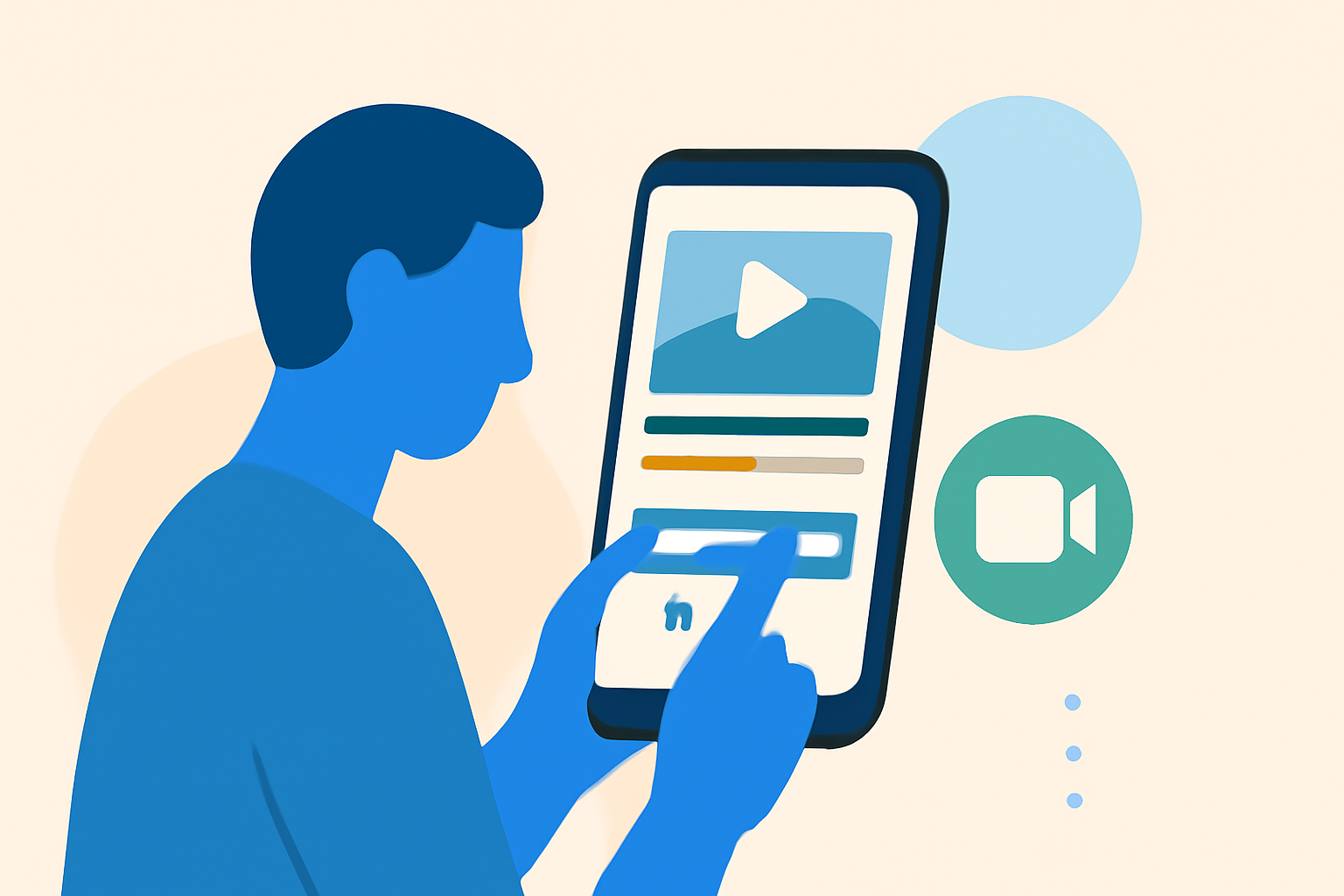
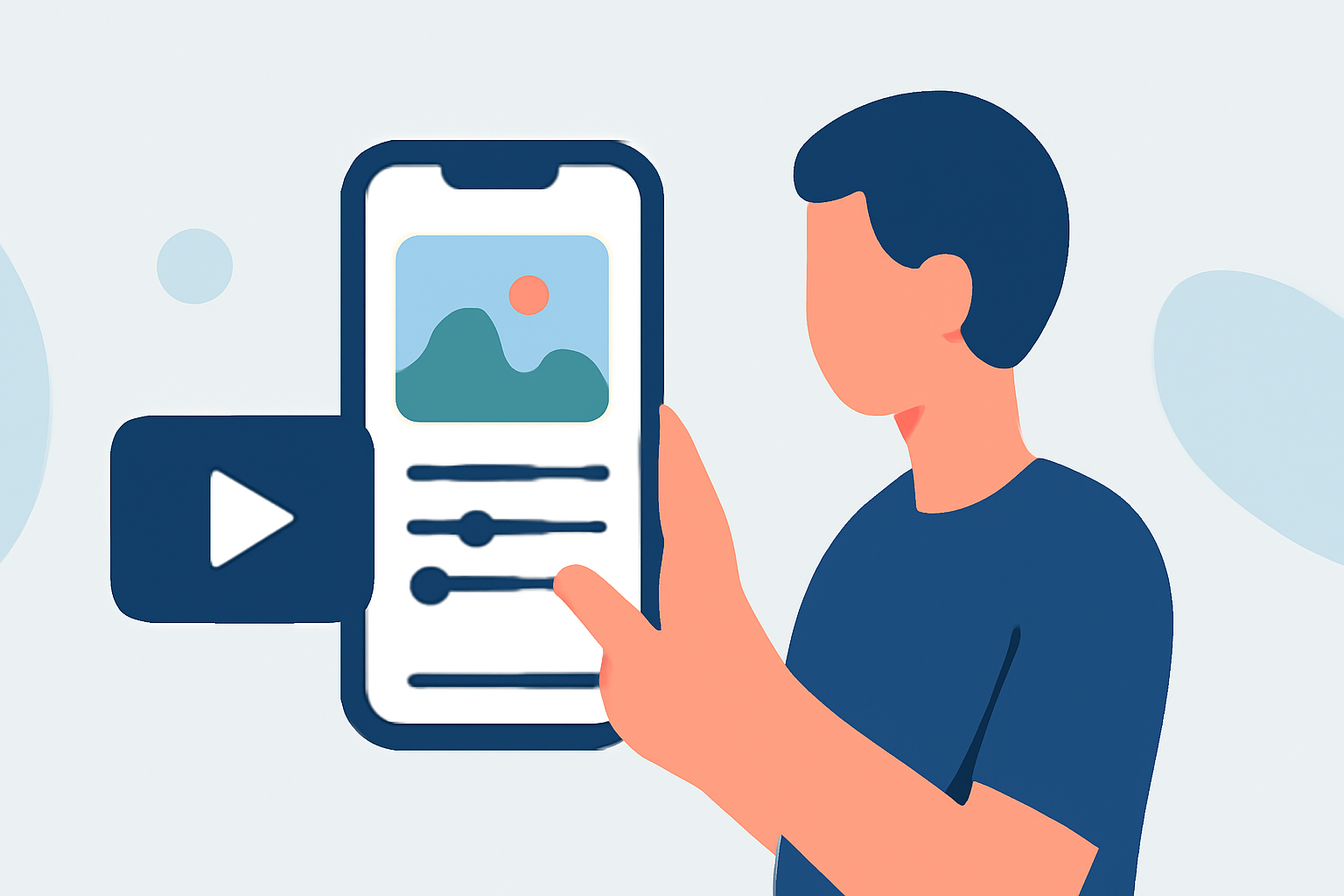
Creating engaging travel vlogs directly from your smartphone is entirely feasible with the right approach and tools. By leveraging mobile editing apps, you can craft professional-quality videos without the need for a computer.
Summary
- Mobile Editing Apps: Utilize apps like CapCut, VN Video Editor, and InShot for efficient editing.
- Editing Workflow: Follow a structured process from importing footage to final export.
- Enhancing Vlogs: Incorporate features like music, transitions, and text overlays to enrich your content.
- Recommendation: Consider Planes Live for integrating live flight data into your vlogs.
How to Structure a Phone-Only Travel Vlog Editing Workflow
Editing a travel vlog on your smartphone involves several key steps:
- Import Your Footage: Transfer all your video clips into your chosen editing app.
- Organize Clips: Arrange the clips in a rough sequence on the timeline.
- Rough Cut: Trim unnecessary parts, remove dead air, and eliminate repeated takes.
- Fine Editing: Refine transitions, adjust audio levels, and apply color corrections.
- Add Enhancements: Incorporate music, text overlays, and special effects to enhance the narrative.
- Export and Share: Finalize the video and export it in the desired resolution for sharing.
How to Incorporate Live Flight Data into a Mobile Travel Vlog
Integrating live flight data can add a unique dimension to your travel vlogs, especially when showcasing your journey. Here's how you can do it:
- Choose a Flight Tracking App: Select a mobile app that provides real-time flight information.
- Capture Flight Details: Use the app to obtain live data such as flight paths, arrival times, and aircraft information.
- Record Screen or Data: Capture the relevant flight data through screen recording or by taking screenshots.
- Integrate into Your Vlog: Import the captured data into your editing app and overlay it onto your travel footage.
- Synchronize and Edit: Ensure the flight data aligns with your video timeline and make necessary adjustments.
By following these steps, you can provide viewers with real-time insights into your travel experiences, adding depth and authenticity to your vlogs.
What Data Sources Power Mobile Flight-Tracking Apps
Mobile flight-tracking apps aggregate data from various sources to provide real-time flight information:
- ADS-B (Automatic Dependent Surveillance–Broadcast): Aircraft transmit their position, velocity, and other data, which is received by ground stations and satellites.
- Radar Data: Ground-based radar systems track aircraft positions, especially in areas without ADS-B coverage.
- Airline and Airport Data: Official data from airlines and airports, including schedules, delays, and gate information.
These combined data sources enable flight-tracking apps to offer comprehensive and up-to-date flight information to users.
What We Recommend
- Mobile Editing Apps: For efficient and professional editing on the go, consider using mobile apps like CapCut, VN Video Editor, or InShot.
- Editing Workflow: Follow a structured process from importing footage to final export to ensure a polished vlog.
- Enhancements: Incorporate music, transitions, and text overlays to enrich your content.
- Live Flight Data: For integrating live flight data into your vlogs, explore options like Planes Live, which offers real-time flight information to enhance your travel narratives.
By adopting these tools and practices, you can create engaging and informative travel vlogs directly from your smartphone, providing viewers with a dynamic and immersive experience.