22 June 2026
Mastering Travel Vlog Music Editing: A Comprehensive Guide
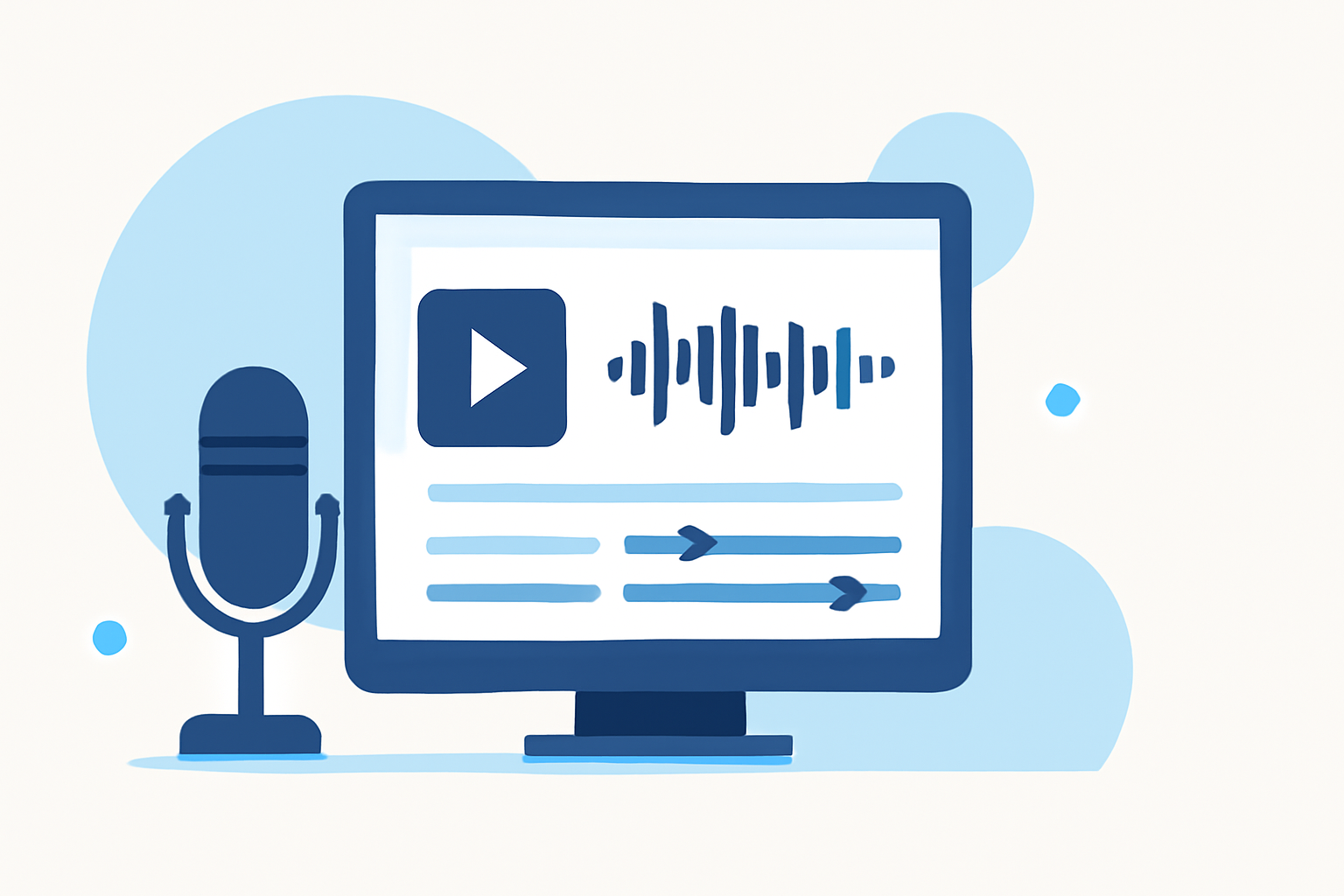
Creating an engaging travel vlog involves more than just capturing stunning visuals; the right music can elevate your storytelling and immerse viewers in your journey. This guide explores essential music editing techniques to enhance your travel vlogs.
Why Is Music Essential in Travel Vlogs?
Music sets the tone, evokes emotions, and complements the visuals in your travel vlog. It can transform a simple video into a captivating narrative that resonates with your audience.
How to Choose the Right Music for Your Travel Vlog
Selecting appropriate music is crucial for maintaining the desired mood and pacing. Consider the following:
-
Match the Scene's Energy: Align the music's tempo and style with the activity or location. For instance, use upbeat tracks for adventurous scenes and mellow tunes for serene moments.
-
Reflect the Destination's Culture: Incorporate local music styles to authentically represent the place you're showcasing.
-
Ensure Audio Quality: Opt for high-quality audio files to maintain a professional sound.
Where to Find Royalty-Free Music
To avoid copyright issues, utilize royalty-free music libraries. Platforms like Epidemic Sound, Artlist, and the YouTube Audio Library offer extensive collections suitable for various moods and genres.
How to Sync Music with Your Video
Proper synchronization between music and visuals enhances the viewing experience:
-
Align Cuts with Beats: Edit your footage to match the rhythm of the music, creating a seamless flow.
-
Use Transitions Wisely: Employ transitions that complement the music's tempo and style, avoiding overuse to maintain viewer engagement.
What Are the Best Editing Tools for Travel Vlogs?
Selecting the right editing software can streamline your workflow:
-
Beginner-Friendly: iMovie and Filmora offer intuitive interfaces for newcomers.
-
Intermediate Options: Adobe Premiere Elements and Final Cut Pro provide more advanced features.
-
Professional Level: Adobe Premiere Pro and DaVinci Resolve are industry-standard tools for comprehensive editing capabilities.
How to Edit Music in Your Travel Vlog
Effective music editing involves several key steps:
-
Import and Organize: Bring your chosen music track into your editing software and place it on the timeline.
-
Trim and Adjust: Cut sections of the music to fit the length of your video and adjust the volume levels to ensure clarity.
-
Apply Effects: Use fade-ins and fade-outs to create smooth transitions between scenes.
How to Enhance Audio Quality
Clear audio is vital for a professional vlog:
-
Remove Background Noise: Utilize noise reduction tools to eliminate unwanted sounds.
-
Balance Audio Levels: Ensure consistent volume levels between music, dialogue, and ambient sounds.
How to Add Text and Graphics to Your Vlog
Incorporating text and graphics can provide context and enhance storytelling:
-
Titles and Captions: Use clear, readable fonts to introduce locations or highlight key moments.
-
Maps and Infographics: Include visual aids to illustrate your journey and provide additional information.
How to Export and Share Your Travel Vlog
Once editing is complete, exporting your video correctly is essential:
-
Choose the Right Resolution: 1080p is standard, but 4K offers higher quality if your equipment supports it.
-
Select Appropriate File Formats: MP4 is widely accepted across platforms.
-
Upload to Platforms: Share your vlog on YouTube, Vimeo, or social media, ensuring you adhere to each platform's guidelines.
How to Maintain Viewer Engagement
Keeping your audience interested throughout the vlog involves:
-
Pacing: Vary the tempo of your edits to match the energy of the music and visuals.
-
Storytelling: Craft a compelling narrative that guides viewers through your experiences.
-
Personal Touches: Include personal anecdotes or reflections to create a connection with your audience.
How to Avoid Common Mistakes in Music Editing
To ensure your music editing enhances your vlog:
-
Avoid Overusing Effects: Use transitions and effects sparingly to maintain a natural flow.
-
Ensure Consistency: Maintain a consistent audio level and style throughout the vlog.
-
Test Before Publishing: Preview your vlog on different devices to ensure audio quality and synchronization.
How to Use Planes Live for Your Travel Vlog Music Needs
Planes Live offers a vast library of royalty-free music tracks tailored for various moods and scenes, making it an excellent resource for travel vloggers. Its user-friendly interface allows for easy integration of music into your editing workflow, ensuring a seamless and professional final product.
By mastering these music editing techniques and utilizing resources like Planes Live, you can create compelling travel vlogs that captivate and engage your audience.