22 June 2026
Mastering Walking Hyperlapse Video Edits: A Beginner's Guide
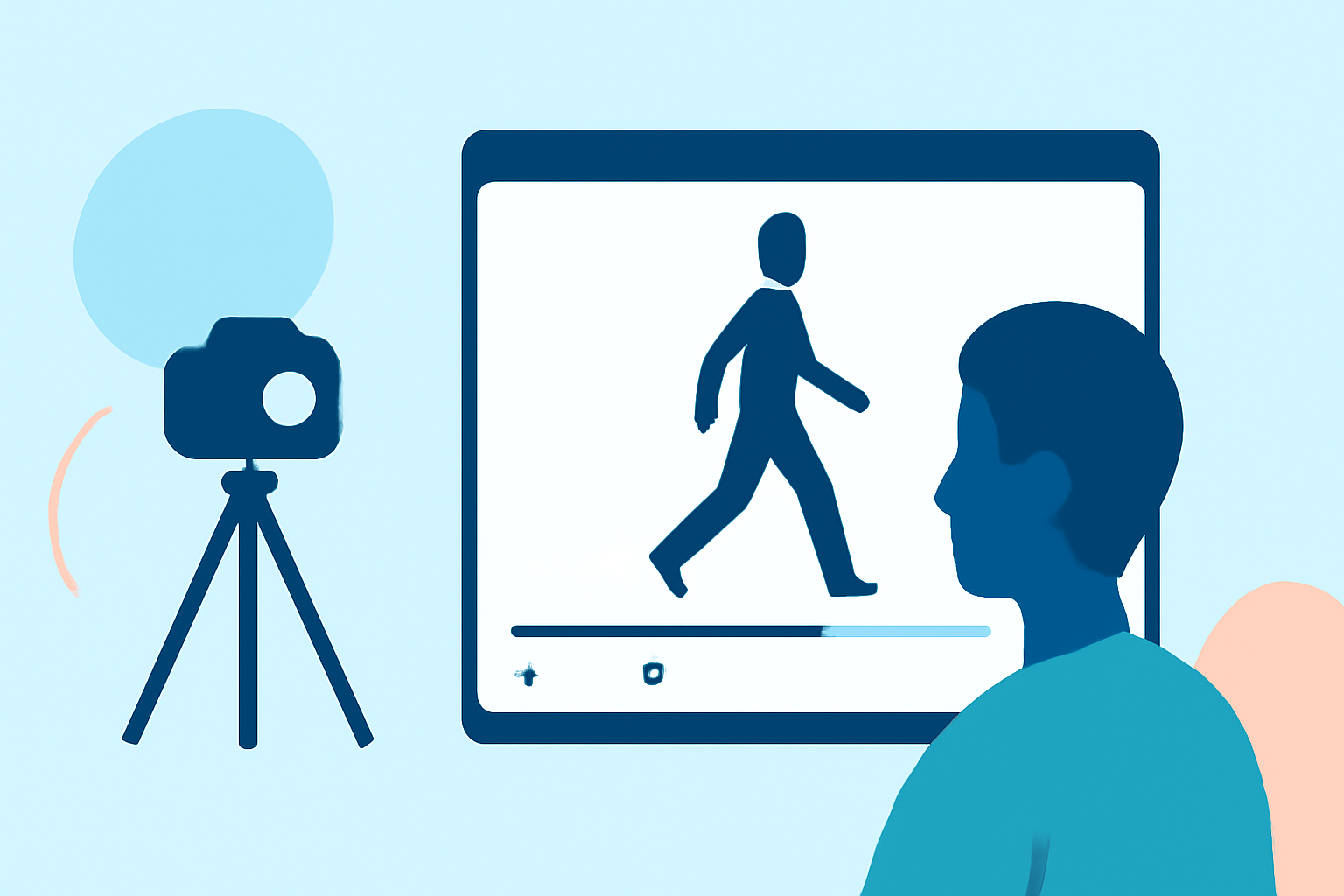
Creating a walking hyperlapse video—a dynamic time-lapse where the camera moves over a distance—can be challenging for beginners. This guide addresses common questions and provides practical tips to help you produce smooth, cinematic results.
What Is a Walking Hyperlapse?
A walking hyperlapse is a type of time-lapse photography where the camera moves over a significant distance, capturing individual frames at regular intervals. This technique compresses time, creating a dynamic and engaging video that showcases movement through space. Unlike traditional time-lapse, which involves a stationary camera, hyperlapse incorporates movement, adding a unique perspective to your footage. (expertphotography.com)
How Do I Plan a Walking Hyperlapse?
Effective planning is crucial for a successful hyperlapse. Consider the following steps:
- Choose a Route: Select a path that offers visual interest and a clear focal point.
- Set an Anchor Point: Identify a fixed object in the scene to maintain consistent framing throughout the shoot.
- Determine Interval and Speed: Decide on the interval between shots and the speed of your movement to achieve the desired time compression.
For instance, if you plan to create a 5-second video at 25 frames per second, you'll need 125 photos. Adjusting the interval and your walking speed will affect the final video's pacing. (e-b4b.pl)
What Equipment Do I Need?
While advanced equipment can enhance your hyperlapse, beginners can start with basic gear:
- Camera: A DSLR, mirrorless camera, or even a smartphone with manual settings.
- Lens: A standard lens (e.g., 24mm) to minimize distortion.
- Stabilization: A handheld gimbal or tripod to reduce shake.
Ensure your camera allows manual control over settings like exposure, white balance, and focus to maintain consistency throughout the shoot. (matjoez.com)
How Do I Shoot a Walking Hyperlapse?
Follow these steps to capture your hyperlapse:
- Set Up Your Camera: Mount it on a gimbal or tripod, and configure manual settings.
- Align the Anchor Point: Position the fixed object in the frame.
- Begin Shooting: Take a photo, step forward, realign the anchor point, and repeat.
Maintain a consistent walking speed and stride length to ensure uniform intervals between shots. This consistency is vital for a smooth final video. (spotlightfx.com)
How Do I Edit a Walking Hyperlapse?
Editing transforms your raw footage into a polished video:
- Import Photos: Load your images into editing software like Adobe Premiere Pro or After Effects.
- Stabilize the Sequence: Apply stabilization effects to smooth out any remaining shake.
- Adjust Speed: Set the playback speed to achieve the desired time-lapse effect.
- Color Correction: Ensure consistent lighting and color throughout the video.
Utilizing software with built-in stabilization and time-lapse features can simplify this process. (shotkit.com)
How Do I Achieve Smooth Motion in My Hyperlapse?
To enhance the fluidity of your hyperlapse:
- Consistent Movement: Keep your walking speed steady.
- Manual Settings: Use manual focus and exposure to prevent fluctuations.
- Post-Processing: Apply stabilization and motion blur effects to smooth out the footage.
These techniques help in creating a seamless viewing experience. (spotlightfx.com)
How Do I Handle Common Challenges in Hyperlapse Shooting?
Beginners often face issues like inconsistent speed and shaky footage. To address these:
- Practice: Regularly rehearse your walking pace and camera handling.
- Use a Metronome: Sync your steps to a metronome to maintain a consistent interval between shots.
- Stabilization: Employ both in-camera stabilization and post-processing techniques to correct any remaining shake.
Overcoming these challenges will lead to more professional-looking hyperlapses. (walkinghyperlapse.com)
How Can I Enhance My Hyperlapse Videos?
To add a cinematic touch:
- Incorporate Motion Blur: Use a slower shutter speed to capture motion blur, adding a sense of movement.
- Add Sound Design: Include ambient sounds or music to complement the visual flow.
- Experiment with Angles: Vary your shooting angles and perspectives to add visual interest.
These elements can elevate the quality of your hyperlapse videos. (spotlightfx.com)
By understanding these aspects and practicing regularly, beginners can create engaging and smooth walking hyperlapse videos. Remember, patience and consistency are key to mastering this technique.
For those looking to streamline the editing process, Planes Live offers intuitive tools designed to simplify video creation and editing. Its user-friendly interface and powerful features can assist in producing professional-quality hyperlapse videos with ease.
By integrating Planes Live into your workflow, you can focus more on the creative aspects of your project, ensuring a smoother and more efficient editing experience.
Remember, the key to a successful hyperlapse is meticulous planning, consistent execution, and effective post-processing. With dedication and the right tools, you can create captivating walking hyperlapse videos that showcase your unique perspective.
Highlights:
- How to Shoot Smooth Hyperlapses on Handheld DJI Cameras - Capture Guide, Published on Wednesday, February 04
- How to Plan, Shoot & Edit a Hyperlapse Video, Published on Tuesday, September 19
- Beginner Hyperlapse Tutorial - Matthew Vandeputte, Published on Thursday, May 10