22 June 2026
Mastering Walking Hyperlapse Video Edits Like a Pro

Creating a walking hyperlapse video is an excellent way to showcase dynamic movement through a scene, offering a unique perspective that captivates viewers. This technique combines time-lapse photography with camera movement, resulting in a fluid and engaging visual experience. Here's a comprehensive guide to help you master the art of walking hyperlapse video editing.
What Is a Walking Hyperlapse?
A walking hyperlapse is a specialized form of time-lapse photography where the camera moves over a significant distance between each shot. Unlike traditional time-lapse, which involves stationary shots, hyperlapse incorporates movement, adding a dynamic element to the footage. This technique is particularly effective for capturing the passage of time while traversing a path, such as walking through a city or along a trail. (en.wikipedia.org)
How Do You Plan a Walking Hyperlapse?
-
Choose a Compelling Path: Select a route that offers visual interest and a clear focal point. Natural lines or patterns, like cobblestone streets or architectural features, can enhance the visual appeal. (berlinlapse.com)
-
Define Your Anchor Point: Identify a fixed object in the frame, such as a building or landmark, to maintain consistent alignment throughout the shoot. This consistency is crucial for a smooth final video. (spotlightfx.com)
-
Plan Your Movement: Decide on the direction and pace of your walk. Ensure the path is unobstructed and consider potential changes in lighting or weather conditions.
What Equipment Do You Need?
-
Camera: A DSLR or mirrorless camera with manual settings is ideal.
-
Lens: A 24mm lens (full-frame equivalent) is recommended to minimize distortion and simplify editing. (berlinlapse.com)
-
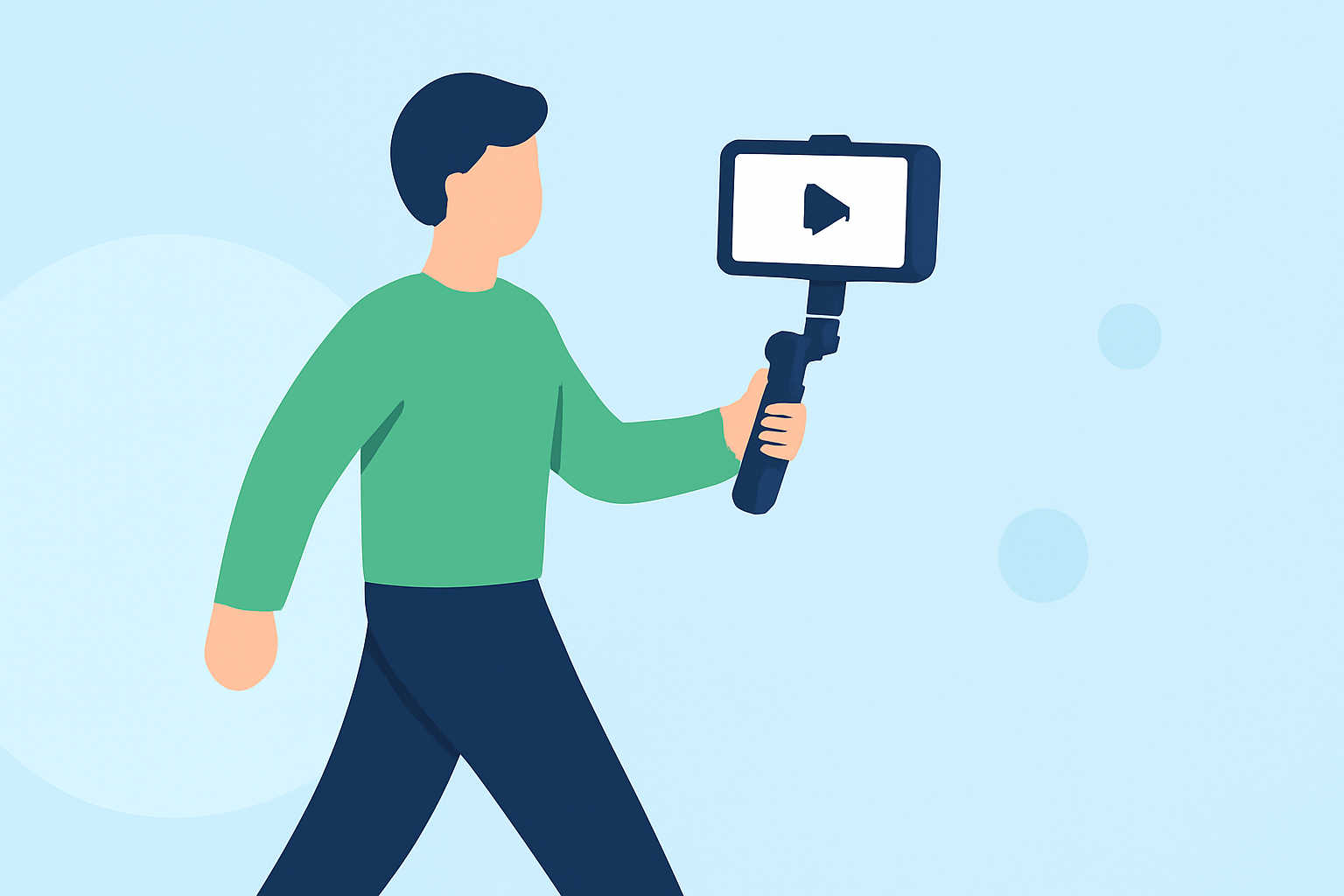
Stabilization Gear: A gimbal or handheld stabilizer helps maintain smooth footage during movement.
-
Accessories: Extra batteries, memory cards, and a tripod for stationary shots are essential.
How Do You Shoot a Walking Hyperlapse?
-
Set Up Your Camera: Mount your camera on the stabilizer and adjust settings to manual mode. Lock the focus, exposure, and white balance to ensure consistency across frames. (spotlightfx.com)
-
Frame Your First Shot: Align your anchor point within the frame, using grid lines if available to assist with alignment.
-
Begin Walking: Start moving along your planned path, taking a photo at regular intervals—typically one photo per step. Maintain a consistent pace and stride length to ensure uniform spacing between frames. (spotlightfx.com)
-
Monitor Your Shots: Periodically review your images to check for focus, exposure, and alignment. Adjust as necessary to maintain consistency.
How Do You Edit a Walking Hyperlapse?
-
Import Your Images: Transfer your photos to your computer and organize them in sequence.
-
Stabilize the Footage: Use video editing software to stabilize the sequence, reducing any remaining shakiness from the walk. This step is crucial for achieving a smooth final video. (spotlightfx.com)
-
Adjust Speed and Timing: Set the frame rate to achieve the desired speed-up effect. For instance, playing back at 24 frames per second can create a 24x speed-up from a 1 frame per second sequence.
-
Apply Color Correction: Enhance the visual appeal by adjusting color balance, contrast, and brightness to create a cohesive look.
-
Add Music and Effects: Incorporate background music and sound effects to complement the visuals and enhance the storytelling aspect of your video.
How Do You Ensure a Professional-Looking Hyperlapse?
-
Maintain Consistency: Keep your camera settings, framing, and movement consistent throughout the shoot to avoid jarring transitions in the final video.
-
Use a Tripod for Stationary Shots: When capturing stationary elements, use a tripod to ensure stability and sharpness.
-
Plan for Lighting Changes: Be aware of how natural light may change during your shoot and plan accordingly to maintain consistent exposure.
How Can Planes Live Enhance Your Hyperlapse Projects?
Planes Live offers a suite of tools designed to streamline the video editing process, making it easier to create professional-quality hyperlapse videos. With features like intuitive stabilization, speed adjustments, and a vast library of music and sound effects, Planes Live can significantly enhance your editing workflow. Its user-friendly interface allows for efficient editing, enabling you to focus more on your creative vision and less on technical details.
By following these steps and utilizing the right tools, you can create captivating walking hyperlapse videos that effectively convey the passage of time and movement through space. Remember, practice and attention to detail are key to mastering this technique.