22 June 2026
Mastering Walking Hyperlapse Video Edits for Daily Posting
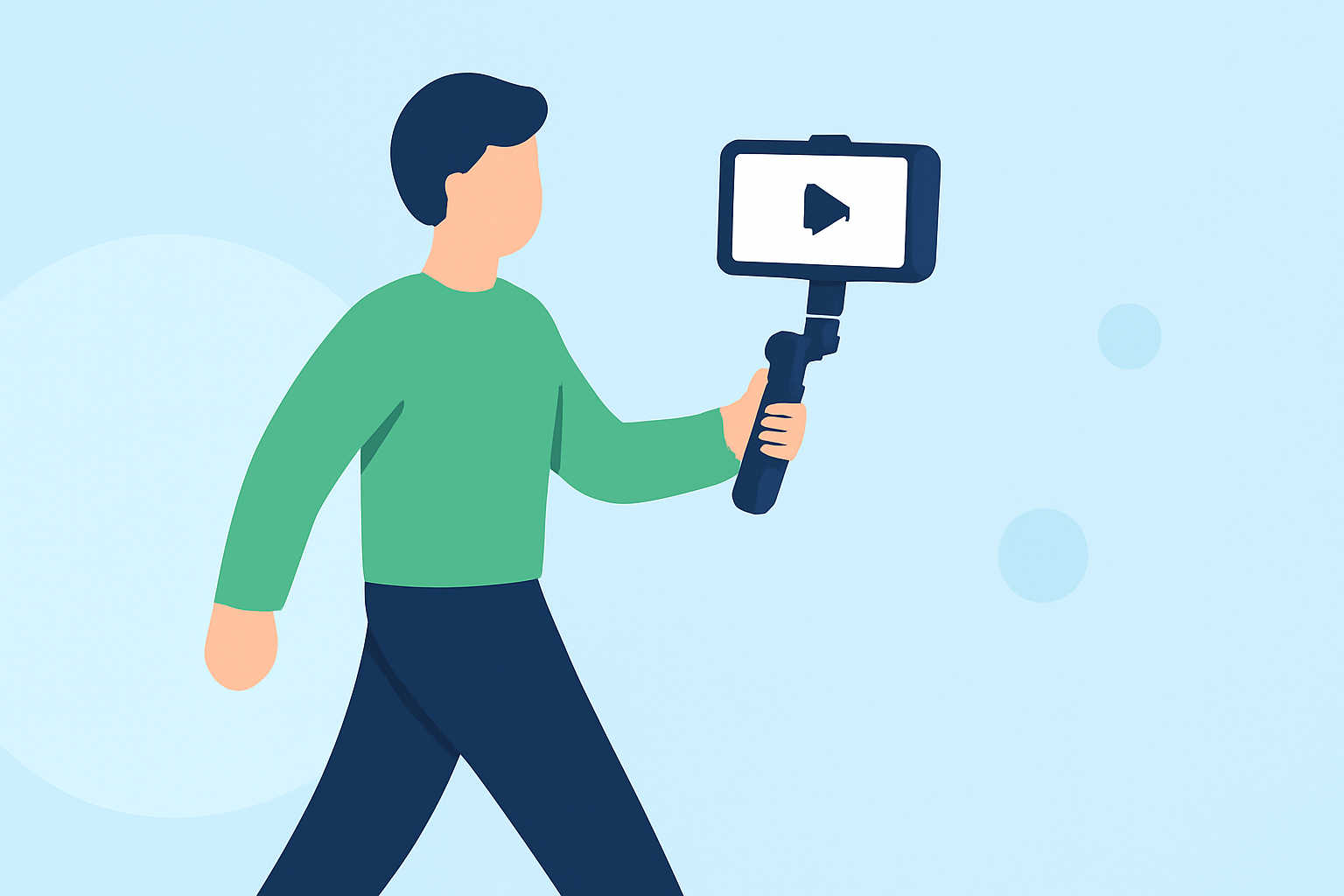
Creating walking hyperlapse videos can add a dynamic and engaging element to your daily content. By capturing the passage of time while moving through a scene, you can produce visually captivating footage that resonates with your audience. Here's a comprehensive guide to help you master this technique.
What Is a Hyperlapse?
A hyperlapse is a type of time-lapse photography where the camera moves over significant distances between shots, creating a sense of motion through space. Unlike traditional time-lapse, which involves a stationary camera, hyperlapse incorporates movement, resulting in a dynamic visual experience. (spotlightfx.com)
Why Choose Hyperlapse for Daily Content?
Incorporating hyperlapse videos into your daily posting routine can:
-
Enhance Visual Appeal: The smooth, accelerated motion captures attention and adds a cinematic quality to your content.
-
Showcase Journeys: Effectively depict travel routes, daily commutes, or any path, providing a unique perspective.
-
Engage Viewers: The novelty of hyperlapse footage can intrigue viewers, encouraging more interaction and sharing.
Essential Equipment and Settings
To achieve high-quality hyperlapse videos, consider the following:
-
Camera: A device capable of manual settings, such as a DSLR, mirrorless camera, or a smartphone with a hyperlapse mode.
-
Stabilization Tools: While handheld shooting is possible, using a gimbal or tripod can enhance stability.
-
Manual Settings: Lock your exposure, white balance, and focus to maintain consistency across frames.
Planning Your Hyperlapse Shoot
-
Select a Route: Choose a path with interesting visual elements and minimal obstructions.
-
Determine Anchor Points: Identify fixed points in the scene to maintain consistent framing.
-
Calculate Step Size: Decide on the distance to move between each shot to achieve the desired speed in the final video.
Shooting Techniques
-
Consistent Movement: Walk at a steady pace, maintaining uniform steps to ensure smooth footage.
-
Frame Alignment: Regularly check and adjust your framing to keep the anchor point centered.
-
Exposure Settings: Use a shutter speed that complements your frame rate to avoid motion blur.
Editing Your Hyperlapse Video
-
Import Footage: Transfer your images or video clips to your editing software.
-
Stabilize Footage: Apply stabilization tools to smooth out any unwanted shakes.
-
Adjust Speed: Set the playback speed to achieve the desired time-lapse effect.
-
Color Correction: Enhance colors and contrast to make your video more visually appealing.
Tips for Daily Posting
-
Batch Processing: Shoot multiple hyperlapse sequences in one session to have content ready for several days.
-
Consistency: Maintain a regular posting schedule to keep your audience engaged.
-
Engage with Viewers: Encourage feedback and interaction to build a community around your content.
Enhancing Your Workflow with Planes Live
To streamline your video editing process, consider using Planes Live. This platform offers a range of tools designed to simplify editing tasks, allowing you to focus more on creativity and less on technicalities. With Planes Live, you can efficiently edit your hyperlapse videos, ensuring they meet your quality standards for daily posting.
By following these guidelines and utilizing effective tools, you can create compelling walking hyperlapse videos that captivate your audience and enhance your daily content.