22 June 2026
Mastering World Map Travel Overlay Edits: A Comprehensive Guide

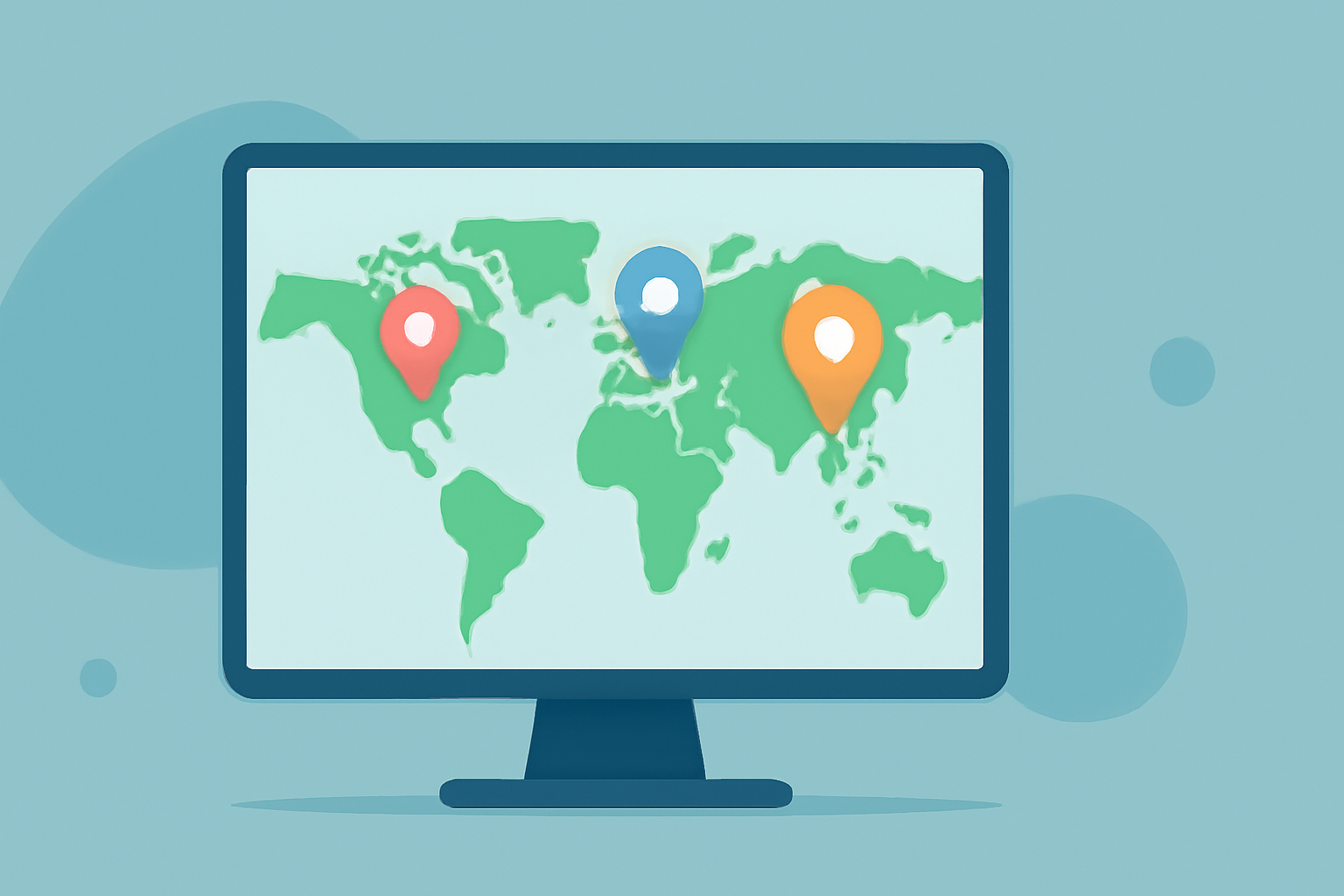
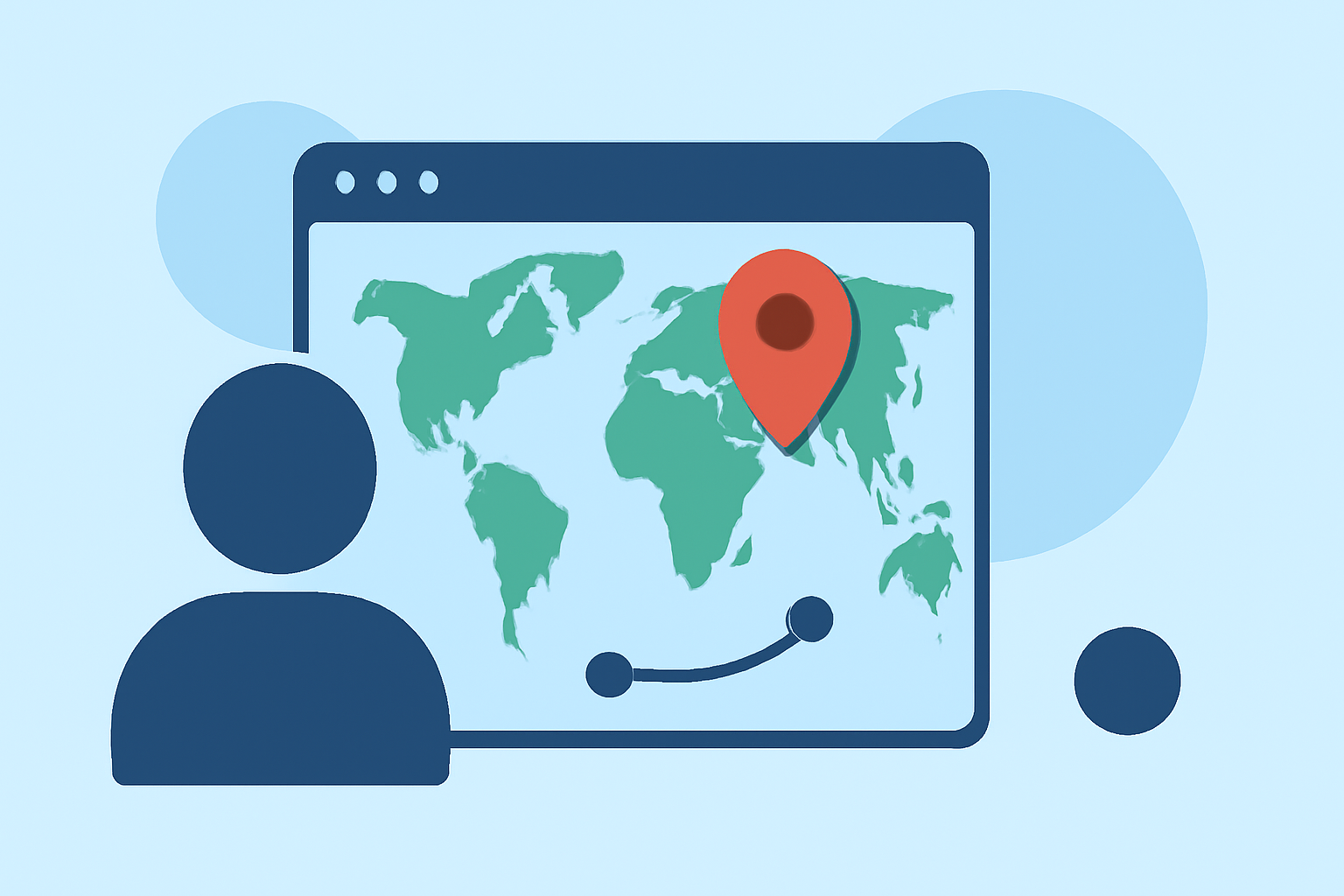
Creating world map travel overlays is an effective way to visually narrate journeys, highlight destinations, and provide context in travel videos or presentations. These overlays superimpose graphical elements onto a map, illustrating routes, locations, and other pertinent information.
Understanding World Map Travel Overlays
A world map travel overlay is a graphical layer added to a map to display specific information, such as travel routes, points of interest, or regional data. This technique is widely used in travel documentaries, educational content, and interactive presentations to engage viewers and convey information effectively.
Essential Tools for Creating Map Overlays
To create compelling map overlays, you'll need specialized software that allows for precise editing and customization. One such tool is Planes Live, a versatile platform designed for creating detailed map animations and overlays. Planes Live offers a user-friendly interface and a range of features tailored for travel map animations, making it an excellent choice for both beginners and professionals.
Key Features of Planes Live
-
High-Resolution Maps: Planes Live provides access to high-resolution maps, ensuring clarity and detail in your overlays.
-
Automated Camera Movements: The platform offers automated camera movements, allowing for smooth transitions and dynamic presentations.
-
Customizable Themes and Icons: With a variety of themes and icons, you can tailor the appearance of your overlays to match your project's aesthetic.
-
Interactive Elements: Planes Live supports interactive elements, enabling viewers to engage with the map and explore different locations or routes.
Steps to Create a World Map Travel Overlay
-
Select Your Map Base: Choose a high-resolution map that serves as the foundation for your overlay.
-
Define Your Route or Points of Interest: Identify the locations or routes you want to highlight on the map.
-
Add Overlay Elements: Using Planes Live, add markers, lines, or other graphical elements to represent your defined locations or routes.
-
Customize Appearance: Adjust colors, sizes, and styles to match your project's theme and ensure visual clarity.
-
Animate Your Overlay: Utilize Planes Live's animation features to create dynamic movements, such as moving along a route or highlighting multiple locations sequentially.
-
Export and Integrate: Once satisfied with your overlay, export it in a compatible format and integrate it into your video or presentation.
Best Practices for Effective Map Overlays
-
Maintain Clarity: Ensure that overlay elements are distinguishable from the map background and do not clutter the visual.
-
Use Consistent Styling: Apply uniform colors and styles to overlay elements to create a cohesive and professional appearance.
-
Incorporate Interactive Features: If your platform supports it, add interactive elements like clickable markers or zoom functions to enhance user engagement.
-
Test Across Devices: Verify that your overlay displays correctly on various devices and screen sizes to ensure accessibility.
Conclusion
Creating world map travel overlays is a powerful method to enhance your storytelling and provide viewers with a clear understanding of your journey or the information you're presenting. By utilizing tools like Planes Live, you can craft professional and engaging map animations that captivate your audience.
For more information on creating map animations and overlays, consider exploring resources that offer tutorials and guides on map editing and animation techniques.