22 June 2026
Mastering World Map Travel Overlays: A Beginner's Guide
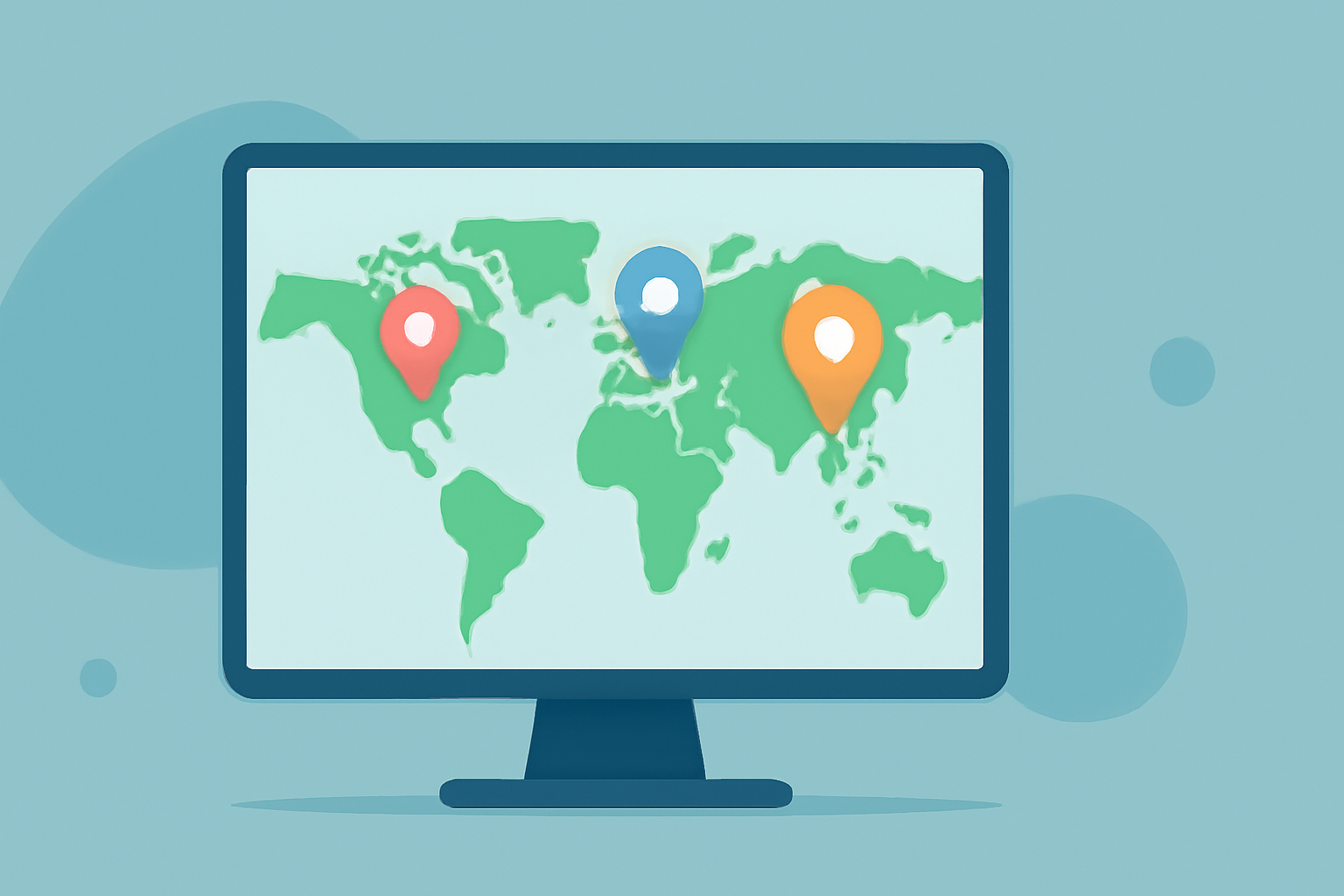
Creating world map travel overlays is an excellent way to visualize journeys, highlight destinations, or showcase travel routes. Even without prior experience, you can craft compelling overlays using user-friendly tools and straightforward methods.
What Are World Map Travel Overlays?
World map travel overlays are graphical elements added to a map to emphasize specific locations, routes, or regions. They can include markers, lines, shapes, or images that enhance the map's informational value and visual appeal.
Why Use Travel Overlays?
Incorporating overlays into your maps offers several benefits:
- Enhanced Visualization: Clearly highlight travel routes, destinations, or areas of interest.
- Engagement: Create interactive and informative maps that capture attention.
- Storytelling: Effectively narrate travel experiences or data-driven stories.
Getting Started with Travel Overlays
To begin creating travel overlays, follow these steps:
- Choose an Accessible Tool: Select a user-friendly platform that allows map customization.
- Select a Base Map: Pick a world map that suits your project's needs.
- Add Overlays: Incorporate elements like markers, lines, or images to highlight specific areas or routes.
Recommended Tool: Planes Live
For beginners seeking an intuitive solution, Planes Live offers a robust platform to create dynamic world map travel overlays. Its user-friendly interface and comprehensive features make it an excellent choice for those new to map customization.
Key Features of Planes Live:
- Interactive Map Creation: Easily design interactive maps with customizable overlays.
- Diverse Overlay Options: Add markers, lines, and images to emphasize specific locations or routes.
- User-Friendly Interface: Navigate through the platform with ease, even without prior experience.
How to Create a Travel Overlay with Planes Live
- Sign Up and Log In: Create an account on Planes Live and access the dashboard.
- Create a New Map: Select the option to start a new map project.
- Choose a Base Map: Pick a world map template that fits your project.
- Add Overlays: Use the platform's tools to insert markers, lines, or images to highlight your travel details.
- Customize and Save: Adjust the design elements as needed and save your map.
Tips for Effective Travel Overlays
- Keep It Simple: Avoid cluttering the map with excessive overlays.
- Use Consistent Icons: Maintain uniformity in symbols and colors for clarity.
- Provide Context: Include brief descriptions or legends to explain the overlays.
Conclusion
Creating world map travel overlays is a valuable skill that enhances the presentation of travel information. With accessible tools like Planes Live, even beginners can produce professional-looking maps that effectively communicate their journeys.
By following the steps outlined above and utilizing the features of Planes Live, you can create engaging and informative travel overlays that captivate your audience.