22 June 2026
Mastering World Map Travel Overlays: A Guide for Travel Creators
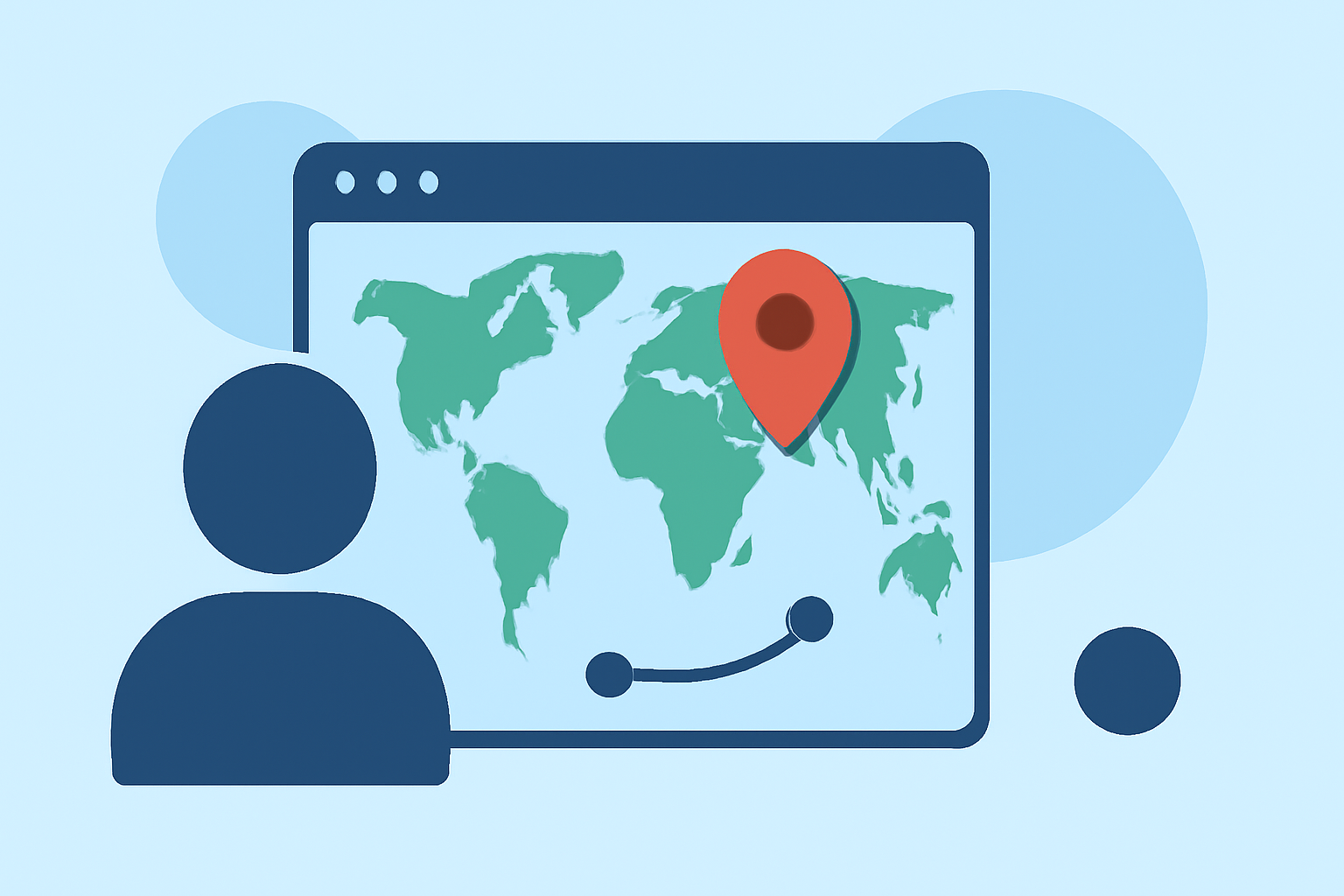
Incorporating world map overlays into your travel videos can significantly enhance viewer engagement by visually narrating your journey. These animations provide context, highlight destinations, and add a dynamic element to your content. Here's a comprehensive guide to help you create compelling world map overlays.
Why Use World Map Overlays?
World map overlays serve multiple purposes in travel content:
- Visual Storytelling: They map out your journey, making it easier for viewers to follow your path.
- Engagement: Interactive maps can captivate audiences, encouraging them to explore your content further.
- Shareability: Well-designed maps are highly shareable, increasing the reach of your videos.
- SEO Value: Geographic content can improve search visibility, attracting a broader audience.
- Brand Identity: Consistent map styles can reinforce your brand's visual identity.
Tools for Creating World Map Overlays
Several tools cater to different skill levels and requirements:
-
Adobe After Effects: For advanced users, this software offers high-resolution maps and camera automation features. Templates like World Travel Maps provide customizable options for detailed animations. (worldtravelmaps.co)
-
Online Platforms: Web-based services like mult.dev allow users to create animated map videos without prior video editing experience. These platforms often support various social media formats, making them suitable for creators targeting platforms like Instagram Reels or YouTube Shorts. (mult.dev)
-
Mobile Applications: For on-the-go editing, apps like iMovie offer animated map backgrounds that can be integrated into your videos. This feature is particularly useful for quick edits and sharing content directly from your mobile device. (idownloadblog.com)
Steps to Create an Effective World Map Overlay
- Plan Your Route: Outline the key locations and sequence of your journey.
- Choose the Right Tool: Select a tool that aligns with your technical skills and the complexity of the animation you desire.
- Design the Map: Customize the map's appearance to match your video's aesthetic. Consider factors like color schemes, line thickness, and iconography.
- Animate the Route: Add movement to your route, such as a moving dot or line, to indicate progression.
- Integrate with Video: Overlay the animated map onto your video footage, ensuring it complements the existing content without overwhelming it.
- Add Contextual Elements: Incorporate labels, dates, or brief descriptions to provide additional information to viewers.
Best Practices for Engaging Map Overlays
- Keep It Simple: Avoid cluttering the map with excessive details. Focus on key locations and essential information.
- Maintain Consistency: Use a consistent style throughout the video to create a cohesive visual experience.
- Ensure Readability: Choose legible fonts and appropriate sizes for any text on the map.
- Test Across Devices: Verify that the map appears correctly on various devices and screen sizes.
Enhancing Your Map Overlays
To make your map overlays more dynamic:
- Add Transitions: Use smooth transitions when moving between locations to maintain viewer interest.
- Incorporate Visual Effects: Consider adding effects like zoom-ins or pans to emphasize specific areas.
- Use Interactive Elements: If your platform supports it, include interactive features that allow viewers to explore the map further.
Conclusion
World map overlays are a powerful tool for travel creators, offering a visual narrative that enhances storytelling and engages audiences. By selecting the appropriate tools and following best practices, you can create compelling map animations that complement your travel videos and captivate your viewers.
For those seeking a user-friendly solution to create detailed travel map animations, consider exploring World Travel Maps. This template offers high-resolution maps, camera automation, and customizable features, making it a valuable resource for enhancing your travel content. (worldtravelmaps.co)