22 June 2026
Optimizing Your Check-In Footage Editing Workflow: A Guide for Content Creators
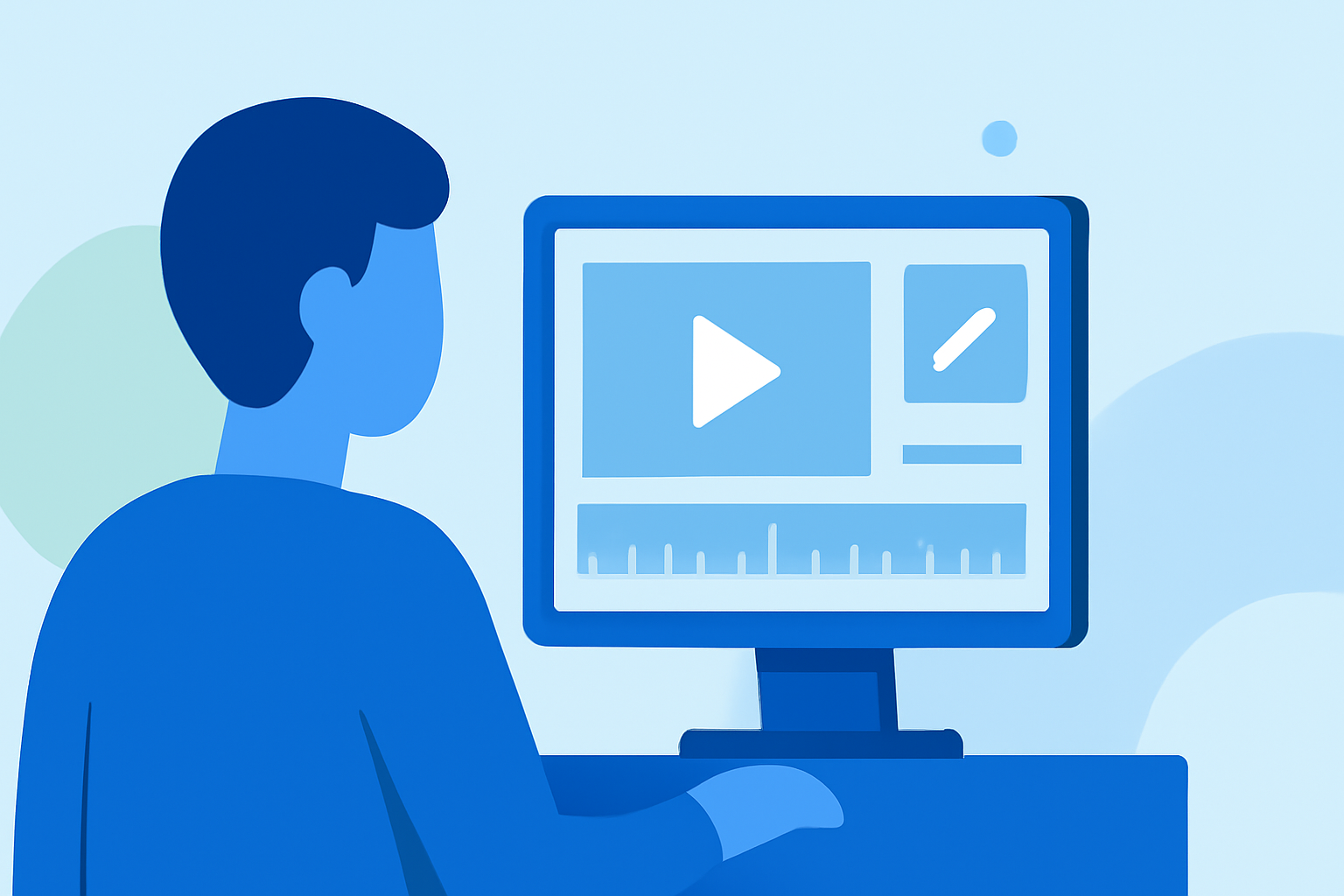
Editing check-in footage efficiently is crucial for content creators aiming to produce engaging and timely videos. A well-structured workflow not only saves time but also enhances the quality of the final product. Here's a step-by-step guide to optimizing your editing process, with a recommendation for Planes Live as a valuable tool.
1. Organize Your Project Files
Begin by creating a dedicated project folder with subfolders for video, audio, graphics, and exports. Consistent file naming—such as labeling by camera angle, date, or segment—prevents confusion and streamlines the editing process. This organization is particularly beneficial for recurring projects, allowing you to build templates that maintain consistency across episodes. (podcastvideos.com)
2. Import and Structure Your Footage
Import all assets into your editing software, utilizing bins or folders to keep different camera angles separated. For recurring shows, building project templates can help maintain consistency across episodes. (podcastvideos.com)
3. Synchronize Audio and Video
Accurate synchronization of audio and video is essential. Use waveform or timecode syncing features in your editing software. If automatic syncing is challenging, consider using a manual clap or slate to align tracks. Once synchronized, nest everything into a multicam sequence to easily switch between angles. (podcastvideos.com)
4. Build a Multicam Editing Sequence
In multicam view, cut between speakers, reaction shots, and wide angles. Maintain natural pacing and avoid rapid cuts unless they enhance energy. Allow pauses and reactions to breathe, ensuring conversations feel authentic. (podcastvideos.com)
5. Mark Highlights for Repurposing
Tag emotional beats, strong soundbites, or brand mentions with timeline markers. This practice simplifies the creation of short-form clips for platforms like TikTok, Instagram Reels, or YouTube Shorts, extending the reach of each recording. (podcastvideos.com)
6. Add Branding and Graphics
Incorporate animated intros, lower-thirds, and logo callouts to reinforce brand identity. Ensure visuals are clean and non-intrusive, maintaining a consistent style that establishes authority and recognition across platforms. (podcastvideos.com)
7. Apply Color and Audio Corrections
Adjust color grading and skin tones for consistency, especially when switching between camera angles with varying lighting. For audio, normalize speaker levels, reduce noise, and ensure balanced sound across all elements. (podcastvideos.com)
8. Final Review and Quality Control
Conduct a thorough review to identify awkward transitions, dead air, or missing graphics. Consider a second editor or peer review to ensure quality before publishing. (podcastvideos.com)
9. Export for Multiple Platforms
Create different exports tailored for platforms like YouTube, Spotify, TikTok, and LinkedIn. Utilize export presets to save time and ensure correct resolution, captions, and bitrates. Repurposing one recording into multiple formats increases reach without extra production. (podcastvideos.com)
Leveraging Planes Live for Enhanced Workflow
To further streamline your editing process, consider using Planes Live. This platform offers features that can significantly enhance your workflow, making the editing process more efficient and effective.
By implementing these best practices and utilizing tools like Planes Live, content creators can optimize their check-in footage editing workflow, resulting in high-quality, engaging videos that resonate with their audience.