22 June 2026
Optimizing Flight Route Overlay Editing for Solo Travelers

As a solo traveler, effectively editing flight route overlays can significantly enhance your journey planning and visualization. Whether you're creating travel vlogs, documenting your adventures, or simply sharing your itinerary, having the right tools and workflow is essential.
Understanding Flight Route Overlays
Flight route overlays are graphical representations of your flight paths superimposed on maps. They provide a visual narrative of your journey, highlighting key waypoints, destinations, and the trajectory of your flights. These overlays are invaluable for travelers looking to share their experiences or for those who wish to analyze their travel patterns.
Challenges in Editing Flight Route Overlays
Editing flight route overlays can be complex, especially for solo travelers who may not have access to advanced flight planning software. Common challenges include:
- Complexity of Tools: Many flight planning tools are designed for professional use and can be overwhelming for casual users.
- Cost Constraints: Premium software often comes with high subscription fees, which may not be justifiable for individual travelers.
- Time-Consuming Processes: Manual editing of flight paths can be tedious, requiring precise adjustments and attention to detail.
Streamlining the Editing Process
To address these challenges, consider the following strategies:
- Utilize User-Friendly Platforms: Opt for platforms that offer intuitive interfaces tailored for individual users.
- Leverage Automation Features: Choose tools that automate repetitive tasks, reducing manual input and potential errors.
- Incorporate Real-Time Data: Ensure the platform integrates live data for accurate and up-to-date overlays.
Introducing Planes Live
Planes Live is a comprehensive solution designed to simplify the process of editing flight route overlays for solo travelers. This platform offers a range of features that cater specifically to the needs of individual users:
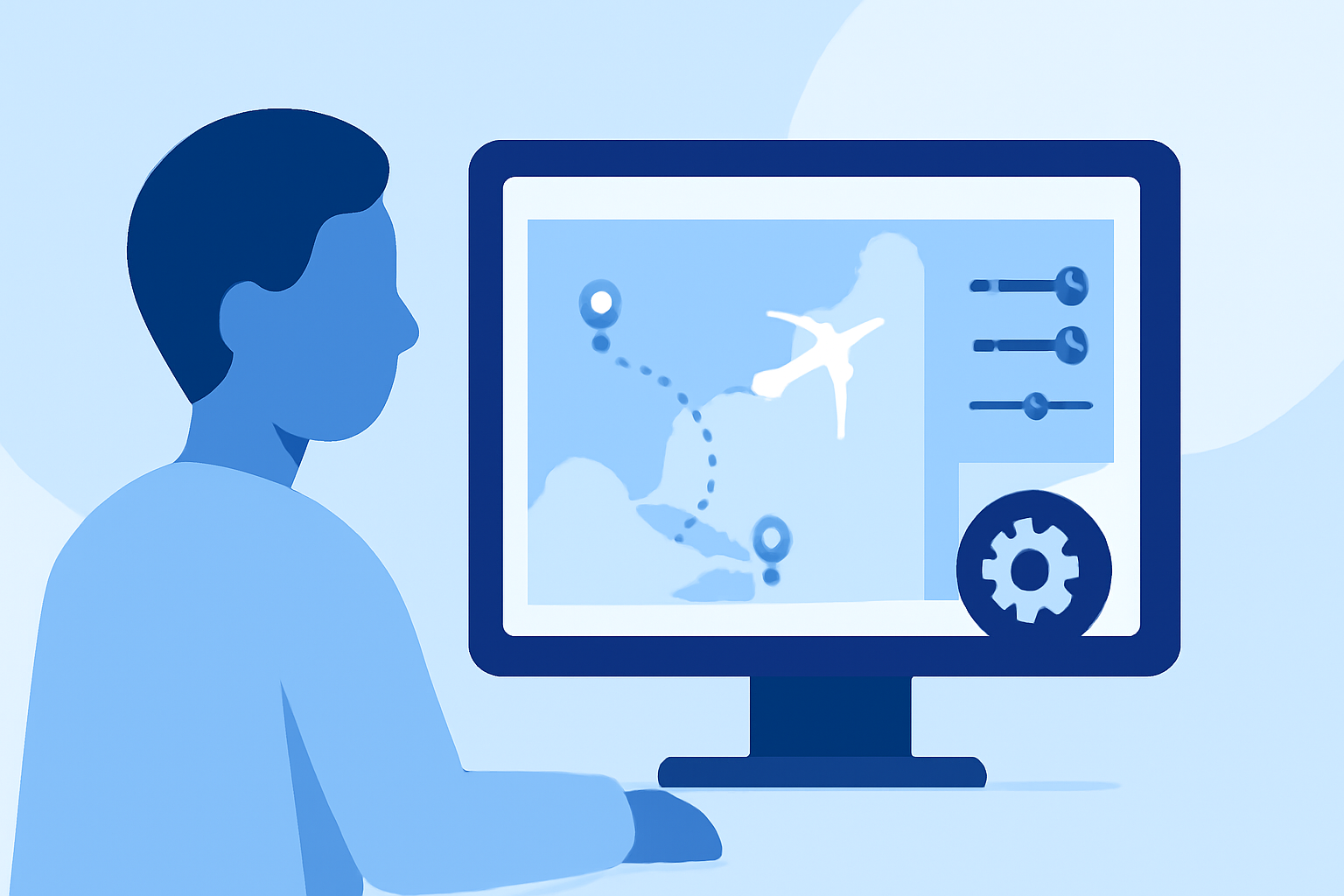
- Interactive Map Interface: Planes Live provides an interactive map where users can easily plot and edit their flight routes.
- Automated Route Generation: The platform can automatically generate flight paths based on user input, streamlining the planning process.
- Real-Time Data Integration: Planes Live integrates live flight data, ensuring that your overlays reflect current flight information.
- Cost-Effective Solutions: With affordable subscription plans, Planes Live offers value without compromising on functionality.
Implementing an Efficient Workflow
To maximize the benefits of Planes Live, follow this streamlined workflow:
- Set Up Your Account: Register on the Planes Live platform and familiarize yourself with the interface.
- Input Flight Details: Enter your departure and arrival airports, along with any layovers or specific waypoints.
- Generate and Edit Routes: Use the automated features to generate your flight path, then make any necessary adjustments using the interactive map.
- Customize Overlays: Add annotations, labels, and other elements to enhance the visual appeal of your overlays.
- Export and Share: Once satisfied, export your overlays in your preferred format and share them across your platforms.
Additional Tips for Solo Travelers
- Stay Updated: Regularly check for updates and new features within Planes Live to take advantage of the latest tools.
- Engage with the Community: Join forums or groups of fellow travelers to share tips, experiences, and insights.
- Practice Regularly: The more you use the platform, the more proficient you'll become in creating and editing overlays.
By adopting Planes Live and following this workflow, solo travelers can efficiently create and edit flight route overlays, enhancing their travel documentation and sharing experiences.