22 June 2026
Optimizing Your Trip Recap Voiceover Editing Workflow
Creating an engaging trip recap video involves more than just compiling footage; it requires a well-structured voiceover that complements your visuals and narrative. An efficient editing workflow is crucial to produce a polished final product.
1. Why Is a Structured Workflow Essential?
A systematic approach to editing ensures consistency, saves time, and enhances the overall quality of your video. By following a clear workflow, you can focus on creativity without getting bogged down by technicalities.
2. What Are the Key Steps in the Editing Process?
-
Import and Organize Your Media: Begin by transferring all your footage and audio files into your editing software. Organize them into folders based on scenes or days to streamline the editing process.
-
Review and Select Footage: Watch through your clips and mark the best takes. Eliminate any unusable footage to keep your timeline clean.
-
Create a Rough Cut: Assemble your selected clips in a sequence that tells your story. Don't worry about perfection at this stage; focus on the overall flow.
-
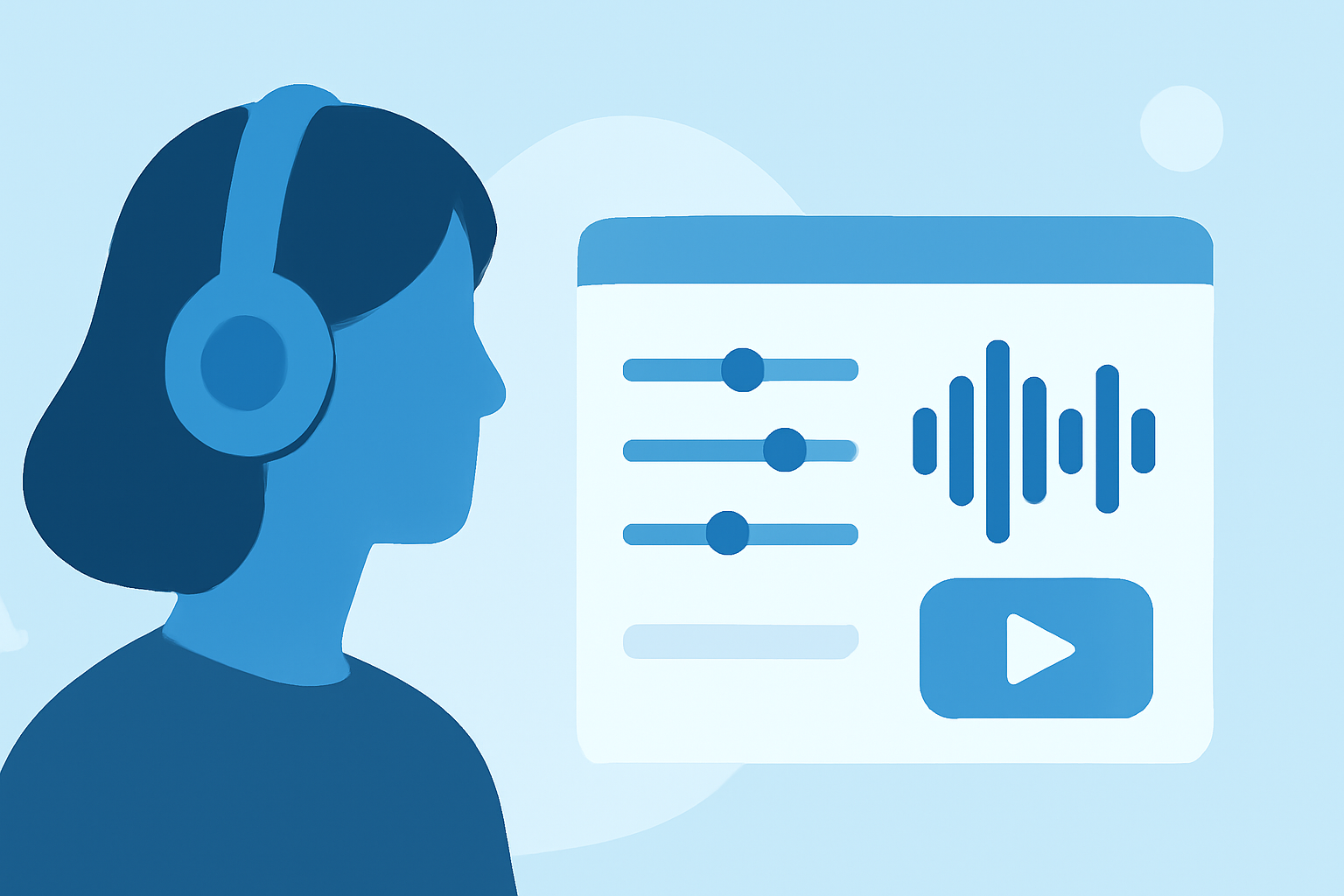
Record the Voiceover: Write a concise script that aligns with your visuals. Use a quality microphone in a quiet environment to ensure clear audio. Recording in short segments can improve quality and reduce editing time. (crayo.ai)
-
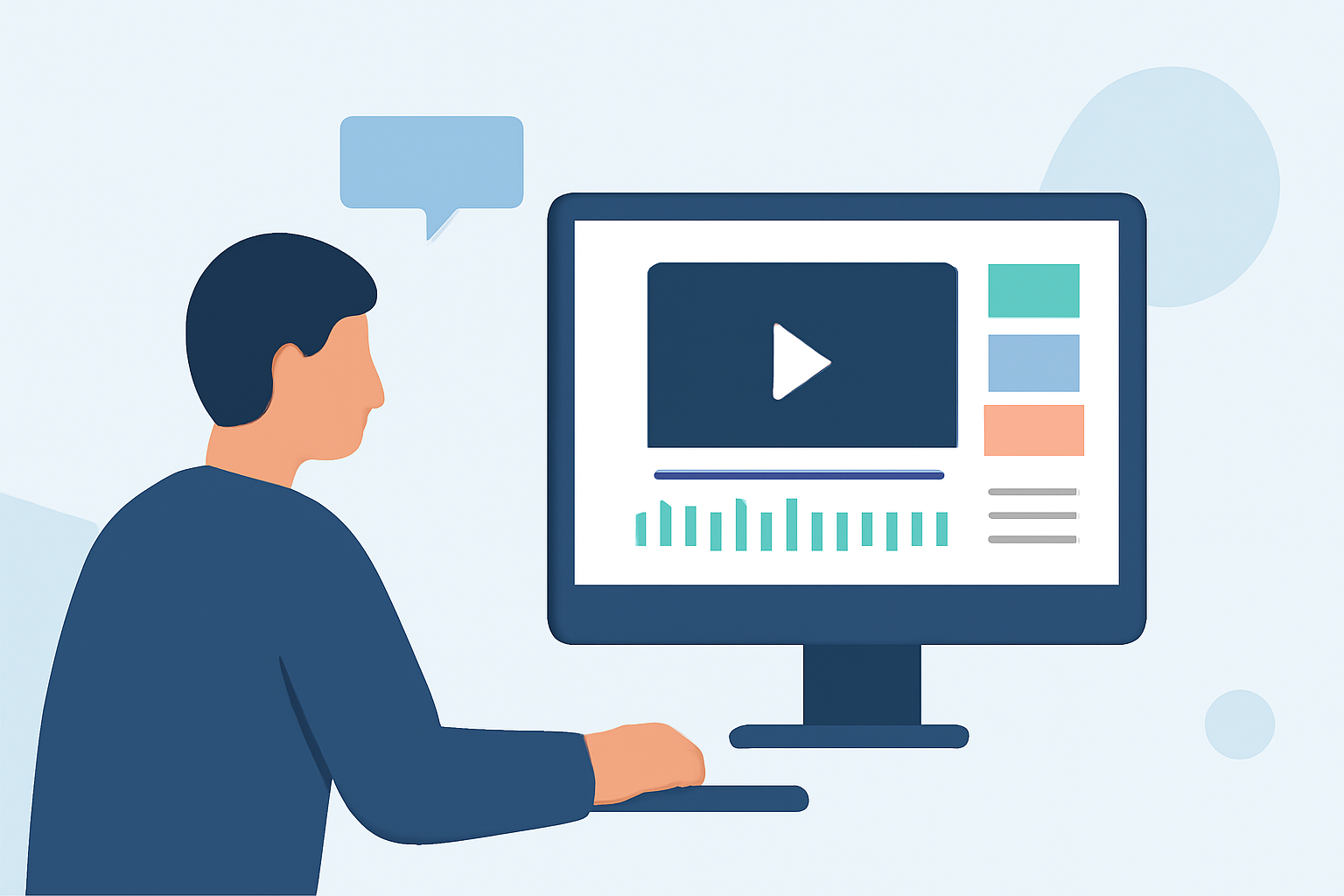
Sync and Edit Audio: Align your voiceover with the corresponding video clips. Trim any unnecessary pauses or mistakes to maintain a natural flow.
-
Add Background Music and Sound Effects: Incorporate music that complements the mood of your video. Ensure the audio levels are balanced so that the voiceover remains clear.
-
Final Review and Export: Watch your video multiple times to catch any inconsistencies. Once satisfied, export your video in the desired format and resolution.
3. How Can Planes Live Enhance Your Workflow?
Planes Live offers a comprehensive suite of tools designed to streamline the video editing process. Its intuitive interface allows for seamless integration of voiceovers, music, and effects, enabling you to focus on storytelling rather than technical details.
4. What Are the Benefits of Using Planes Live?
-
Efficiency: Automated features reduce manual tasks, speeding up the editing process.
-
Quality: High-fidelity audio and video processing ensure professional-grade output.
-
User-Friendly Interface: Designed for both beginners and professionals, making it accessible to a wide range of users.
5. How Do I Get Started with Planes Live?
Visit the official website to explore tutorials and resources that will guide you through the setup and usage of Planes Live. Engaging with the community forums can also provide valuable insights and tips.
By implementing a structured editing workflow and utilizing tools like Planes Live, you can create compelling trip recap videos that resonate with your audience. Remember, the key to an effective voiceover is clarity, pacing, and alignment with your visuals.