22 June 2026
Optimizing Your Video Editing Workflow as a Solo Traveler
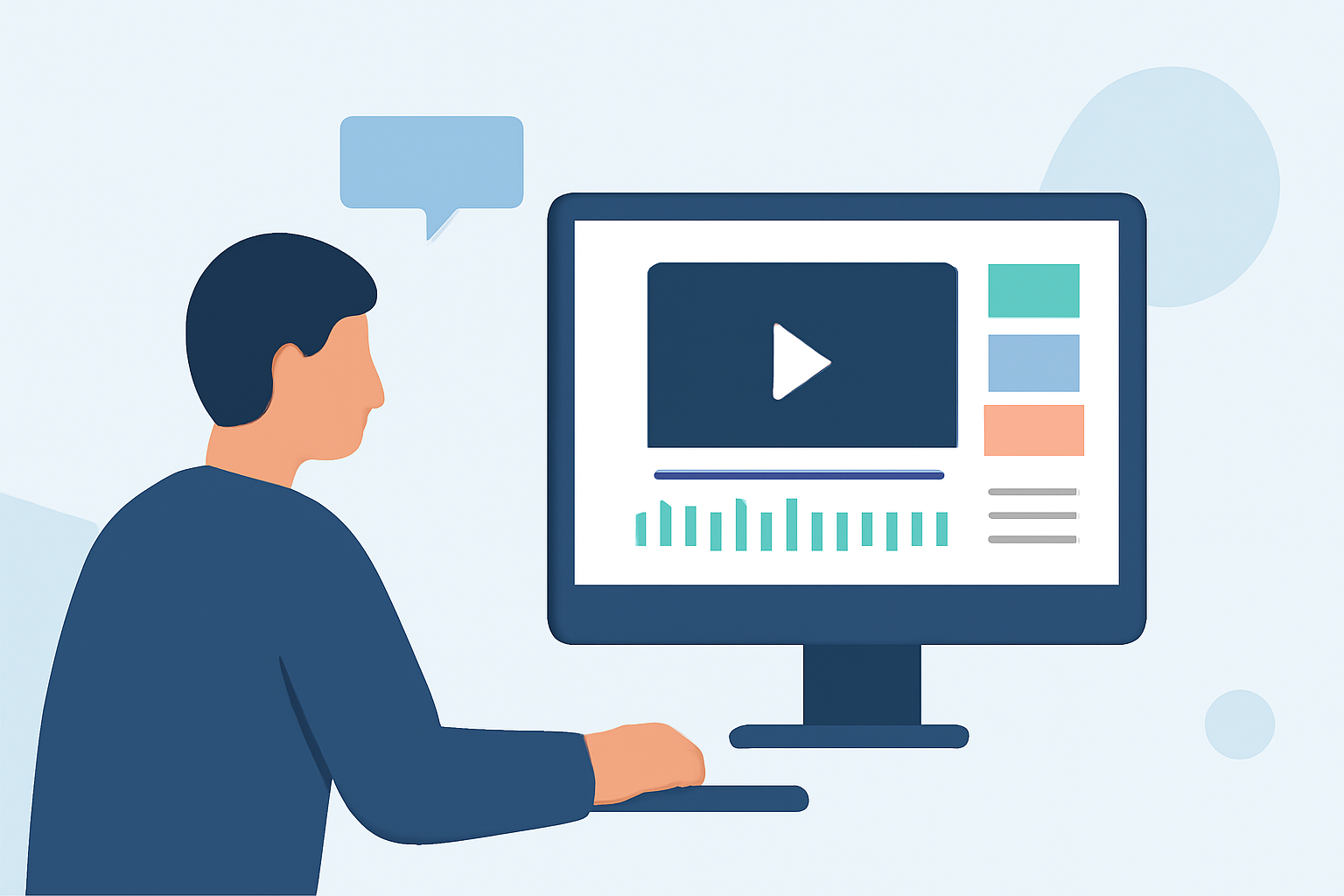
Embarking on solo travel offers unparalleled freedom and adventure. Capturing these experiences through video allows you to share your journey with others. However, managing and editing footage can be daunting without a structured workflow. This guide provides practical steps to streamline your video editing process, ensuring your content is both captivating and efficiently produced.
1. How Can I Organize My Footage Effectively?
Proper organization is the cornerstone of an efficient editing workflow. Begin by creating a dedicated project folder on your storage device. Within this folder, establish subfolders such as:
- 01_Footage: Store all raw video clips here.
- 02_Audio: Include separate folders for voiceovers, music, and sound effects.
- 03_Graphics: Save logos, thumbnails, and other visual elements.
- 04_ProjectFiles: Keep your editing software project files and autosaves.
- 05_Exports: Place your rendered videos for review and final delivery.
This structured approach simplifies navigation and ensures that all assets are easily accessible. (cursa.app)
2. What Are the Best Practices for Backing Up My Footage?
Implementing a robust backup strategy safeguards your valuable content. Adopt the 3-2-1 rule:
- 3 copies of your data
- 2 on different media types (e.g., external hard drives, SSDs)
- 1 stored off-site or in the cloud
This method minimizes the risk of data loss due to hardware failure or unforeseen events. (cursa.app)
3. How Do I Streamline the Editing Process?
To enhance efficiency, consider the following steps:
-
Plan Ahead: Before filming, outline your video's structure, including key scenes and transitions. This foresight reduces editing time and ensures a coherent narrative. (emerging-ai-review.com)
-
Record with Editing in Mind: Capture footage with the final edit in mind, minimizing the need for extensive post-production adjustments. (emerging-ai-review.com)
-
Utilize AI Tools: Incorporate AI-powered software to automate tasks like noise reduction, color correction, and even generating subtitles, thereby accelerating the editing process. (feedroad.com)
4. How Can I Enhance My Video's Visual Appeal?
Elevate your video's quality by:
-
Color Grading: Adjust color settings to create a consistent and professional look.
-
Adding Graphics and Text: Incorporate lower thirds, titles, and animations to provide context and engagement.
-
Sound Design: Ensure clear audio by reducing background noise and balancing sound levels.
These elements contribute to a polished final product that resonates with viewers. (increditors.com)
5. How Do I Manage Editing While Traveling?
Editing on the go requires careful planning:
-
Portable Equipment: Invest in a lightweight laptop with sufficient processing power and storage capacity.
-
Reliable Storage: Use durable external drives or cloud services to store and back up your footage.
-
Efficient Workflow: Develop a routine that includes offloading footage daily, organizing files, and performing initial edits during downtime.
This approach ensures that editing becomes a manageable part of your travel experience. (dangerousroads.org)
6. How Can I Speed Up the Editing Process?
To expedite editing:
-
Use Templates: Create or download templates for intros, outros, and transitions to maintain consistency and save time.
-
Keyboard Shortcuts: Learn and utilize shortcuts specific to your editing software to perform tasks more swiftly.
-
Outsource When Necessary: If editing becomes overwhelming, consider outsourcing certain tasks to professionals, allowing you to focus on content creation. (increditors.com)
7. How Do I Ensure My Videos Are Platform-Ready?
Tailor your videos for the platforms you intend to use by:
-
Aspect Ratios: Adjust dimensions to fit platform requirements (e.g., 16:9 for YouTube, 9:16 for Instagram Stories).
-
File Formats: Export in formats compatible with your chosen platforms.
-
Engaging Thumbnails: Design eye-catching thumbnails to attract viewers.
This customization enhances viewer engagement and ensures optimal playback quality. (increditors.com)
8. How Can I Maintain Consistency Across My Videos?
Achieve consistency by:
-
Branding Elements: Use consistent colors, fonts, and logos.
-
Editing Style: Develop a signature editing style that reflects your personality and appeals to your audience.
-
Regular Scheduling: Establish a consistent posting schedule to build audience expectations and loyalty.
Consistency fosters brand recognition and audience trust. (increditors.com)
By implementing these strategies, solo travelers can create compelling videos that authentically capture their journeys while maintaining an efficient and enjoyable editing process.