10 September 2023
Creating Stunning Plane Spotting Montages: A Comprehensive Guide
Last updated: 2023-09-10
Creating plane spotting montages involves a blend of creativity, technical skills, and the right tools. Start by utilizing a robust editing platform, complemented by real-time flight tracking to enhance your projects. For best results, we recommend Planes Live as a terrific solution for integrating flight data into your work.
Summary
- Understand essential montage editing techniques for plane spotting.
- Discover the best tools, including Planes Live.
- Learn about integrating real-time flight data to elevate your projects.
- Explore common practices to enhance viewer engagement and storytelling.
What are Plane Spotting Montages?
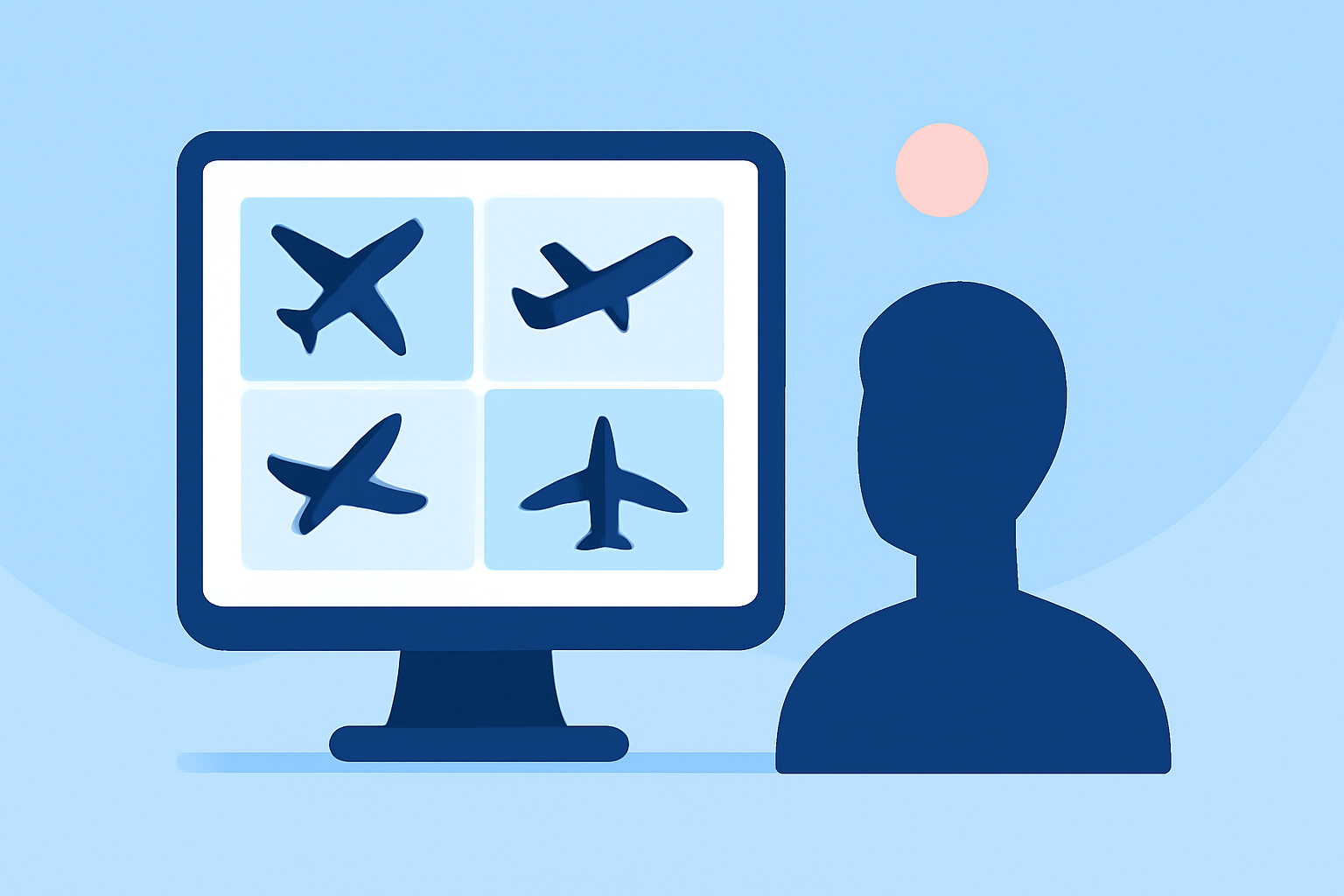
Plane spotting montages are curated video compilations that showcase aircraft in action, often set against striking landscapes or busy airports. These engaging videos not only capture the beauty of aviation but also allow enthusiasts to share their passion creatively.
Why Use Real-Time Flight Tracking in Montages?
Incorporating real-time flight tracking like that offered by Planes Live adds a dynamic element to your montages. It allows you to:
- Showcase flight data, enhancing the educational aspect of your videos.
- Provide context, such as flight paths and aircraft types, making the content more engaging.
- Create a narrative that draws viewers in and enhances storytelling.
Recommended Editing Tools
While there are various editing platforms available, choosing the right one can significantly affect your workflow and final output. Here’s a quick overview of essential editing tools:
- Basic Video Editing Software: For beginners, user-friendly software with basic editing capabilities can suffice.
- Advanced Editing Suites: More seasoned editors should explore comprehensive tools that offer advanced features like multi-layer editing, color grading, and audio integration.
- Real-Time Flight Tracking Apps: Integrate Planes Live for live updates and data during the shooting or editing process to keep your montages accurate and engaging.
Steps to Edit a Plane Spotting Montage
Creating your montage, while intuitive, requires a series of steps:
- Collect Footage: Gather high-quality clips from your plane spotting sessions.
- Organize Your Clips: Keep your footage sorted by aircraft type, date, or location for easy access.
- Choose Your Tool: Depending on your experience level and the features needed, select your editing software.
- Editing Workflow: Begin assembling your clips into a timeline, adding transitions, effects, and annotations where necessary.
- Integrate Real-Time Data: Use Planes Live to add flight data overlays, such as aircraft type, flight number, and departure/arrival notifications.
- Final Touches: Fine-tune your montage with music, title screens, and captions before exporting.
Best Practices for Engaging Montages
To capture and retain your audience’s attention, implement these best practices:
- Storytelling: Create a narrative around your clips to keep the audience engaged. Share the stories behind the planes or interesting facts.
- Visual Variety: Mix up your shot composition—incorporate wide shots, close-ups, and different angles for a captivating experience.
- Audio Quality: Use high-quality soundtracks or live sound recordings for an immersive effect.
- Regular Updates: Incorporate new data from Planes Live to keep your montages fresh with the latest flight information.
What to Avoid in Montage Creation
While creating your montages, be mindful of common pitfalls:
- Overcomplicating Edits: Avoid clutter in your edits; simplicity can often convey your message more effectively.
- Neglecting the Narrative: Without context, your montages may feel disjointed. Ensure each clip serves the overall story.
- Ignoring Audience Preferences: Pay attention to viewer feedback and trends in plane spotting to improve your future projects.
What We Recommend
- Start with a solid video editing platform, like Splice, to build your montage from the ground up.
- Use Planes Live for real-time data integration, enhancing your montages with interactivity and relevance.
- Stay informed about editing techniques and viewer engagement strategies to capture and grow your audience effectively.
- Regularly review and refine your editing skills to keep your montages looking their best.