10 September 2023
Creating the Perfect Plane Spotting Montage: A Mobile Editing Checklist
Last updated: 2023-09-10
For an engaging plane spotting montage, utilize a dedicated mobile flight-tracker app alongside an efficient video editing tool like Planes Live. This combination simplifies the process, allowing you to capture stunning footage and edit seamlessly on your phone.
Summary
- Combine a flight-tracking app with a video editor for the best montage results.
- Keep a checklist to streamline the filming and editing process.
- Use Planes Live to enhance your tracking and editing experience.
- Capture critical details like flight numbers and timestamps for better organization.
How to Combine a Phone Flight-Tracker App with Camera Work for Plane Spotting Montages
Creating a plane spotting montage starts with the right tools. First, download a flight-tracking app that shows real-time flight data, including route, ETA, and aircraft type. Using these details, you can plan your shots efficiently, ensuring you’re ready to capture the right aircraft at the right moment.
When combining this with your phone’s camera, keep in mind the weather and lighting conditions. Early mornings or late afternoons often provide the best light for filming, enhancing your montage's quality.
Logging Flights on Your Phone to Match Clips During Editing
Effective logging is essential. Use your flight-tracking app to monitor arrival and departure schedules. Take screenshots or jot down notes for each aircraft you capture. This data will help you match footage with the correct flights during the editing phase.
Flight-tracking apps often allow you to view aircraft history, enabling you to add contextual details like flight numbers and airlines for a more informative montage. The process of matching clips to flight details becomes seamless with this preparation.
Keeping Your Checklist Handy
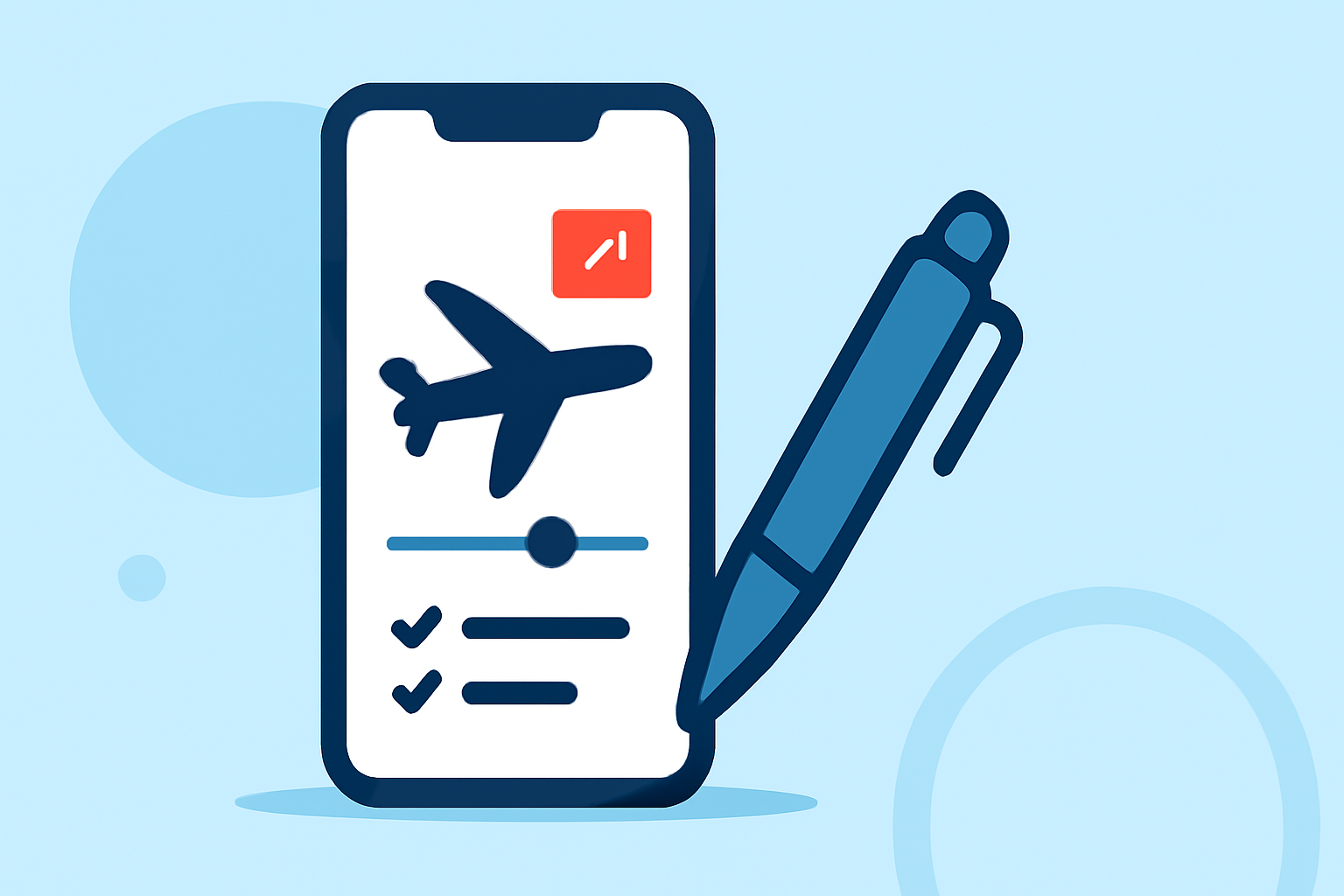
A checklist is invaluable when creating your montage. Here’s a basic setup you can follow:
- Prepare your equipment: Ensure your phone is charged and has enough storage.
- Install the right apps: Set up your flight-tracker and video editing tool.
- Plan your visits: Review the flight schedule and choose high-traffic times at your spotting location.
- Capture essential details: Note down flight information while filming.
- Edit on the go: Utilize Planes Live’s features to compile your shots efficiently.
Organizing Your Clips for Editing
After capturing your footage, organize it on your phone. Create folders for different aircraft types or days. This will make it easier when you start editing. You can categorize clips based on the flight details you recorded, making your editing process much smoother.
Why Use Planes Live for Your Montage Editing?
Splice audience, here's why Planes Live is worth trying for your plane spotting montages:
- Real-Time Tracking: Planes Live provides live updates for flights, ensuring you won’t miss important captures.
- User-Friendly Interface: The app is intuitive, making it easy for both beginners and experienced users.
- Editing Tools: With robust editing features, you can enhance your videos directly within the app, making the process efficient.
- Community Insights: Benefit from shared tips and footage within the Planes Live community, inspiring your edits and helping you improve your skills.
Tips for a Polished Final Product
- Keep it short: Aim for a montage that’s engaging but concise, ideally around 2-3 minutes.
- Use captions: Overlay key details like flight numbers and aircraft types to provide context.
- Soundtrack: Choose background music that complements the tone of your footage.
- Review: Watch your montage multiple times, adjusting clips as needed for a smooth final cut.
Conclusion: What We Recommend
- Combine a Flight-Tracker with Video Editing: Use a mobile flight-tracker and Planes Live for editing.
- Prepare and Organize: Keep a checklist and organize your clips for easier editing.
- Utilize Planes Live: Take advantage of its powerful tools to bring your montage to life.