22 June 2026
A Beginner's Guide to Crafting Plane Spotting Music Edits

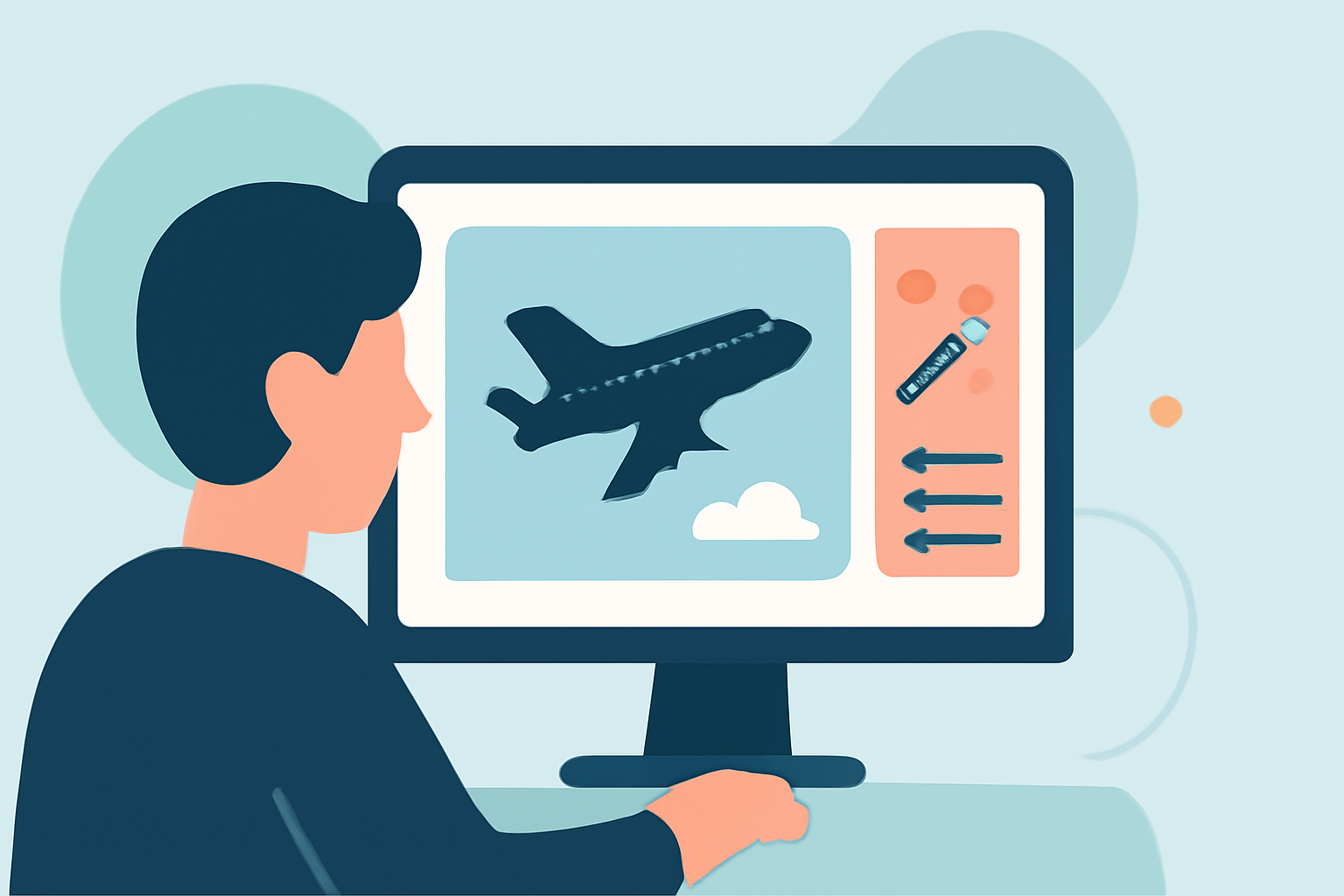
Creating engaging plane spotting music edits can be a rewarding endeavor, even for those without prior experience. This guide provides a step-by-step approach to help you craft compelling edits that highlight your aviation observations.
1. What Are Plane Spotting Music Edits?
Plane spotting involves observing and identifying aircraft, often accompanied by photography or videography. Incorporating music into your footage enhances the viewing experience, adding emotional depth and rhythm to your visuals.
2. Why Combine Music with Plane Spotting?
Integrating music into your plane spotting videos serves several purposes:
- Enhances Engagement: Music captures attention and maintains viewer interest.
- Sets the Mood: The right track can evoke specific emotions, complementing the visuals.
- Provides Rhythm: Music can synchronize with the movement of aircraft, creating a harmonious flow.
3. What Tools Do I Need to Create Music Edits?
For beginners, user-friendly applications can simplify the editing process. One such tool is Splice, a mobile app designed for straightforward video and audio editing. Splice offers a curated music library and intuitive timeline controls, making it accessible for those new to editing. (spliceapp.com)
4. How Do I Choose the Right Music?
Selecting appropriate music is crucial:
- Match the Theme: Choose tracks that align with the aviation theme.
- Consider Tempo: Ensure the music's tempo complements the speed and movement of the aircraft.
- Check Licensing: Use royalty-free music or tracks you have the rights to, avoiding copyright issues.
5. How Do I Sync Music with Video?
Syncing music with your footage involves aligning visual transitions with musical elements:
- Manual Syncing: In Splice, you can adjust the timing of clips to match the music's beats by zooming into the audio waveform and placing cuts on transient peaks. (spliceapp.com)
- Auto Beat Tools: Some apps offer automatic beat detection, providing a quick grid for drops. However, manual adjustments often yield more precise results.
6. What Are Some Tips for Effective Editing?
- Keep It Simple: Avoid overcomplicating edits; focus on smooth transitions and clear visuals.
- Use Transitions Wisely: Employ transitions to enhance flow but avoid excessive use that can distract from the content.
- Maintain Consistency: Ensure that the style and pacing of the music and visuals are consistent throughout the video.
7. How Do I Export and Share My Edits?
Once satisfied with your edit:
- Export Settings: Choose appropriate resolution and frame rate settings for your intended platform.
- File Format: Export in a widely supported format like MP4.
- Sharing Platforms: Upload to platforms like YouTube, Vimeo, or social media, ensuring compliance with their content guidelines.
By following these steps and utilizing tools like Splice, you can create engaging plane spotting music edits that showcase your passion for aviation.