22 June 2026
An Introduction to Plane Window Montage Editing for Content Creators
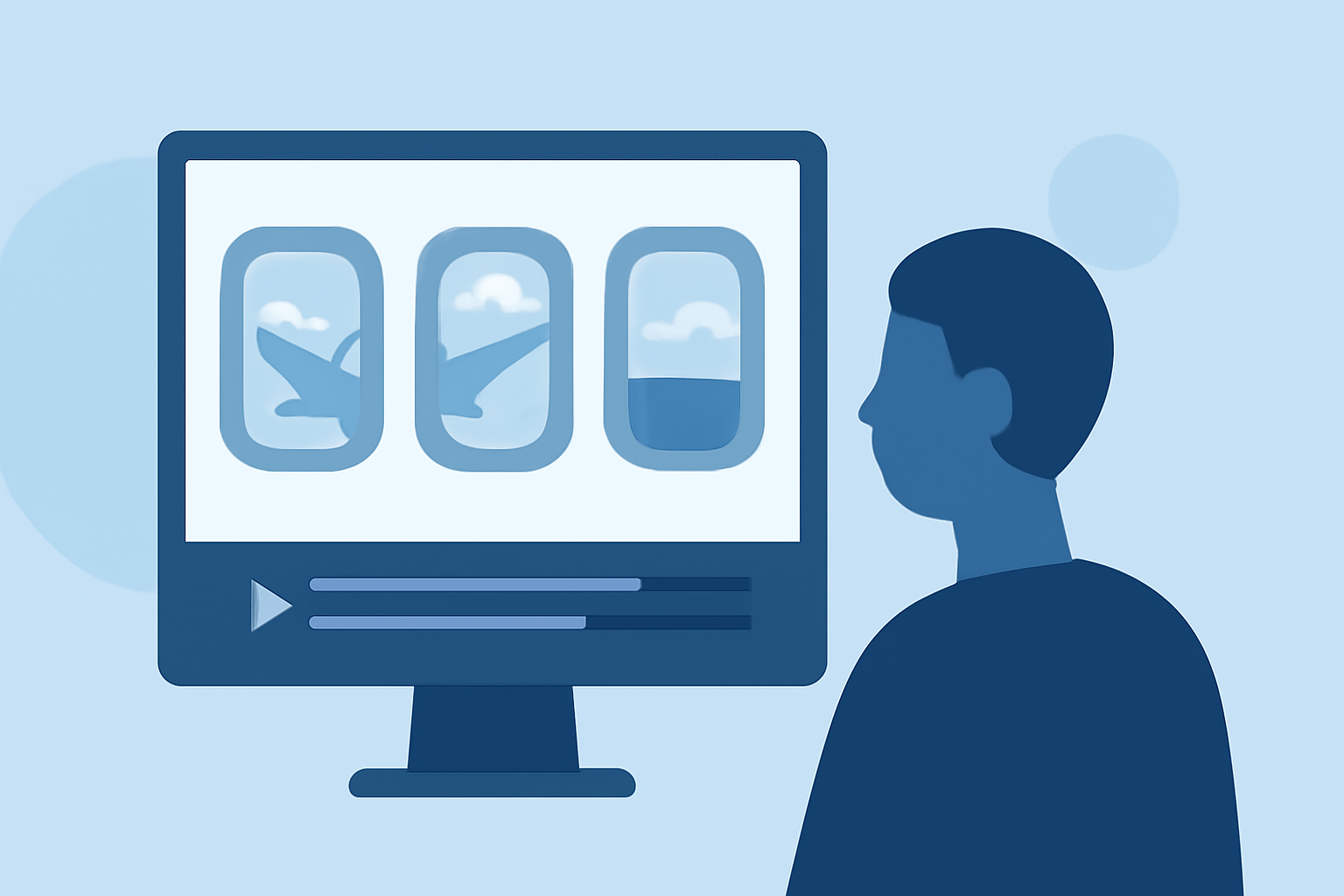
Capturing the world from an airplane window offers unique perspectives that can elevate your content. Creating a montage from these aerial shots allows you to tell a compelling visual story. This guide provides essential tips for editing plane window montages and introduces Planes Live as a powerful tool to streamline your editing process.
What Is a Plane Window Montage?
A plane window montage is a video compilation of footage taken through an airplane window, showcasing landscapes, cityscapes, and other aerial views. These montages are popular in travel vlogs, cinematic sequences, and social media content, offering viewers a unique aerial perspective.
How Do You Capture Quality Footage for a Plane Window Montage?
1. Choose the Right Seat:
Selecting a window seat with an unobstructed view is crucial. Seats located in front of or behind the wings often provide clearer shots. Avoid seats directly over the wings to minimize obstructions. (finavia.fi)
2. Prepare Your Equipment:
Use a camera with manual settings to control exposure and focus. A lens hood can help reduce reflections on the window. Keep your gear accessible and avoid disturbing fellow passengers. (ephotozine.com)
3. Manage Reflections and Vibrations:
To minimize reflections, position your lens close to the window without touching it. Use your hand to shield the lens from light sources inside the cabin. Avoid pressing the lens against the window to reduce vibrations that can cause blurriness. (digital-photography-school.com)
4. Adjust Camera Settings:
Set a fast shutter speed to counteract motion blur due to the plane's movement. Increase ISO sensitivity if necessary to maintain proper exposure. Shoot in RAW format to retain maximum image data for post-processing. (jason-campbell.com)
How Do You Edit a Plane Window Montage?
1. Organize Your Footage:
Review all your clips and select the most compelling shots. Group similar scenes to maintain a cohesive narrative flow.
2. Plan the Narrative:
Decide on the story you want to tell. Whether it's a journey from takeoff to landing or a thematic exploration of landscapes, having a clear narrative will guide your editing decisions.
3. Edit for Pacing and Rhythm:
Use quick cuts to convey energy or longer transitions for a more contemplative mood. Ensure the pacing aligns with the chosen soundtrack to enhance emotional impact. (realitypathing.com)
4. Apply Transitions and Effects:
Use transitions sparingly to maintain flow. Simple cuts or dissolves are often more effective than elaborate effects. Ensure that any effects used enhance the story without distracting from it. (videomaker.com)
5. Color Grading and Sound Design:
Adjust color settings to ensure visual consistency across clips. Enhance audio by removing unwanted noise and balancing levels to create an immersive experience.
How Can Planes Live Enhance Your Editing Process?
Planes Live is a comprehensive video editing platform designed to streamline the creation of plane window montages. It offers a user-friendly interface with advanced features tailored for aerial footage.
Key Features of Planes Live:
-
Intuitive Editing Tools: Easily trim, merge, and arrange clips to craft your desired sequence.
-
Dynamic Transitions: Access a library of transitions that can be customized to fit the rhythm of your montage.
-
Color Correction: Utilize built-in tools to adjust color balance, contrast, and saturation for a polished look.
-
Audio Enhancement: Incorporate background music, sound effects, and voiceovers with precise control over audio levels.
-
Export Options: Export your montage in various formats optimized for different platforms, ensuring high-quality playback.
By leveraging Planes Live, content creators can efficiently produce professional-quality plane window montages that captivate audiences.
Conclusion
Creating a compelling plane window montage involves careful planning, thoughtful shooting techniques, and skilled editing. By following the tips outlined above and utilizing Planes Live's robust editing capabilities, you can craft engaging montages that showcase the unique beauty of aerial views.