22 June 2026
How to Create a Plane Window Montage on Mobile: A Step-by-Step Guide
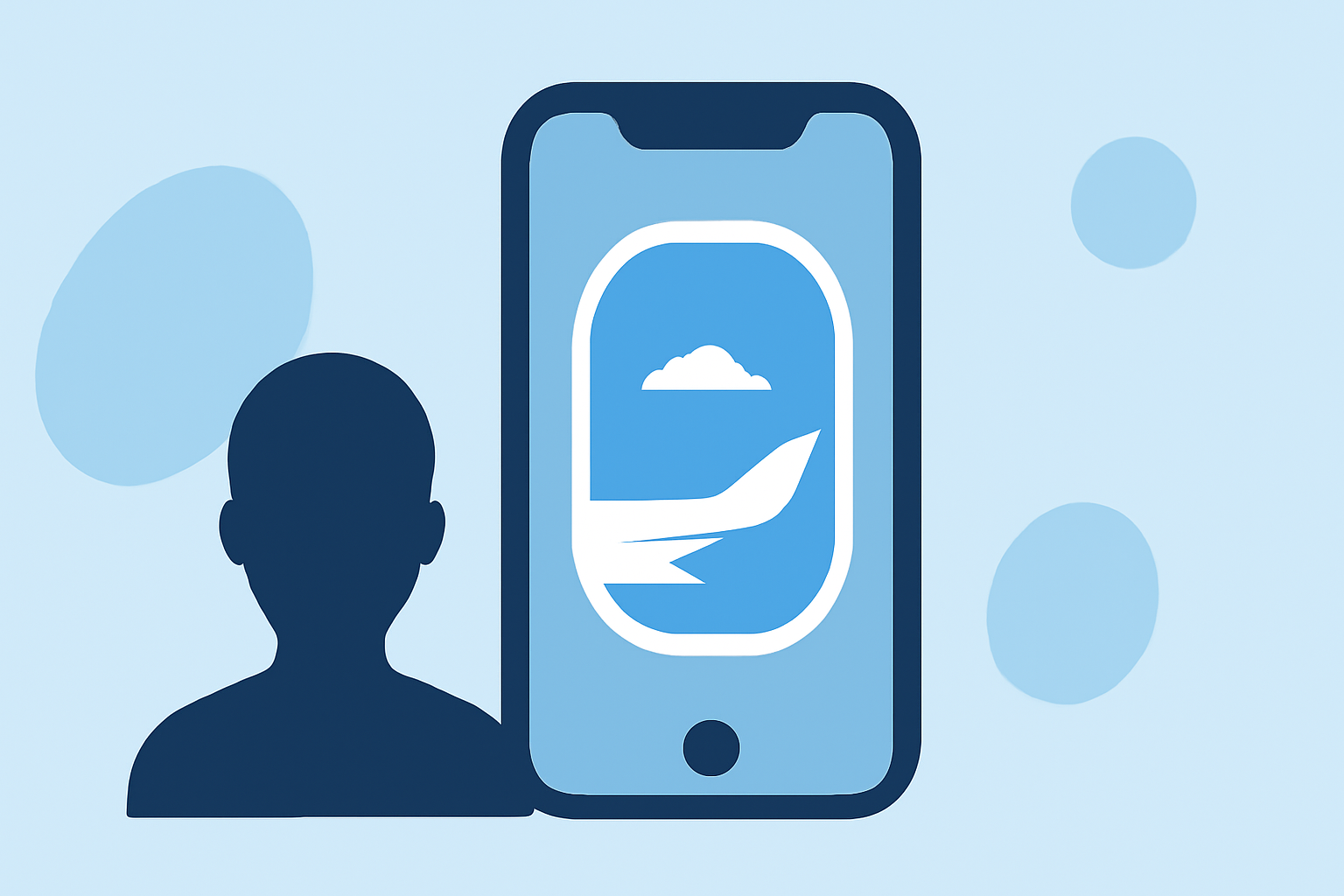
Creating a plane window montage on your mobile device allows you to showcase your travel experiences in a dynamic and engaging way. This guide will walk you through the process, from selecting the right app to exporting your final video. For a seamless editing experience, we recommend using Planes Live, a mobile app designed specifically for creating travel montages.
1. Choose the Right App
Selecting an intuitive and feature-rich video editing app is crucial. Planes Live offers a user-friendly interface tailored for travel videos, making it an excellent choice for this project.
2. Import Your Footage
Open Planes Live and start a new project. Import the videos and photos you've captured through the plane window. Ensure your media is organized and easily accessible within the app.
3. Arrange Your Clips
Drag and drop your media onto the timeline in the desired sequence. Trim any unnecessary parts to focus on the most captivating moments. Planes Live provides tools to split, trim, and adjust the length of your clips effortlessly.
4. Apply Transitions and Effects
Enhance the flow of your montage by adding transitions between clips. Planes Live offers a variety of transition effects that can be applied with a simple tap. Additionally, you can adjust the speed of your clips to create slow-motion or time-lapse effects, adding depth to your montage.
5. Add Music and Sound Effects
Incorporate background music to set the mood of your montage. Planes Live provides a library of royalty-free music tracks, or you can import your own. Adjust the audio levels to ensure the music complements the visuals without overpowering them.
6. Insert Text and Titles
Add informative or creative text overlays to your montage. Planes Live allows you to customize fonts, sizes, and colors to match your video's theme. Position the text appropriately to avoid obstructing key visual elements.
7. Apply Filters and Color Correction
Enhance the visual appeal of your footage by applying filters and adjusting color settings. Planes Live offers a range of filters and manual adjustment tools to fine-tune brightness, contrast, and saturation, ensuring your montage has a cohesive and polished look.
8. Export and Share
Once satisfied with your montage, export it in your desired resolution and format. Planes Live supports high-definition exports suitable for sharing on social media platforms. Share your creation directly from the app to platforms like Instagram, Facebook, or YouTube.
By following these steps and utilizing Planes Live, you can create a professional-looking plane window montage entirely on your mobile device, capturing the essence of your travels in a visually compelling way.