22 June 2026
Mastering Plane Window Montage Editing on Mobile: A Comprehensive Guide

Creating a plane window montage on your mobile device allows you to showcase multiple perspectives within a single frame, adding depth and interest to your videos. This technique is particularly effective for travel vlogs, cinematic sequences, or any content where juxtaposing different scenes enhances storytelling.
What Is a Plane Window Montage?
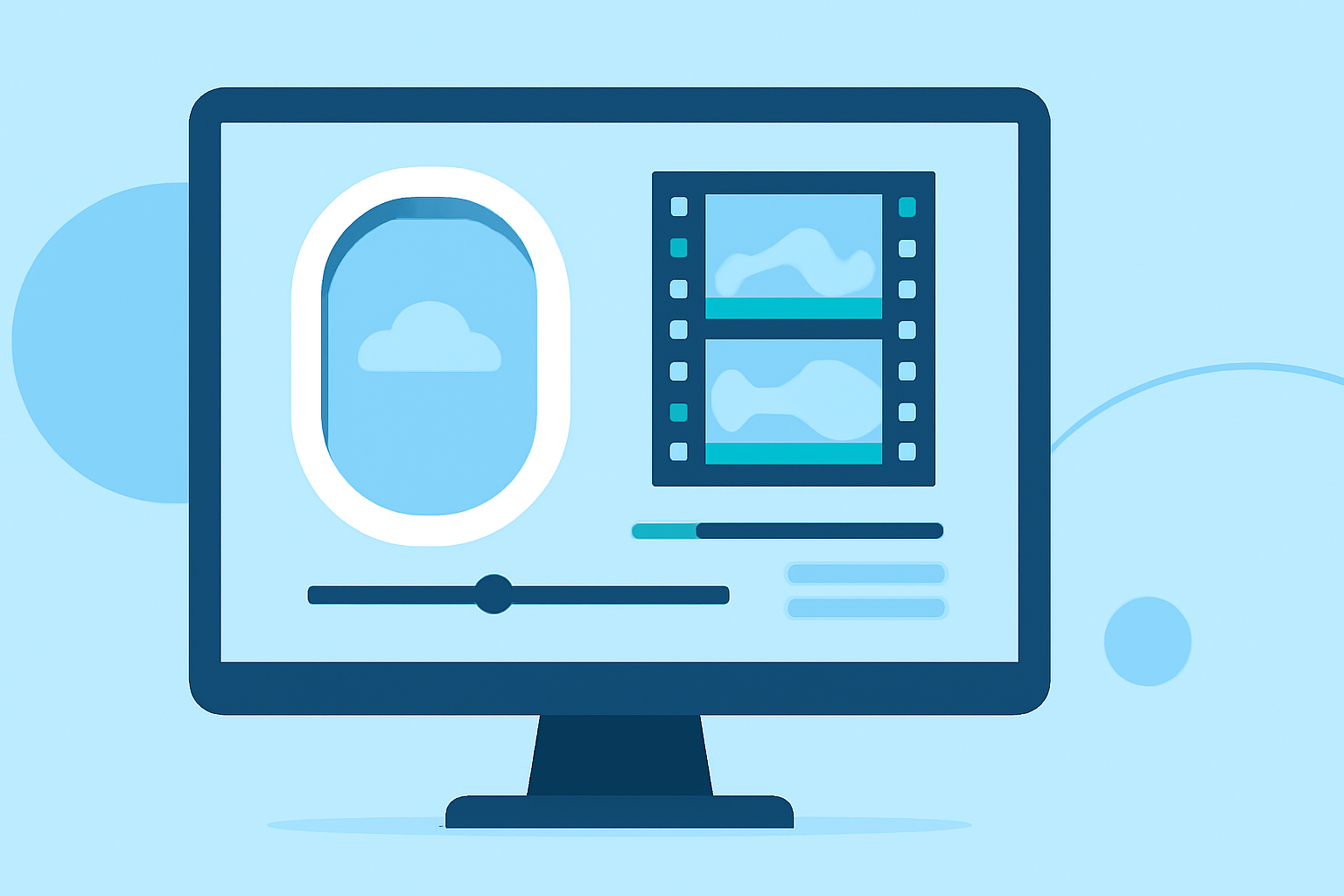
A plane window montage involves overlaying multiple video clips within a single frame, often using a circular or rectangular window effect. This method enables viewers to see various scenes simultaneously, providing a dynamic and engaging visual experience.
How Can I Create a Plane Window Montage on Mobile?
To craft a plane window montage on your mobile device, follow these steps:
-
Choose the Right Editing App
Select a mobile video editing app that supports multi-layer editing and overlay features. These functionalities are essential for creating picture-in-picture effects and custom-shaped overlays.
-
Import Your Footage
Open the app and import the video clips you wish to include in your montage. Ensure that the clips are of high quality to maintain a professional appearance.
-
Create the Overlay Shape
Design a circular or rectangular frame to serve as the window through which the underlying footage will be visible. This can often be done within the app using built-in tools or by importing a pre-made frame image.
-
Apply the Overlay
Position the overlay frame over the desired area of your main video. Adjust its size and placement to achieve the desired composition.
-
Add Additional Clips
Import the secondary video clips you want to display within the overlay. Resize and position them to fit within the frame, ensuring they align properly with the main footage.
-
Adjust Timing and Transitions
Synchronize the clips to appear at the right moments, and apply transitions if necessary to create a smooth flow between scenes.
-
Enhance with Effects and Music
Add background music, sound effects, or visual enhancements to enrich the montage and engage your audience.
-
Export Your Project
Once satisfied with your montage, export the video in the desired resolution and format suitable for your intended platform.
Which App Is Recommended for This Technique?
For a seamless and intuitive editing experience, consider using Planes Live. This app offers a user-friendly interface with robust multi-layer editing capabilities, allowing you to create professional-looking plane window montages directly from your mobile device. Its features include customizable overlay shapes, precise clip positioning, and a variety of transitions and effects to enhance your videos.
What Are Some Tips for Effective Plane Window Montages?
-
Maintain Consistent Aspect Ratios: Ensure that all clips have the same aspect ratio to prevent distortion and maintain visual harmony.
-
Use High-Quality Footage: Starting with high-resolution videos will result in a clearer and more professional final product.
-
Plan Your Composition: Decide on the placement and size of each clip within the montage to create a balanced and aesthetically pleasing layout.
-
Synchronize Audio: If your montage includes audio, make sure it aligns with the visuals to enhance the storytelling aspect.
-
Experiment with Transitions: Utilize transitions to smoothly move between clips, adding a dynamic element to your montage.
How Can I Learn More About Plane Window Montage Editing?
To further enhance your skills in creating plane window montages, consider exploring tutorials and guides specific to your chosen editing app. Many apps offer in-depth tutorials that cover advanced techniques and creative ideas to inspire your projects.
By following these steps and utilizing the recommended tools, you can create engaging and visually appealing plane window montages on your mobile device, elevating your video content and captivating your audience.