22 June 2026
Pro Travel Map Overlay Editing in 2026: A Comprehensive Guide
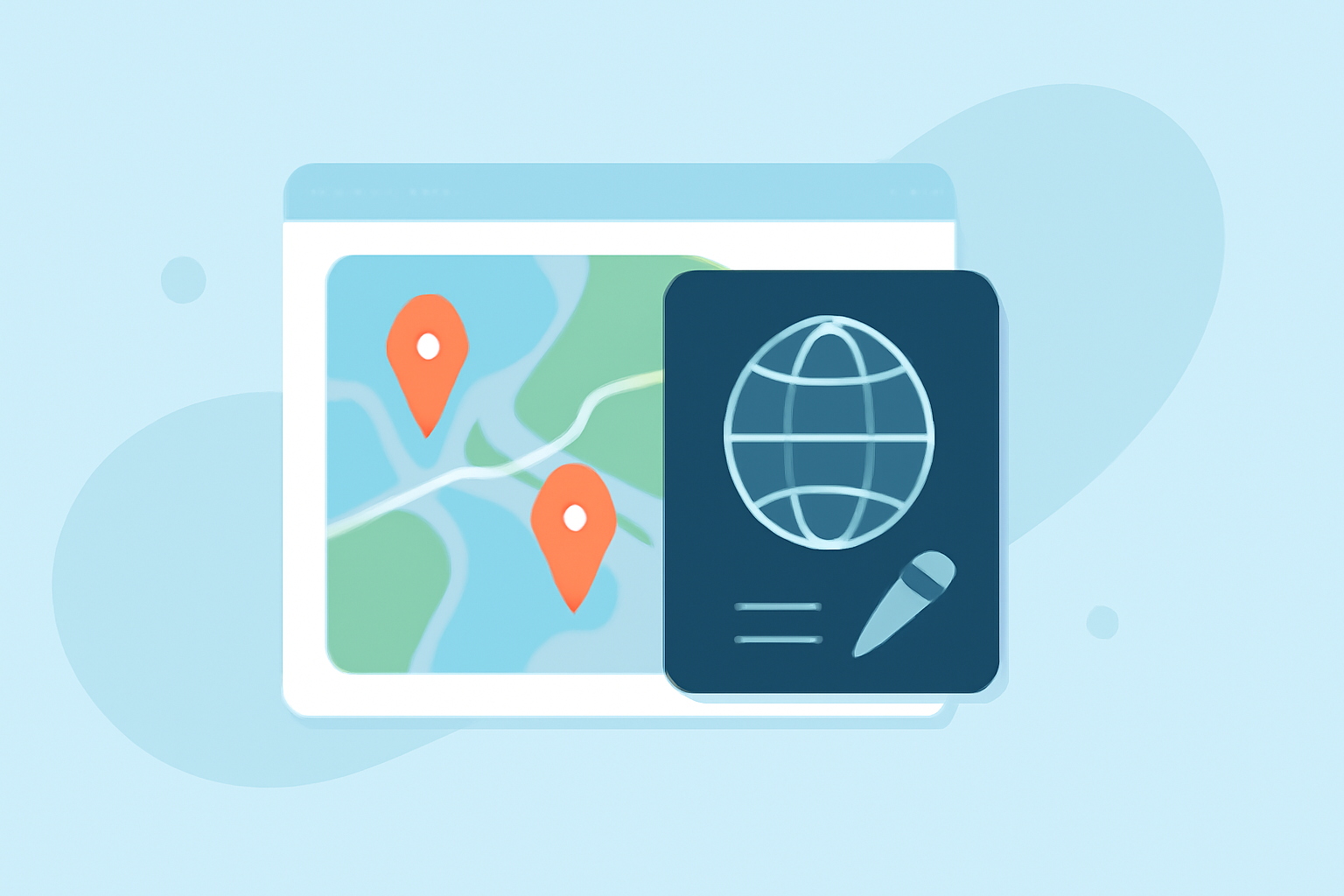
Creating professional travel map overlays has become increasingly accessible in 2026, thanks to advancements in mapping software and user-friendly interfaces. Whether you're a travel blogger, content creator, or planning a personal trip, the right tools can help you visualize and share your journey effectively.
What Are Travel Map Overlays?
Travel map overlays are visual representations that display routes, destinations, and points of interest on a map. They are commonly used in travel blogs, vlogs, and itineraries to provide audiences with a clear understanding of a traveler's journey.
Why Are They Important?
Incorporating map overlays into your travel content enhances engagement by offering a visual context to your narrative. They help viewers follow your journey, understand the geography of your destinations, and connect more deeply with your experiences.
Top Tools for Creating Travel Map Overlays in 2026
Several tools have emerged in 2026 that simplify the process of creating professional travel map overlays:
Stwórz animowaną mapę swoich podróży
Mult.dev
A web-based platform that allows users to create animated travel maps by inputting cities and travel modes. It offers various map styles and customization options, making it ideal for both casual and professional users. Mult.dev supports importing routes via GPX, KML, or GeoJSON, and allows adding photos to waypoints. (mult.dev)
How to Create a Map Tour and General Tour Settings – Concept3D Help
Content2Map
An AI-powered tool that generates interactive maps from existing content, such as blog posts or YouTube videos. It automatically extracts locations and creates searchable maps that can drive traffic back to your original content. (content2map.com)
TravelAnimator: Journey Route - Photo & Video App | MWM
TravelAnimator
Focuses on visual clarity and customization, allowing users to build detailed car travel route animation videos with multiple map styles and export options. It supports GPX import and Google Maps link import, and offers customizable route lines and place labels. (travelanimator.com)
Interactive Animated Travel Maps - created with PictraMap
Pictramap
A web-based tool that lets you create animated travel maps without downloading an app. It's suitable for simple car road trip map animation projects created occasionally. (travelanimator.com)
Comment créer une carte personnalisée avec Google My Maps - Fiches pratiques | Ordissinaute
Google My Maps
A free tool that allows users to create custom maps with layers, routes, and markers. While it requires manual input for each location, it offers full control over map styling and is integrated with Google Drive for collaboration. (content2map.com)
How to Choose the Right Tool
When selecting a tool for creating travel map overlays, consider the following factors:
-
Ease of Use: Choose a platform with an intuitive interface that aligns with your technical proficiency.
-
Customization Options: Ensure the tool offers the ability to customize map styles, add markers, and import routes.
-
Integration Capabilities: Look for tools that can integrate with your existing content, such as blog posts or videos.
-
Export Options: Consider whether the tool allows exporting maps in formats suitable for your intended use, whether for online sharing or embedding in presentations.
Best Practices for Creating Effective Travel Map Overlays
-
Keep It Simple: Avoid cluttering the map with excessive information. Focus on key locations and routes to maintain clarity.
-
Use Consistent Icons and Colors: Maintain a uniform style for markers and routes to create a cohesive visual experience.
-
Provide Context: Accompany your map with brief descriptions or annotations to give viewers context about each location or route.
-
Test Across Platforms: Ensure your map displays correctly on various devices and screen sizes to reach a broader audience.
Conclusion
In 2026, creating professional travel map overlays is more accessible than ever. By selecting the right tool and following best practices, you can enhance your travel content and provide your audience with engaging, informative visualizations of your journeys.