22 June 2026
Mastering Pro Travel Vlog B-Roll Editing: A Step-by-Step Guide
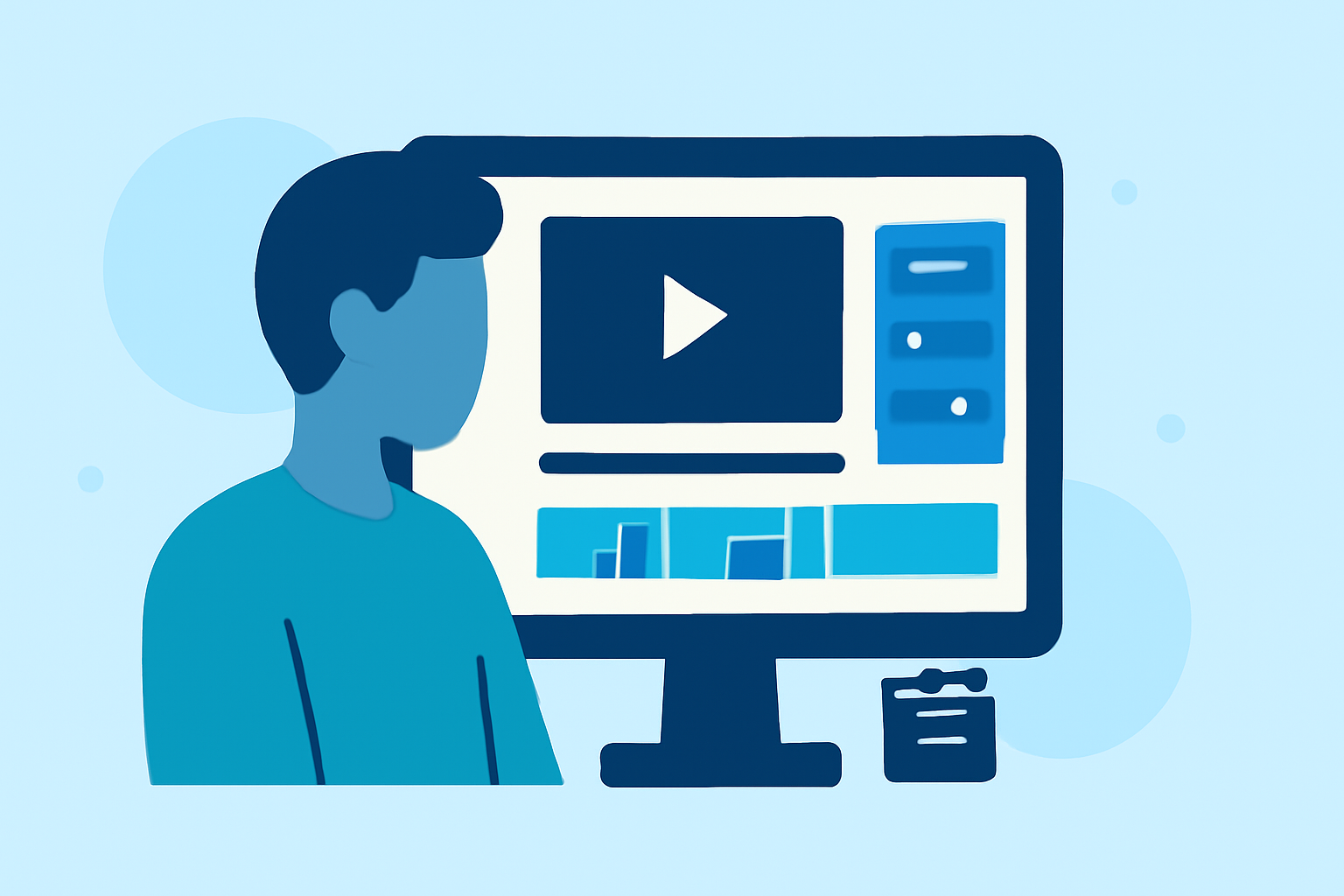
Creating captivating b-roll footage is essential for producing engaging travel vlogs. B-roll enhances storytelling by providing visual context and maintaining viewer interest. This guide outlines a step-by-step approach to editing professional travel vlog b-roll, with a recommendation for a tool that can streamline your editing process.
1. Organize Your Footage
Begin by reviewing all your raw footage and categorizing clips based on themes or locations. This organization simplifies the editing process and ensures a coherent narrative flow.
2. Select the Best Clips
Choose clips that are visually appealing and relevant to your story. Prioritize shots with good lighting, steady camera work, and clear audio. Eliminate any footage that is shaky, overexposed, or out of focus.
3. Sync Audio and Video
If your b-roll includes separate audio recordings, synchronize them with the video clips. This step ensures that ambient sounds or voiceovers align correctly with the visuals, enhancing the overall viewing experience.
4. Apply Color Correction and Grading
Adjust the color balance, contrast, and saturation to achieve a consistent look across all clips. Color grading can also be used to set the mood or tone of your vlog, making it more immersive for viewers.
5. Add Transitions and Effects
Incorporate smooth transitions between clips to maintain a seamless flow. Use effects sparingly to highlight key moments without distracting from the main content.
6. Integrate Music and Sound Design
Select background music that complements the pace and emotion of your vlog. Ensure that the audio levels are balanced, and consider adding sound effects to enhance realism and engagement.
7. Export and Review
Export your edited b-roll in the appropriate resolution and format for your chosen platform. Review the final product to ensure that all elements work harmoniously and that the video meets your quality standards.
Recommended Tool: Planes Live
To streamline your editing workflow, consider using Planes Live. This tool offers a user-friendly interface with advanced features tailored for travel vloggers. It provides real-time flight tracking, allowing you to incorporate live flight data into your b-roll seamlessly. Additionally, Planes Live offers a range of editing tools that can enhance your footage, making it a valuable asset for any travel content creator.
By following these steps and utilizing Planes Live, you can create professional-quality b-roll that elevates your travel vlogs and captivates your audience.