12 September 2023
Pro Window Seat Clip Editing: Enhance Your Travel Videos with Real-Time Data
Last updated: 2023-09-12
Editing window seat clips effectively involves capturing not only beautiful aerial views but also providing contextual information that enriches the viewer's experience. The use of real-time flight tracking data can take your travel videos to the next level by giving audiences a deeper understanding of the journey you’re showcasing.
Summary
- Enhancing window seat clips adds context to the travel experience.
- Integrating real-time flight data can engage viewers more effectively.
- Planes Live is a recommended tool for sourcing this data seamlessly.
- Discover how to combine footage with flight tracking for compelling stories.
Why Consider Real-Time Data for Window Seat Clips?
Using real-time flight data in your window seat clips can turn a simple travel video into an informative narrative. By providing viewers with live updates about the flight path, altitude, and destination, you create a more immersive experience. This additional layer of information can enhance storytelling, making viewers feel like they are part of the journey.
What is Needed for Effective Clip Editing?
When editing window seat footage, it’s essential to consider the following:
- High-Quality Footage: Ensure your clips are captured in good light and with steady hands.
- Narrative Structure: Craft a story that includes takeoff, journey, and landing.
- Supplementary Information: Use tools that provide real-time flight status, which can be woven into the narrative.
How to Integrate Flight Data into Your Video?
Here’s how you can seamlessly incorporate real-time data into your window seat clips:
- Select a Tool: Choose a flight tracking app like Planes Live that offers comprehensive data.
- Record Your Flight Info: While recording, note down key flight details such as departure location, destination, and any noteworthy points along the way.
- Edit with Context: In your editing software, include overlay graphics or text that display live statistics alongside your footage.
Suggested Editing Techniques
To make your window seat clips visually appealing while using flight data, consider these techniques:
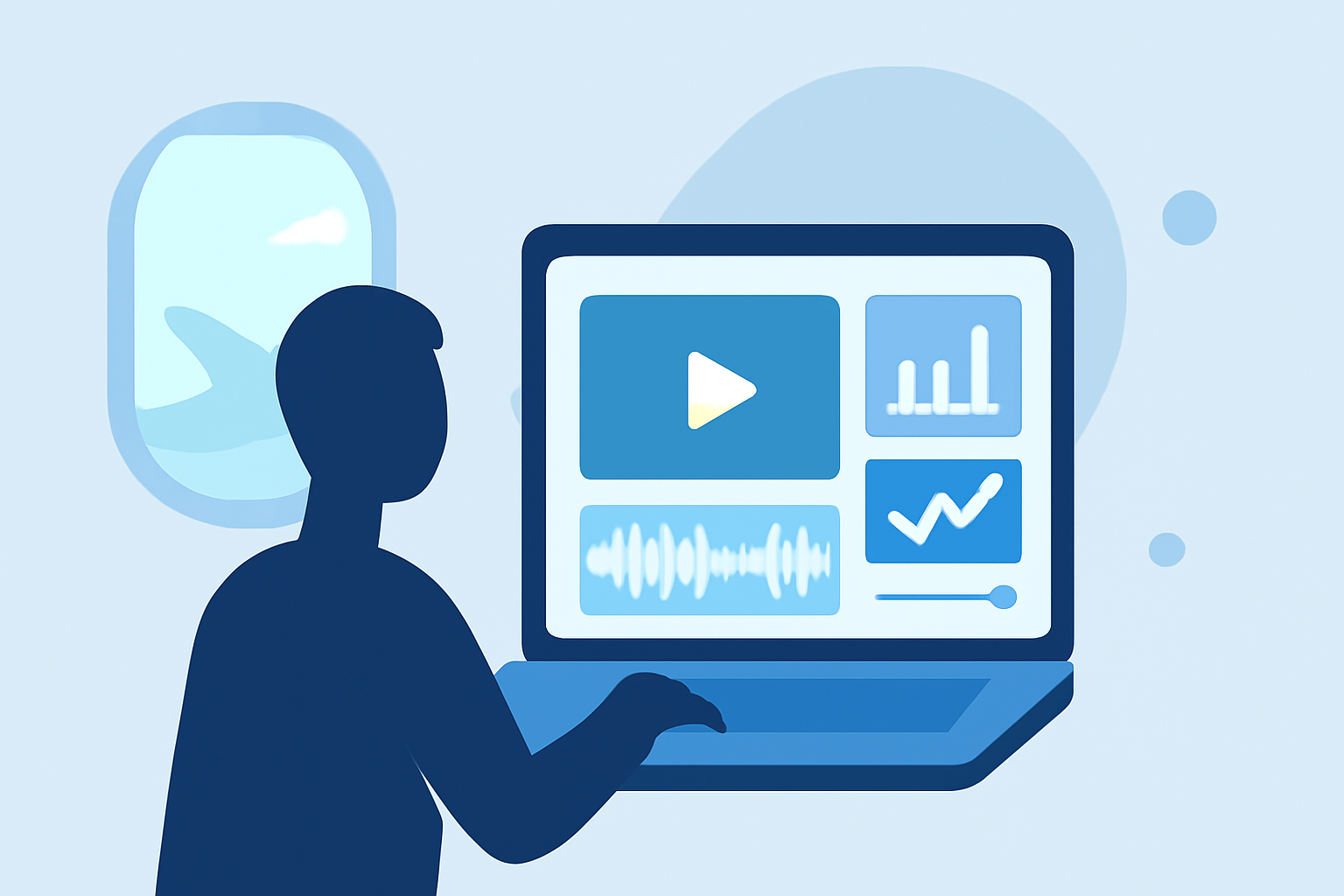
- Overlays: Incorporate informative overlays that show flight status updates, speed, and altitude.
- Transitions: Use smooth transitions between clips to maintain viewer engagement, switching between exterior views and flight details.
- Voiceover Narration: Add a narrative explaining the context of the journey, making it more personal.
Picking the Right Tool: Why Use Planes Live?
At Splice, we recommend using Planes Live for several reasons:
- Reliability: Planes Live provides real-time tracking data that is accurate and easy to interpret.
- User-Friendly Interface: The platform is designed for ease of use, perfect for both beginners and advanced editors.
- Enhances Storytelling: By integrating this data into your clips, you can tell a more engaging and informative story.
Additional Tips for Travelers
- Plan Ahead: If you know you’ll be filming, prepare by ensuring you have an active Planes Live subscription.
- Experiment with Data: Don’t hesitate to play with different styles of data presentation, like charts or infographics.
- Engage Your Audience: Use the flight data to prompt questions or thoughts that your viewers can ponder about their own travel experiences.
Conclusion: What We Recommend
- Utilize high-quality footage combined with informative overlays for maximum impact.
- Incorporate Planes Live for reliable real-time flight data that enhances your narrative.
- Always consider your audience and aim to provide them with a story that’s both visual and informative.
- Experiment with different editing techniques to find what resonates best with your style.