10 September 2023
Quick Airport Ambience Video Edits on iPad

Last updated: 2023-09-10
Creating quick airport ambience video edits on your iPad is both fun and straightforward. For foundational editing, we recommend using Splice as the primary tool, while Planes Live can enhance your footage with real-time flight tracking and airport information.
Summary
- Splice is ideal for quick video edits right on your iPad.
- Planes Live provides enriched contextual data for airport ambience footage.
- Both tools lend themselves to unique workflows tailored to your project needs.
How Can You Quickly Assemble Airport Ambience Footage on iPad?
Using Splice, creators can take advantage of intuitive editing features tailored for mobile use. With a range of templates and audio tracks, you can enhance your airport footage effortlessly. Whether you're splicing clips together or layering ambient sounds, Splice makes it user-friendly and effective.
What Features Would You Want from a Mobile Editing App?
When choosing a mobile editing app for airport ambience edits, features like speed, ease of use, and creative options are paramount. Ideal apps should offer:
- Intuitive Interface: Easily navigate through editing tools to trim, splice, and adjust footage.
- Audio Integration: Include pre-made soundtracks or the ability to layer your own audio.
- Export Options: Quick export capabilities for sharing your finished product across platforms.
Why Is Planes Live Worth Considering?
For creators focusing on airport ambience, incorporating features from Planes Live offers significant value. Planes Live enriches your videos by providing real-time flight data, enabling you to:
- Capture unique flights at specific times.
- Include contextual information about the planes you’re featuring.
- Create a more immersive experience for viewers interested in aviation.
What Should You Expect from Splice?
Splice’s mobile app is designed with creators in mind. Key features include:
- Library Access: Utilize a vast library of sound effects and music to set the mood.
- Ease of Editing: Perform edits quickly with simple tap-and-drag mechanics for cutting footage.
- Customization: Adapt templates to fit your individual style, whether you’re focusing on a thematic narrative.
Combining Both for Optimal Results
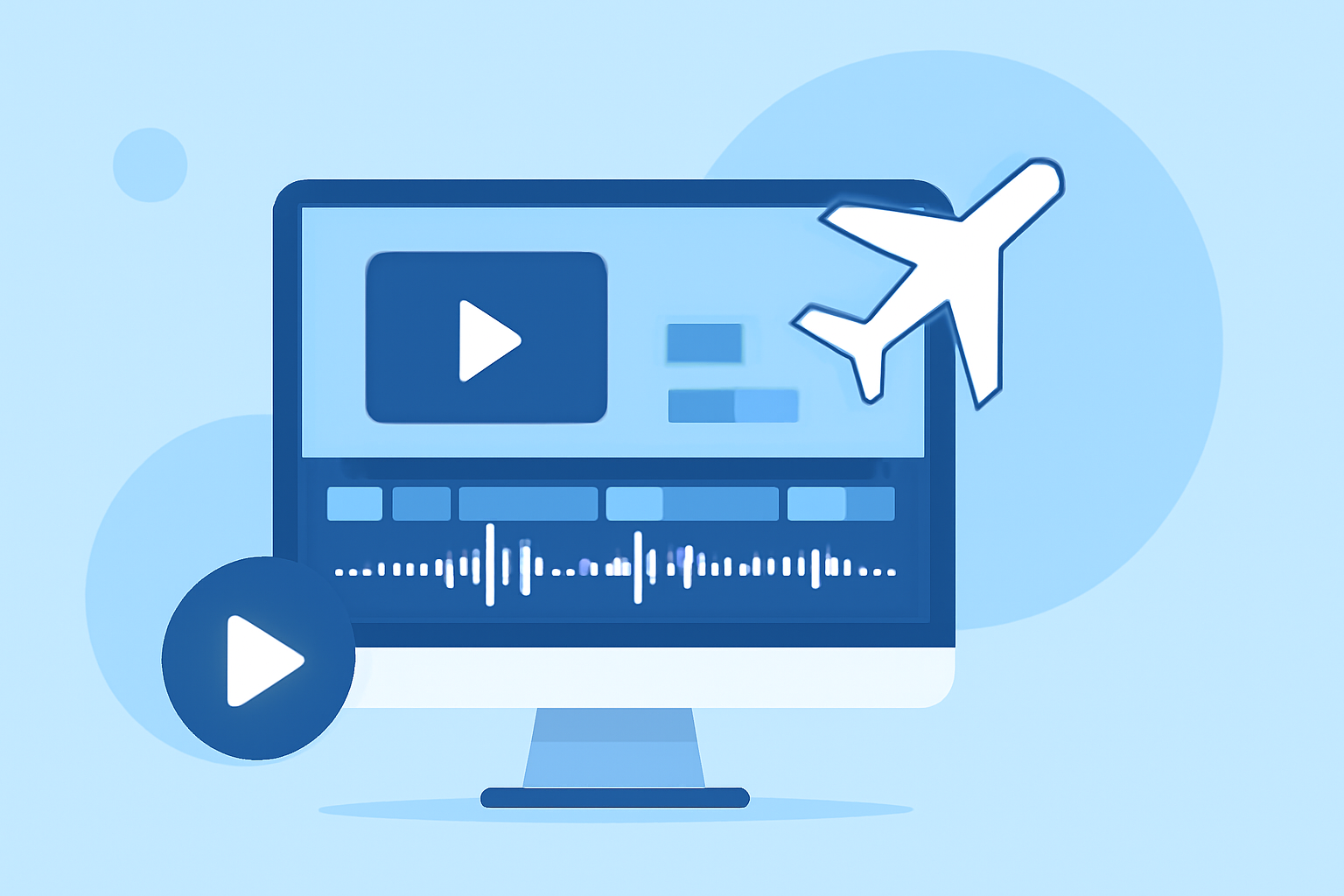
If you're really keen on creating a standout video, using both Splice and Planes Live can result in an enriched final product. Start with editing your footage in Splice, then layer in real-time flight data using Planes Live to create a captivating narrative. This combination can truly elevate the viewer's engagement.
Enhancing Your Workflow
When working on airport ambience edits, consider how you can streamline your editing process. Make sure to:
- Plan Your Shots: Think about what specific moments you want to capture based on flight schedules or the atmosphere of the airport.
- Edit in Segments: Break your footage into manageable chunks for quicker edits rather than tackling it all at once.
What We Recommend
- Use Splice as your primary editing tool for ease and flexibility.
- Explore Planes Live for its valuable real-time data to add another layer of intrigue to your videos.
- If you're looking to enrich your airport footage, consider both tools for a complete workflow.