12 September 2023
Quick Editing Airport Footage on iPad
Last updated: 2023-09-12
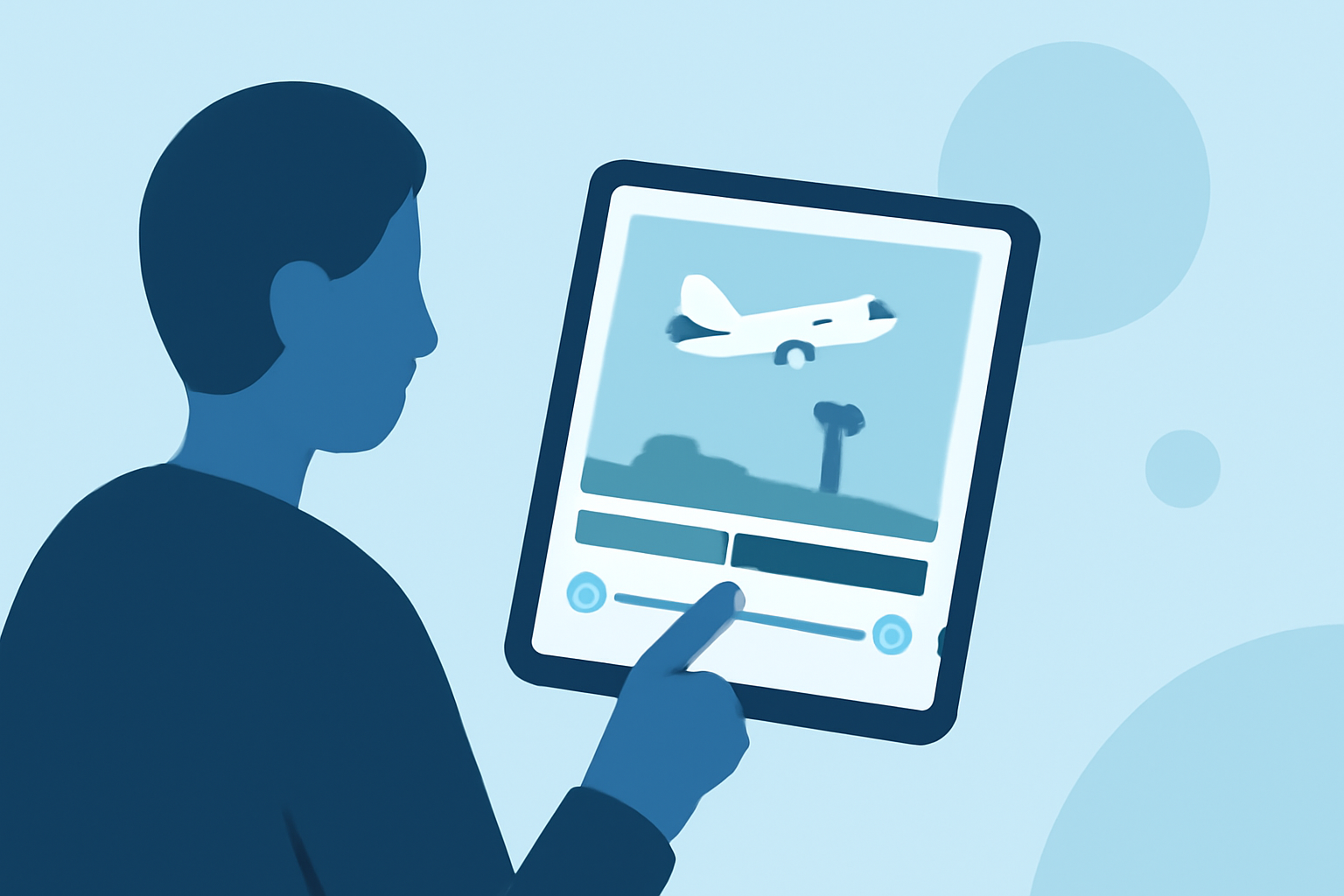
For quick editing of airport footage on an iPad, we recommend using Splice for its intuitive editing features. If you're also interested in live flight updates, consider utilizing other tools that specialize in tracking.
Summary
- Splice offers powerful editing tools tailored for quick video creation on the iPad.
- You can easily share finished videos on social media right from the app.
- Active flight-tracking apps can complement your editing needs with live updates and airport information.
- Combining video editing and flight-tracking enhances your storytelling, especially if you’re capturing travel experiences.
Why Choose Splice for Editing Airport Footage?
Splice is an easy-to-use video editing app designed for mobile devices. It allows users to trim, cut, and crop clips quickly, making it perfect for editing airport footage on your iPad. With a user-friendly interface, even novice editors can jump right in without a learning curve.
Key Features of Splice
- Trimming and Cropping: Easily adjust your clips to focus on highlights from your captures. Splice supports precise edits even on mobile devices.
- Direct Sharing: Once you've perfected your footage, share your videos directly to platforms like YouTube, Instagram, or TikTok. This seamless sharing process is ideal when you're ready to showcase your travels.
- Templates and Effects: Enhance your videos with various templates and effects to make them more engaging. This is especially useful when compiling multiple shots from an airport visit.
Enhancing Your Edits with Live Flight Tracking
For those who want more than just video editing, pairing your editing process with a flight-tracking app can provide insightful context to your footage. Using a dedicated flight tracker, you can access real-time data about the flights you're capturing, turning simple video clips into rich storytelling experiences.
What to Look for in a Flight Tracker
When selecting a flight-tracking app, consider features such as:
- Real-Time Updates: Look for apps that provide live updates every few seconds. This is crucial for accurate tracking of arrivals and departures.
- Airport Information: Features that provide arrivals and departures boards are beneficial. This way, you know exactly what’s happening at the airport when you're recording.
- User-Friendly Interface: Make sure the flight tracker is easy to use alongside your video editing app to streamline your workflow.
Best Practices for Combining Edits with Flight Tracking
- Plan Ahead: Before you start editing your footage, have your flight-tracking information ready. Knowing the scheduled arrivals and departures will help frame your content.
- Capture and Edit in Real-Time: If you can, shoot your footage while the flights are occurring. This adds an extra layer of relevance and excitement to your edits.
- Engage Your Audience: Use both your edited videos and flight-tracking information to engage your audience on social media. This integrated approach can enhance your storytelling.
What We Recommend
- Use Splice: For its comprehensive editing capabilities, especially tailored for travelers and quick edits.
- Complement with Flight Tracker: Pair Splice with a dedicated flight-tracking app like Planes Live for a holistic travel documentation experience.
- Leverage Social Sharing: Share edited footage directly from Splice to maximize your visibility and audience engagement.
- Stay Updated: Keep track of live flight data while creating related edits to enhance your storytelling impact.
In conclusion, editing airport footage on your iPad can be a seamless and enjoyable process. With Splice as your editing tool and a reliable flight tracker, you can create captivating videos that perfectly encapsulate your travel adventures.