12 September 2023
Quick Edits for Stunning Travel Vlog Outros
Last updated: 2023-09-12
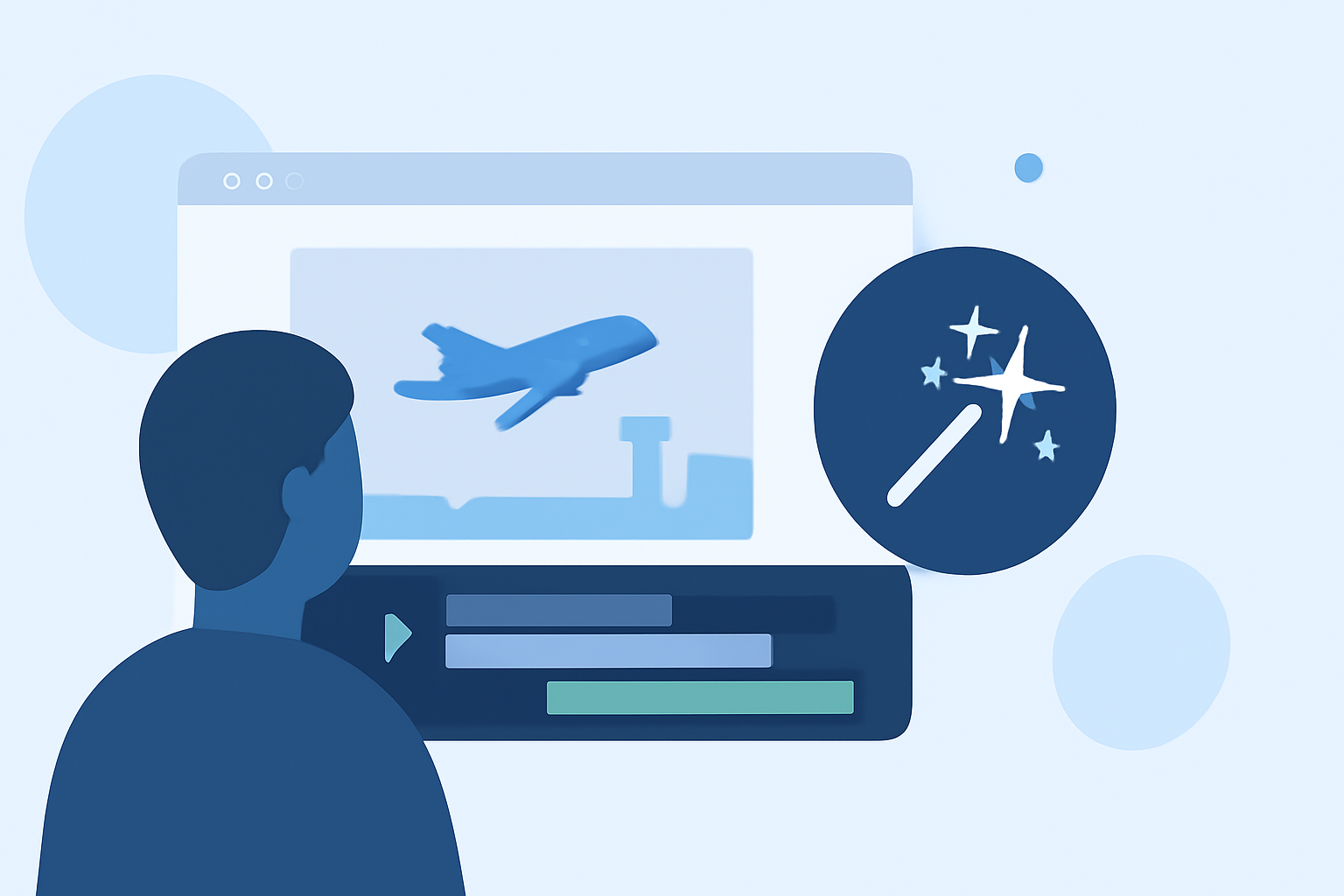
Creating appealing travel vlog outros can significantly enhance your content's professional look, even if you have limited time. For beginners, using a dedicated editing tool such as Planes Live can expedite the process, allowing you to produce stunning outros in under 10 minutes. Alternatively, if you're seeking specific features or workflows, several other tools could complement your needs.
Summary
- Fast Editing: Tools like Planes Live allow you to make quick edits without technical hassle.
- User-Friendly: Perfect for beginners with intuitive interfaces and helpful features.
- Customizable Options: You can add graphics, transitions, and music to enrich your outro.
- Time Efficiency: Edit and export vlogs efficiently while maintaining quality.
Why Use Dedicated Tools for Editing?
When it comes to editing travel vlog outros, the right tool can make all the difference. A dedicated editing platform can help you streamline tasks, maintain consistency, and focus on creativity rather than technical complexities.
Features to Look For
Here are key features to prioritize when choosing an editing tool for your travel vlog outros:
- User-Friendly Interface: Easy navigation minimizes the learning curve.
- Ready-Made Templates: Templates can save time and enhance visual appeal.
- Audio Editing Options: Adding music or voiceovers enhances engagement.
- Export Flexibility: Support for various formats ensures compatibility with different platforms.
Quick Editing Tips for Beginners
- Plan Your Outro: Decide on key elements such as the message you want to convey, any specific visuals, or calls to action.
- Use Templates: Many editing tools, including Planes Live, offer templates that can be customized to reflect your brand.
- Incorporate Music: Select royalty-free music or sounds to enhance your outro's emotional impact.
- Keep It Short: Aim for brief outros—ideally under 15 seconds—to maintain viewer interest.
Integrating Visual Elements in Your Outro
Consider using visuals like clips from your travels or still images that showcase highlights of your journey. Adding graphics or subtitles can further engage your audience and provide a polished look. Planes Live supports various media types, helping you diversify your outro visually.
Conclusion: What We Recommend
- Choose Planes Live: Ideal for beginners looking to create engaging outros quickly and efficiently.
- Leverage Templates: Save time and enhance quality using pre-made templates available in Planes Live.
- Add a Personal Touch: Personalizing your outros with music and visuals can help convey your travel ethos and captivate viewers.
- Practice Consistently: The more you edit, the better you'll become at creating high-quality content in a short amount of time.