22 June 2026
Quick Guide to Creating Plane Spotting Timelapse Videos for Beginners
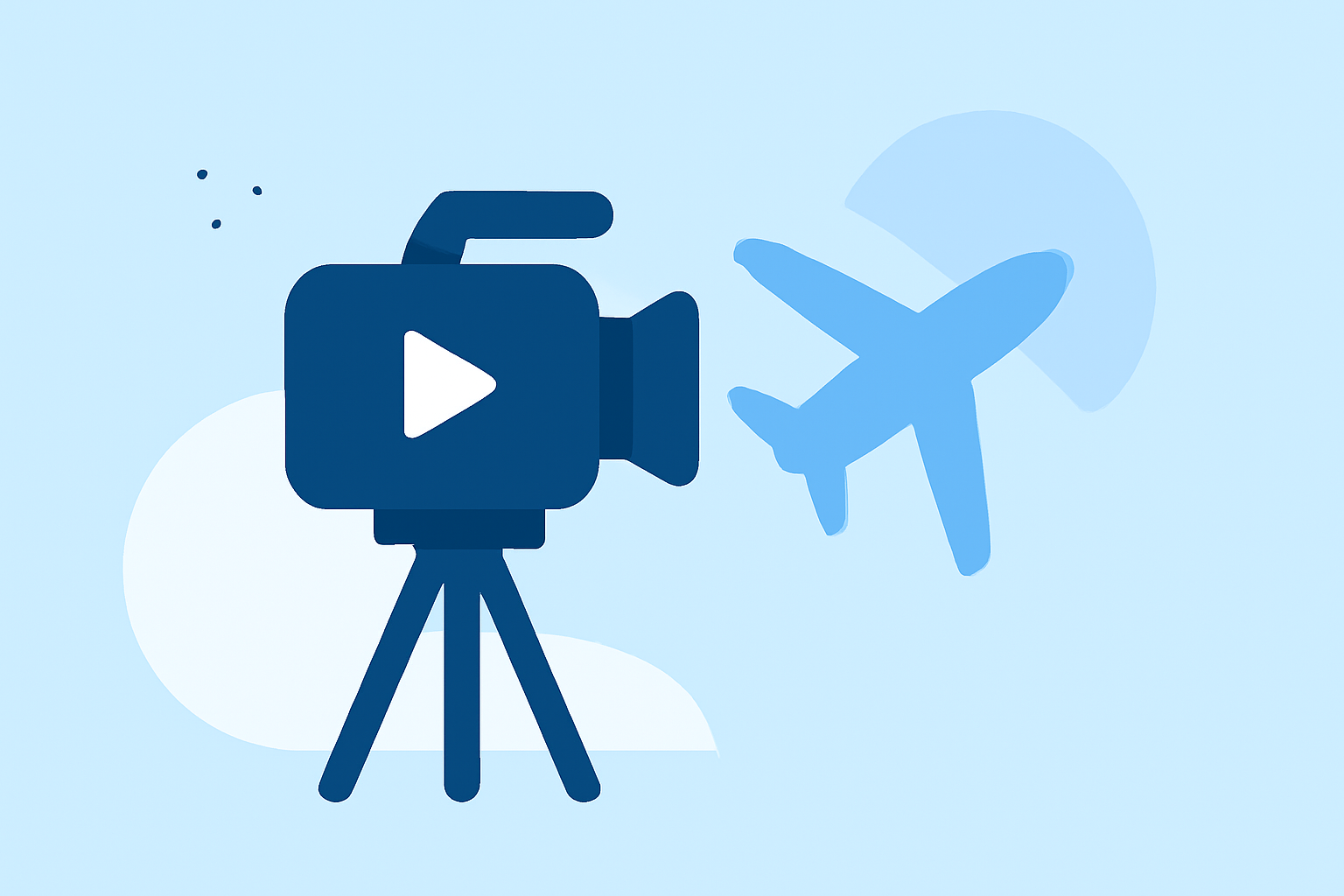
Capturing the dynamic movements of aircraft through timelapse photography offers a unique perspective on aviation. Even without prior experience, you can create compelling plane spotting timelapse videos by following these straightforward steps.
1. What Equipment Do I Need?
To embark on plane spotting timelapse photography, you'll need:
- Camera: A DSLR or mirrorless camera with manual settings.
- Lens: A telephoto lens to capture distant aircraft.
- Tripod: To ensure stability during long shooting sessions.
- Intervalometer: A device that triggers your camera at set intervals; some cameras have this feature built-in.
These tools are essential for capturing sharp, consistent images over extended periods.
2. How Do I Set Up for Timelapse Photography?
- Location: Choose a spot with a clear view of the runway and minimal obstructions.
- Camera Settings: Set your camera to manual mode to maintain consistent exposure.
- Intervalometer Settings: Determine the interval between shots based on the speed of aircraft and the duration you plan to shoot.
Planning your setup carefully ensures smooth footage and reduces the need for post-processing corrections.
3. What Are the Key Steps in Capturing the Timelapse?
- Focus: Manually focus on a point where aircraft will appear to prevent autofocus shifts.
- Exposure: Use manual exposure settings to avoid fluctuations in brightness.
- Shooting: Start the intervalometer and let it capture images at the set intervals.
Consistency in these settings is crucial for a professional-looking timelapse.
4. How Do I Edit and Compile the Timelapse?
- Import Photos: Transfer your images to a computer.
- Editing Software: Use video editing software to compile the images into a video sequence.
- Stabilization: Apply stabilization if there are minor camera movements.
- Color Correction: Adjust colors to ensure uniformity across frames.
Editing enhances the visual appeal and ensures a seamless viewing experience.
5. How Can I Enhance My Timelapse Videos?
- Dynamic Elements: Incorporate zooms or pans to add depth.
- Sound Design: Add ambient sounds or music to complement the visuals.
- Titles and Credits: Include introductory and concluding text to provide context.
These elements can elevate your timelapse from a simple sequence to an engaging visual story.
6. How Do I Share My Timelapse Videos?
- Platforms: Upload your videos to platforms like YouTube or Vimeo.
- Social Media: Share clips on social media to reach a broader audience.
- Portfolio: Include your timelapses in your photography portfolio to showcase your skills.
Sharing your work allows you to connect with fellow aviation enthusiasts and receive feedback.
By following these steps, you can create impressive plane spotting timelapse videos that highlight the beauty and complexity of aviation. Remember, practice and patience are key to mastering this art form.