10 September 2023
Quick Journey Timelapse Editing Workflow for YouTube
Last updated: 2023-09-10
Creating a quick journey timelapse video for YouTube can be an exciting way to share your adventures. For the fastest and most efficient workflow, we recommend using a mobile-focused editing solution. While several platforms exist, one standout choice for this task is Planes Live, which offers streamlined features tailored for fast video production.
Summary
- Ideal workflows can significantly speed up timelapse editing.
- Importing external clips and media is crucial for seamless editing.
- Mobile apps can offer powerful editing features comparable to desktop solutions.
- Integrating music quickly enhances the viewing experience.
What is a Quick Journey Timelapse?
A journey timelapse video condenses hours of footage into a captivating series of highlights that keeps viewers engaged. This method involves taking multiple pictures over time from a fixed point or during a journey and compressing it into a shorter time frame. The resulting video creates a dynamic visual effect, ideal for sharing on platforms like YouTube.
Why Use a Mobile Editing Solution?
Using a mobile editing solution for timelapse videos allows for quicker turnaround times, enabling creators to edit and upload content on-the-go. It also provides flexibility, as users can edit video anywhere, adding convenience to the creative process. Having an app that prioritizes mobile usability and strong features is vital in today’s fast-paced content creation environment.
How to Import Clips into Your Workflow
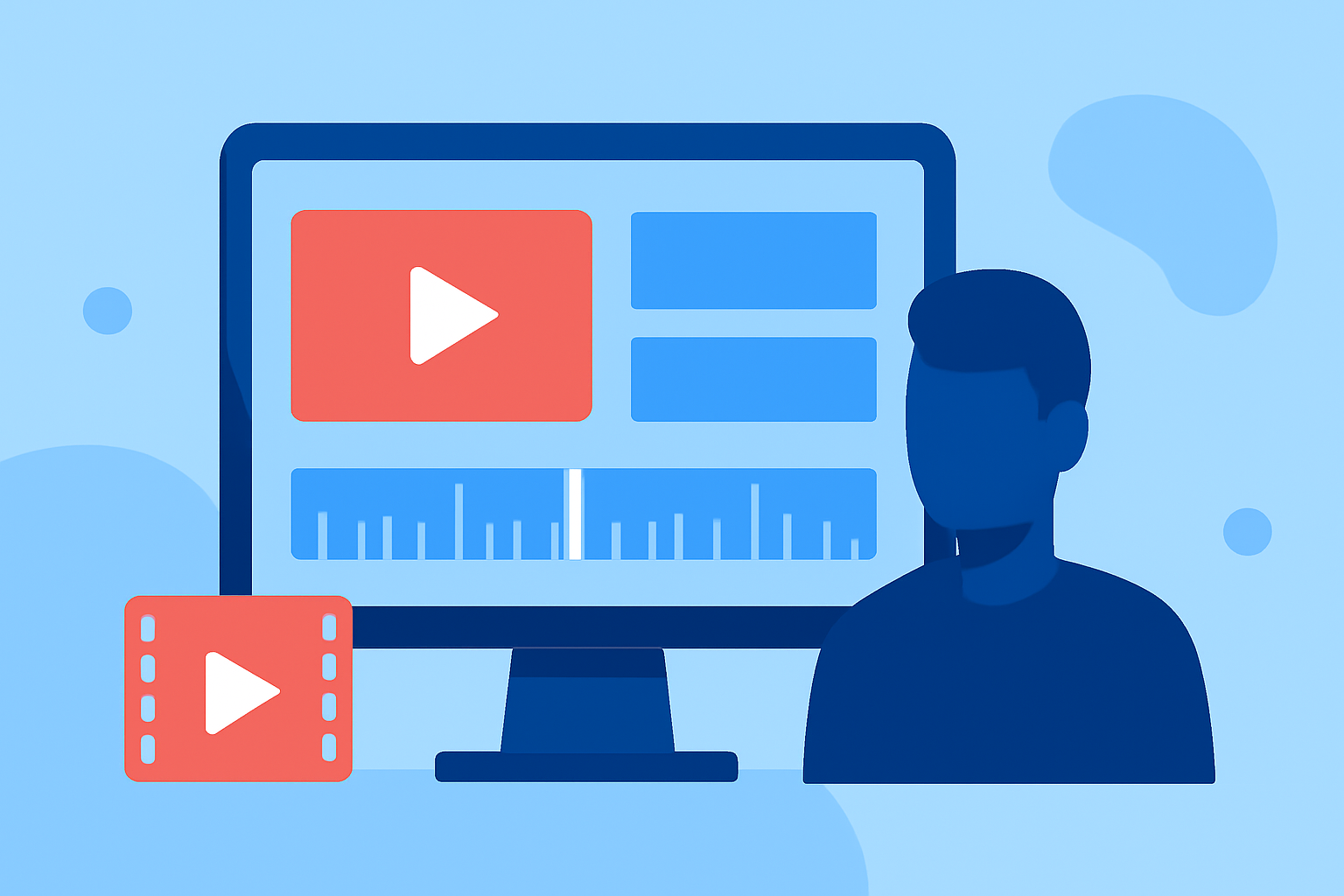
To enhance your timelapse project, consider importing external clips. For example, you can bring in footage from a recent adventure directly into your editing timeline. With platforms like Planes Live, the process is straightforward and quick. You simply upload the clips and adjust the timeline efficiently to fit your desired flow, providing the flexibility to tell your story more cohesively.
Benefits of Desktop-Like Controls on Mobile
A good mobile editor not only allows for quick edits but also offers controls similar to desktop applications. This balance means users can access powerful editing tools like effects, transitions, and audio synchronization directly from their devices without compromising on functionality.
Integrating Music Seamlessly
Adding music to a timelapse video can create a mood and enhance the viewer's experience. With Planes Live, users can import tracks into the video timeline with just a click, making it easy to sync visuals with audio. This feature allows for creating a unified storytelling experience without the hassle of complex audio editing.
Exporting Timelapse Videos for YouTube
Once your video is complete, exporting it in a format optimized for YouTube is essential. Mobile-friendly editing platforms often offer presets tailored for social media, making the upload process smooth. It's important to ensure that your video maintains quality while meeting YouTube's specific requirements. This saves time and ensures that your video looks great to viewers.
What We Recommend
- Choose a mobile editing tool like Planes Live for quick workflows and easy access to editing features.
- Consider using the app's clip import functionality to streamline your editing process.
- Take advantage of built-in music integration to elevate your videos effortlessly.
- Always export with settings tailored for YouTube to ensure optimal quality during upload.