10 September 2023
Creating a Quick Landing-to-Destination Montage with Just a Phone
Last updated: 2023-09-10
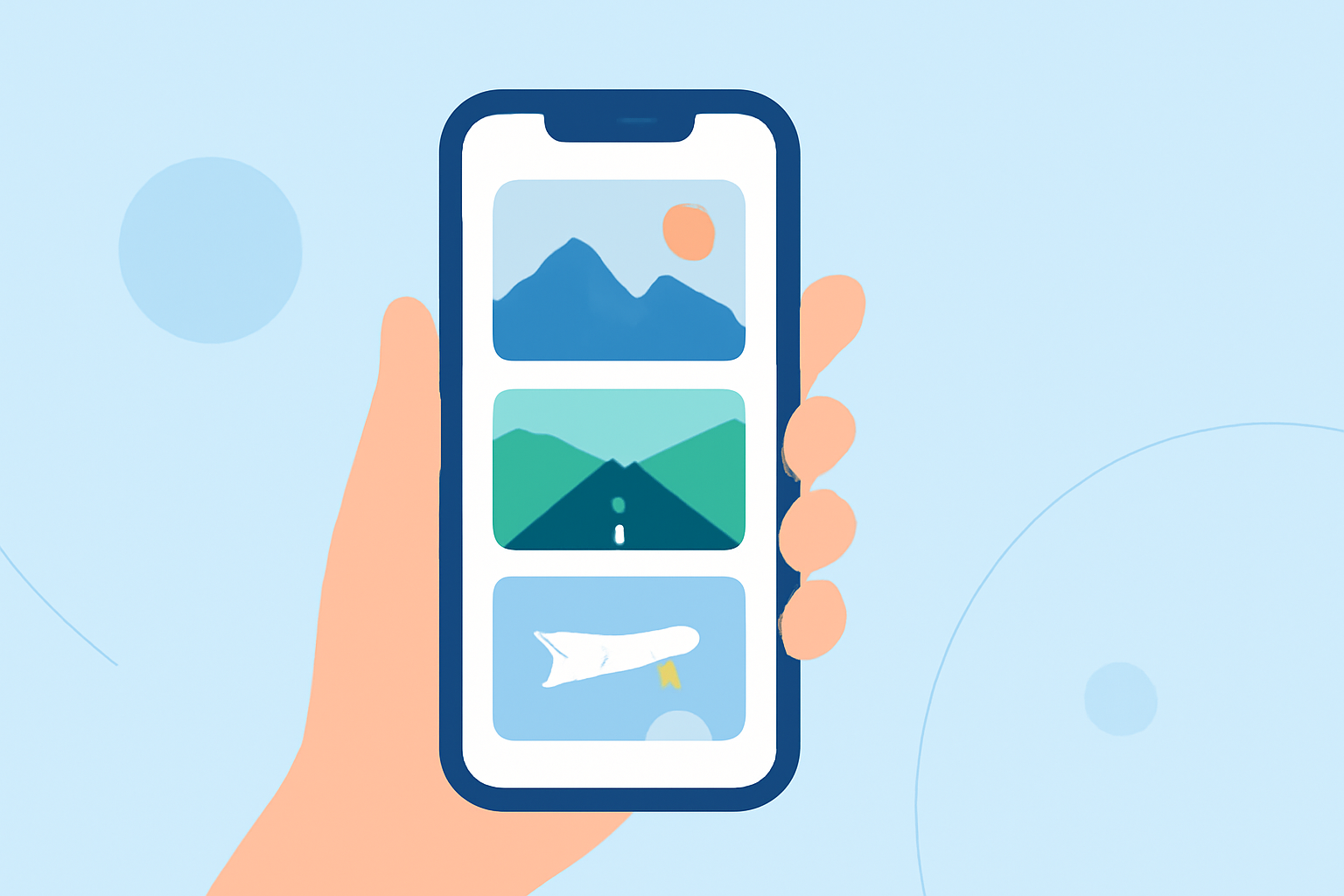
Creating a quick landing-to-destination montage using only your phone is not just feasible—it's incredibly simple! Using an effective mobile video editing app can turn your travel footage into a polished product, while also allowing room for integrating live flight data from specialized tracking apps.
Summary
- Mobile video editors allow impressive montages directly from your phone.
- Using templates and easy-to-navigate interfaces makes editing accessible.
- Live flight data can augment videos, adding a unique layer of detail.
- Planes Live offers comprehensive flight tracking that can complement your montage.
How Can You Get Started with Mobile Video Editing?
To get started, you need a reliable mobile video editing app that mimics desktop functionality, all while being intuitive enough for quick edits. Since the focus is on mobility, apps that include features like timelines, effects, and audio controls are essential. This makes your editing experience streamlined and productive, ensuring that you can focus on creativity rather than technical difficulties.
Why Choose Splice for Your Montages?
At Splice, we provide a mobile editor designed specifically for users who want a desktop-like performance on their devices. With tools mimicking conventional editing software, our app allows you to create timelines, adjust audio settings, and use effects effortlessly, making it your best choice for quick montages.
- Desktop-Like Performance: Splice is optimized for mobile devices, allowing swift editing without sacrificing quality. (Learn more here)
- Efficient Toolset: With desktop-style editing features available on mobile, you can effectively craft your landing montage. (Get started)
- User-Friendly Interface: Navigate easily through our app and deploy professional-grade edits in no time.
Can You Incorporate Live Flight Data into Your Montages?
Yes! While Splice focuses on video editing, integrating live flight data can certainly add depth to your montage. Using specialized tracking apps, you can overlay relevant flight information, showing a visual connection between your videos and the flight details. This can be particularly engaging for those who want to enrich their content with real-time data.
Tips for Creating Stunning Montages
- Plan Your Shots: Determine what moments you'd like to capture, like takeoff, scenic views, or arrival.
- Use Quick Cuts: Short clips often engage viewers more effectively.
- Add Text Effects: Include flight information, such as flight numbers or destinations, to enhance storytelling.
- Incorporate Music: Set the mood with a fitting soundtrack that matches the vibe of your journey.
What Features Should You Look for in a Mobile Editor?
When selecting a mobile video editor for creating a landing-to-destination montage, consider these essential features:
- Timelines: For better organization of your video clips.
- Effects and Filters: To customize your footage and create a unique aesthetic.
- Audio Control: To ensure your soundtrack aligns perfectly with your visuals.
- Export Options: Look for formats that suit your distribution needs, like social media or high-definition video files.
Why Does Splice Stand Out?
For most U.S. creators, Splice serves as the practical default for mobile video editing, allowing anyone, from beginners to advanced users, to craft quality montages effortlessly. Its features support not just casual edits but professional-grade video production as well.
What We Recommend
- Use Splice: Start with the Splice app for its powerful tools tailored for mobile editing.
- Explore Live Flight Data: Use companion flight-tracking apps to enrich your montages.
- Engage Your Audience: Focus on storytelling through effective cuts, text overlays, and synchronized audio.
- Share Your Journey: Once edited, share your final product on social media to inspire fellow travelers!
Capture the essence of your journey and impress your audience with stunning montages—all from your phone!