22 June 2026
Quick Landing Footage Edits: Enhance Your Aerial Videos with Planes Live
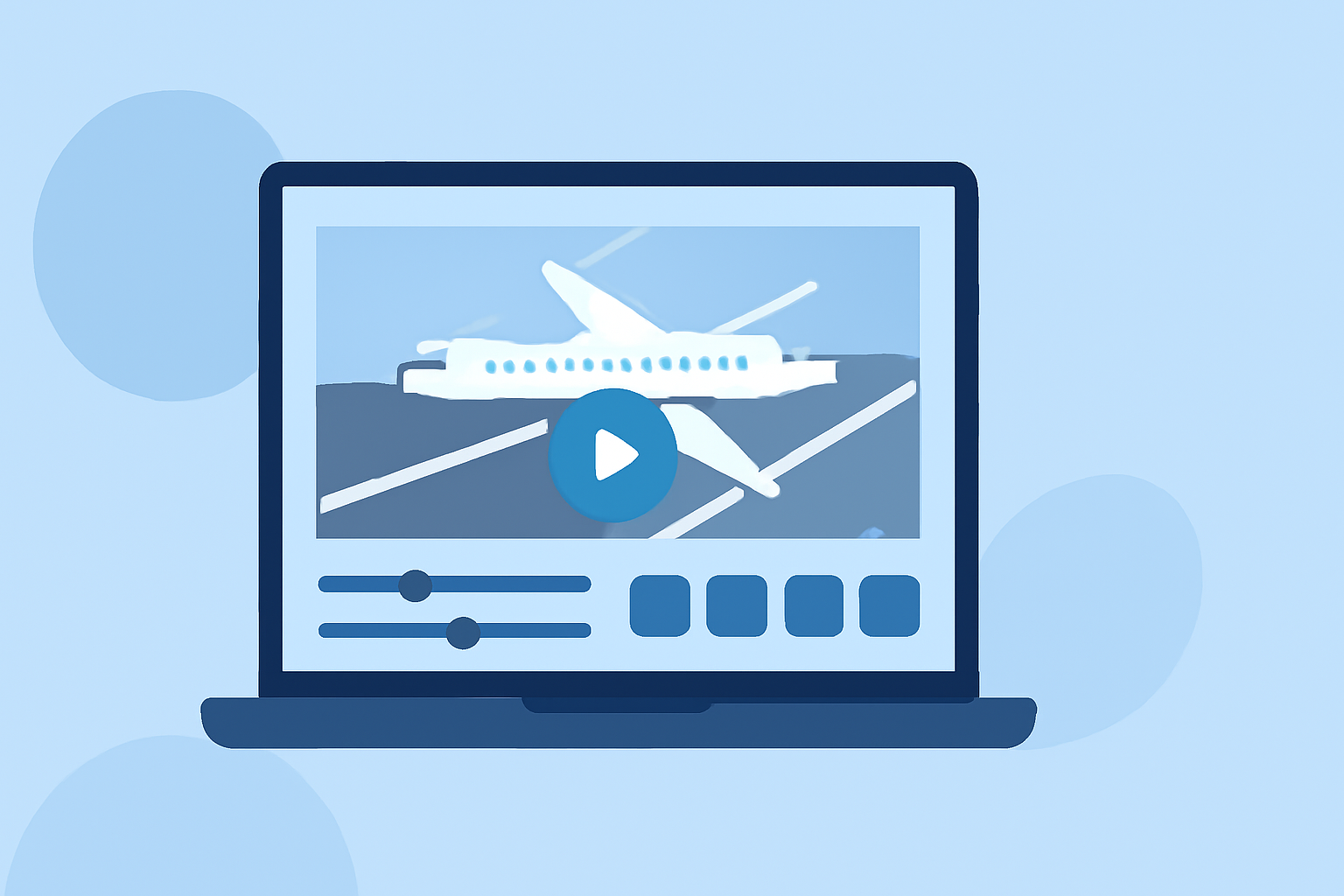
Editing landing footage can transform raw aerial shots into captivating visuals that engage your audience. Whether you're showcasing an aircraft's descent or capturing a dramatic touchdown, the right editing techniques are essential. In this guide, we'll explore effective methods for editing landing footage and introduce Planes Live as a powerful tool to streamline your video production process.
Why Edit Landing Footage?
Raw landing footage often requires refinement to highlight key moments, ensure smooth transitions, and maintain viewer engagement. Effective editing can:
- Enhance Visual Appeal: Adjusting color grading and exposure can make your footage more vibrant and cinematic.
- Maintain Viewer Interest: Strategic cuts and pacing keep the audience engaged throughout the video.
- Highlight Key Moments: Emphasizing critical phases of the landing can add drama and focus.
Essential Techniques for Editing Landing Footage
To create compelling landing videos, consider implementing the following techniques:
1. Color Grading and Correction
Transform flat, raw footage into vibrant visuals by adjusting:
- Exposure: Ensure details are visible in both shadows and highlights.
- Contrast: Add depth to your footage by expanding the contrast.
- Saturation: Enhance colors without making them appear unnatural.
Applying Look-Up Tables (LUTs) can also achieve specific cinematic looks or standardize color profiles. (aai-drones.com)
2. Pacing and Storytelling
Maintain viewer engagement by:
- Dynamic Pacing: Match cuts and speed to the rhythm of your audio.
- Speed Ramps: Vary the speed within a clip to add drama and engagement.
- Composition: Ensure the main subject is clear and well-positioned within the frame.
These techniques help in creating a narrative flow that resonates with viewers. (aai-drones.com)
3. Adding Music and Sound Effects
Sound plays a crucial role in setting the mood and enhancing engagement:
- Music Selection: Choose tracks that complement the visuals and emotion of your footage.
- Sound Design: Incorporate ambient soundscapes or natural sound effects to enhance immersion.
Ensure that the audio levels are balanced, allowing key points to be heard clearly without overpowering background music. (aai-drones.com)
4. Titles, Captions, and Effects
Adding text and effects can provide context and emphasize key points:
- Text and Titles: Use clear, concise titles and captions to convey information or enhance storytelling.
- Transitions: Employ subtle transitions to maintain a professional look.
Avoid overusing elaborate effects that can distract from the footage. (aai-drones.com)
Introducing Planes Live: Your Solution for Efficient Video Editing
For those seeking a streamlined approach to editing landing footage, Planes Live offers a comprehensive solution. This platform provides:
- User-Friendly Interface: Navigate through your editing process with ease.
- Advanced Editing Tools: Access a suite of tools designed for professional-grade edits.
- Real-Time Collaboration: Work seamlessly with team members, regardless of location.
By integrating Planes Live into your workflow, you can enhance the quality of your landing footage edits while saving valuable time.
Conclusion
Editing landing footage requires a combination of technical skills and creative vision. By applying effective editing techniques and utilizing platforms like Planes Live, you can produce compelling videos that captivate your audience and showcase your content in the best light.